2026 is the year Singapore officially becomes a “super-aged” society — one in five residents is now 65 or older. If you’ve got parents in their 70s living alone in the family flat, or you’re planning your own quietly independent old age, you’ve probably had the conversation: how do we stay safe at home without turning the place into a hospital ward or a surveillance set?
This is where smart home tech finally earns its keep. Not the party-trick stuff — the colour-changing light strips and the fridge that orders milk — but the unglamorous, genuinely useful gear that catches a fall, flags an unattended stove, or lets Mum call for help without fumbling for a phone. The good news for 2026: the best of this category is now radar-based and camera-free, which matters enormously when you’re putting sensors in a bedroom or bathroom.
I’ve spent a lot of time helping families set this up in HDB flats and condos, and the honest truth is that the right answer is usually a layered one: a government safety net at the base, a wearable for the person, and a few well-chosen ambient sensors around the home. Here’s how I’d build it.
Start with the free government baseline — seriously
Before you spend a cent on Aqara or Apple, know what the state already offers. Singapore has quietly built one of the better elder-safety programmes in the region, and a lot of families skip it because they assume “smart home” means “buy your own.”
The Personal Alert Button (PAB) is a wall-mounted or pendant button that, when pressed, connects the senior to a 24-hour telecare service — CareLine, operated out of Changi General Hospital — or to a nearby Senior Activity Centre. It runs on 4G with two-way voice, so an operator can actually talk to the person and assess the situation rather than just dispatching blindly. You apply through the Agency for Integrated Care (AIC), and it’s subsidised for eligible seniors.
For seniors in public rental flats, there’s the Wireless Alert Alarm System (WAAS), which the government expanded in 2025 to cover all rental households with a resident aged 60 and above — around 26,800 more seniors. The device is LoRaWAN-enabled with 4G voice backup, has a battery rated beyond five years, and is IP-rated specifically so it can live in the bathroom, where the fall risk is highest.
My take: if the person qualifies, get the government system installed first. It’s professionally monitored, which DIY smart home gear is not. Everything below is about augmenting that base — adding convenience, prevention, and family visibility — not replacing a monitored alert line.
Fall detection without a camera in the room: Aqara FP2
The single most useful consumer device for aging in place right now is a millimetre-wave (mmWave) radar sensor, and the Aqara Presence Sensor FP2 (around S$139 at Courts and local Aqara retailers) is the one I keep coming back to.
Here’s why radar beats a camera for this job. mmWave radar “sees” a person as a moving point in 3D space — it knows someone is there, whether they’re standing, sitting, or lying on the floor, and it can detect breathing-level micro-movements. But it captures no image. Nothing to be hacked, nothing to feel watched by. For a bedroom or a bathroom, that distinction is the whole ballgame.
The FP2 has a dedicated fall detection mode: mounted on the ceiling, it watches for the tell-tale signature of a fall — a sudden vertical drop followed by sustained stillness on the floor (it waits about 30 seconds of horizontal immobility before flagging it, which cuts down on someone-just-lay-down false alarms). It then fires an event you can route to a phone notification or an automation.
Two honest caveats. First, fall detection mode requires ceiling mounting and disables the FP2’s other party tricks — zone positioning and multi-person tracking — so a sensor doing fall duty is doing only that. Second, and more important: the FP2 alerts you (or the family group), not a monitoring centre. It is not a certified medical device. Treat it as a fast heads-up to a caregiver, layered on top of the PAB, not as a 24/7 dispatch service.
The upside is that it’s local-first — automations run on-device and keep working even if the internet drops, and it plugs into Apple Home, Google Home, Alexa, and Home Assistant. If you’re weighing it against Aqara’s newer models, we broke down the differences in our Aqara FP300 vs FP2 comparison.
The wearable safety net: Apple Watch SE
Ambient sensors are great inside the flat, but they can’t help at the void deck, the coffee shop, or the wet market. For a senior who’s still active and out and about — and willing to wear and charge a watch daily — the Apple Watch SE is the most accessible fall-detection wearable going (roughly S$300–S$400 depending on the model and whether you opt for cellular).
Apple’s fall detection uses the watch’s accelerometer, gyroscope, and motion algorithms to spot a hard fall. It taps the wrist, sounds an alarm, and shows an alert. If the wearer is immobile for about a minute, it begins a 30-second countdown and then automatically calls emergency services and messages your emergency contacts with the location. Handily, if the watch is set up for someone aged 55 or over, fall detection switches on automatically.
The catch worth flagging to families: those alerts only fire if the watch can reach a network — cellular, a paired iPhone nearby, or Wi-Fi with Wi-Fi Calling on. For a senior who leaves the house without their phone, that means paying for the cellular version. Also be realistic about whether the person will actually wear it and keep it charged — the best safety device is the one that’s on the wrist, not the one on the bedside charger.
A one-button SOS for anywhere in the home: Aqara Wireless Mini Switch
Not every senior wants a watch, and the PAB lives in one or two fixed spots. A cheap, brilliant gap-filler is the Aqara Wireless Mini Switch — a coin-sized battery button you can stick by the bed, in the bathroom, beside the sofa, anywhere.
Out of the box it’s a smart-home shortcut button, but with a simple automation (single press, double press, and long press are all distinct triggers) you can make a press blast a notification to the whole family’s phones, flash the living-room lights, and announce “Help needed in the bedroom” on a smart speaker. A few dollars per location buys you SOS buttons in every room.
Same caveat as the FP2: this is a family alert, not a monitored line. But as a supplement, having a press-here button within arm’s reach of the bed and toilet is exactly the kind of low-tech reassurance that gets used.
Prevent the fall in the first place: motion-activated night lighting
The cheapest fall-prevention upgrade in the whole house is good lighting on the route to the toilet. A huge share of senior falls happen on night-time bathroom trips, in the dark, half-awake.
Pair an Aqara Motion Sensor P1 with a dim, warm smart bulb in the hallway and bedroom, and automate it: between 11pm and 6am, motion triggers the lights at 10–20% brightness — enough to see the floor, not so bright it jolts the person fully awake or wrecks their sleep. The P1 is Zigbee, battery-powered (so no wiring), and the whole path-lighting setup costs well under S$100.
If the bedroom doubles as a wake-up-gently zone, our guide to smart wake-up lights and sunrise alarms covers the dawn-simulation side of the same idea.
Kitchen and bathroom safety: gas and water sensors
Two of the leading causes of home emergencies for seniors are unattended cooking and water-related accidents. Singapore’s older flats still run plenty of town-gas stoves, which makes a leak detector genuinely worthwhile.
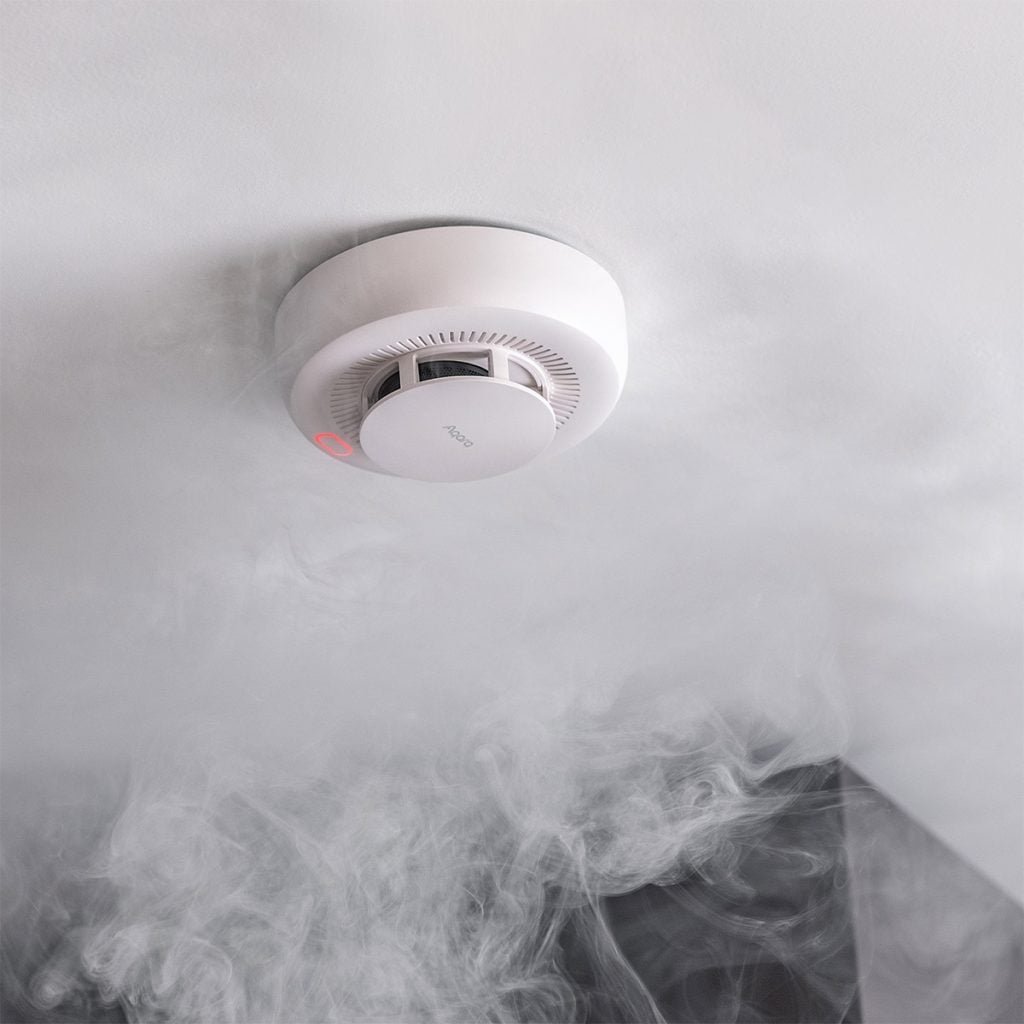
The Aqara Smart Gas Detector sniffs for combustible gas and can trigger an instant alert plus an automation — for example, flashing every light in the flat and pinging the family. Pair it with an Aqara Water Leak Sensor tucked under the kitchen sink or beside the water heater, and you catch the slow leaks that turn into slip hazards. For the full rundown of options, see our dedicated guides to smart smoke and gas detectors and smart water leak sensors.
Voice as the universal interface
For a lot of seniors, the friendliest “interface” isn’t an app or a button — it’s just talking. A smart speaker by the bed or in the living room (Google Nest, an Amazon Echo, or an Apple HomePod) lets someone say “turn on the lights,” “remind me to take my pills at 8,” or “call my daughter” without finding, unlocking, and squinting at a phone.
Voice control also doubles as the output side of all the automations above — the speaker is what announces “movement not detected in the bedroom” or repeats a medication reminder. If you’re putting speakers in more than one room, our multi-room audio guide explains which ecosystems play nicely together.
Passive wellness checks: knowing everything’s fine without hovering
The most underrated benefit of this whole setup is quiet reassurance for the family. With presence and contact sensors, you can build gentle “is everything normal?” automations without a single camera:
- No-motion alert: if the FP2 (or a motion sensor) detects zero movement in the main living areas for, say, four daytime hours, the family gets a nudge to call.
- Routine check: a contact sensor on the front door or the fridge that hasn’t opened by mid-morning can flag that the day’s routine hasn’t started.
These are blunt instruments, and you’ll want to tune the timings to the person’s actual habits to avoid alert fatigue. But for an adult child working full-time across the island, a once-a-day “all looks normal” signal is worth a lot of peace of mind — and it respects the senior’s dignity far more than a webcam pointed at the sofa.
A sensible starter setup
If you’re standing at the start of this and want a concrete shopping list, here’s what I’d actually buy for a parent living alone in a typical HDB flat, in priority order:
- Apply for the PAB / WAAS through AIC — the monitored baseline (free or subsidised).
- One Aqara FP2 (~S$139) ceiling-mounted in the bedroom for fall detection.
- Two or three Aqara Wireless Mini Switches as SOS buttons by the bed, toilet, and sofa.
- A motion sensor + warm smart bulb for the night-time bathroom route.
- A gas detector and a water leak sensor for the kitchen.
- One smart speaker for voice control and spoken alerts.
That’s a sub-S$400 DIY layer on top of the government system, and it covers the big four: falls, SOS, prevention, and household hazards. You can buy most of the Aqara pieces locally through Aqara Singapore or HomeSmart, both of which carry the full sensor range with local warranty.
The bottom line
Aging in place in Singapore is no longer a question of whether the tech exists — it’s about assembling it sensibly and honestly. Lead with the monitored government safety net, because a press-here button that reaches a real human at 3am beats any app notification. Layer radar-based, camera-free sensors on top for falls and prevention, give the person a wearable if they’ll wear it, and use voice as the friendly front door to all of it.
Done right, none of this feels like “assisted living.” It just feels like a home that’s quietly looking out for the people in it — which, in a super-aged Singapore, is exactly the point.