For the quarter running 1 July to 30 September 2026, SP Group’s regulated tariff is 31.91 cents per kWh before GST — 34.78 cents once you add the 9%. That was a 17.0% jump, 4.64 cents in one go, and SP Group’s own release put it at roughly S$17.14 more per month before GST for an average four-room HDB flat. The cause was natural gas pricing between 1 April and 15 June, pushed up by the conflict in the Middle East. The October–December revision lands before the quarter starts, and nobody I know is betting on a big drop.
It’s serious enough that back in April, MSE and NEA told government facilities to run air-conditioning at 25°C or higher and to tighten operating hours. When the government starts rationing its own cold air, it’s a decent signal.
And in a Singapore home, the aircon is where the money goes. NEA’s household consumption profile notes that the air-conditioner, refrigerator, lighting, water heater and washing machine together make up about 80% of a typical household’s electricity — and in our climate the aircon is comfortably the biggest slice of that pie. It’s the one appliance where automation has a real shot at paying for itself.
So: you want your aircon on a schedule, on your phone, and ideally in Apple Home or Home Assistant. There are two routes, and the internet mostly pretends they’re equivalent. They aren’t.
Route one: the manufacturer’s own Wi-Fi adapter
Every major brand sold here has a first-party Wi-Fi module that plugs into the indoor unit’s accessory port and talks to the brand’s cloud app.
Daikin sells the BRP072A42, marketed locally as the “Aircon Smart Controller” for the D-Mobile app, with a separate BRP072C42-1 card for SkyAir units. Street price here is around S$150. Critically, you need one adapter per indoor unit — so a typical three-room HDB multi-split with three fan coils is three adapters, roughly S$450 before anyone climbs a ladder. And Daikin Singapore is explicit that you can’t fit it yourself: it’s a job for the retailer or an installer, so budget for a call-out on top.
Panasonic has the CZ-TACG1 wireless LAN adaptor, listed on Panasonic Singapore’s air solutions accessory pages, which plugs into the indoor unit and hooks the aircon to Panasonic Comfort Cloud. Same per-unit rule. Comfort Cloud gives you scheduling, Alexa and Google Assistant voice, and — genuinely useful — system error alerts, so you find out about a fault before the room stops cooling.
Mitsubishi Electric uses the MAC-5xxIF-E family (MAC-557IF-E, MAC-567IF-E, MAC-577IF-E, MAC-587IF-E) with the MELCloud app, now being succeeded by MELCloud Home. Fair warning: these are easy to buy in Europe and inconsistently stocked through Singapore dealers. Ask before you assume.
What you get from all three is real state. The adapter sits on the unit’s internal bus. When the app says the unit is running at 24°C in cool mode with the fan on auto, that is what the unit is actually doing — including changes someone made with the physical remote thirty seconds ago.
What you don’t get is Matter. None of these three adapters speaks it in 2026. They are cloud apps with voice assistant hooks bolted on the side, and they will not appear in Apple Home.
Route two: an IR blaster
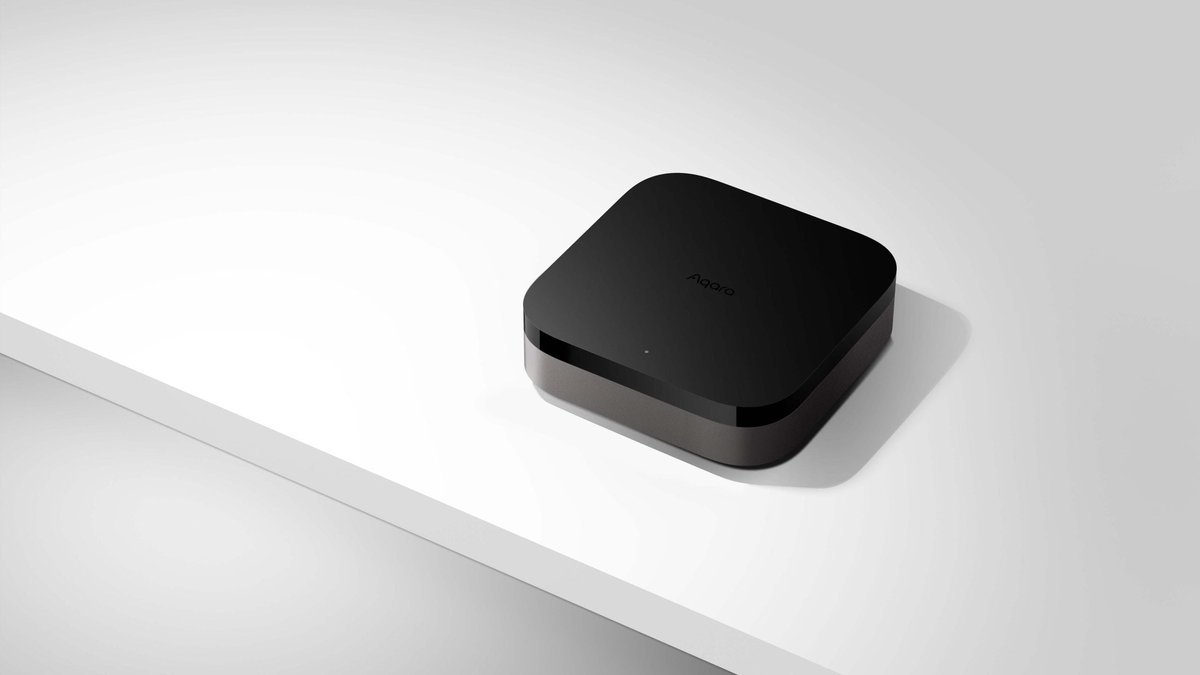
The alternative is to stop trying to talk to the aircon and just impersonate its remote control. That’s what the smart IR blasters we’ve covered before do: a SwitchBot Hub 2 (around S$89), an Aqara Hub M3 (around S$190), or a Sensibo Air, which runs roughly S$140–180 here depending on retailer.
The economics are hard to argue with. One S$89 puck can drive the aircon and the TV and the ceiling fan, and it doesn’t care what brand any of them are. Compare that to ~S$150 per indoor unit, installed.
Better still, the good ones expose the aircon to Matter, which the manufacturer adapters don’t. SwitchBot Hub 2, Aqara M3 and Sensibo will all put a controllable aircon into Apple Home, Google Home or SmartThings. If your goal is “Siri, turn on the bedroom aircon,” the S$89 option wins outright and the manufacturer adapter can’t do it at all.
The thing about infrared that everyone glosses over
Here’s the catch, and it’s a real one: infrared is one-way.
Your aircon remote has no receiver. It fires a code at the unit and hopes. There is no acknowledgement, no status, no handshake. Which means an IR blaster’s idea of your aircon’s state isn’t a reading — it’s a memory of the last command it sent.
In practice, that breaks in four ordinary ways:
- Someone uses the physical remote. The app now shows 24°C cool; the unit is off. Every subsequent automation is fighting a ghost.
- A power blip resets the unit. The blaster still thinks it’s running.
- Somebody stands in front of the emitter, or the blaster is angled slightly wrong, and the command simply lands nowhere.
- Your “turn off at 3am” automation fires and misses. You find out at breakfast, when the room is 22°C and you have paid for six hours of nothing.
That last one matters more now than it did at 27 cents a kWh. A fire-and-forget off command that silently fails is exactly the failure mode the tariff punishes hardest.
Mitigations exist and they’re worth doing. Mount the blaster with line of sight to the unit, not behind the TV. Send “off” twice, a minute apart. And most importantly, close the loop with a sensor — more on that below.
Neither option saves you a single cent by itself
This is the part the marketing pages won’t say, so I will: putting your aircon on Wi-Fi does not reduce its consumption. The compressor doesn’t know it’s being controlled by an app.
Savings come from three behaviours, and both routes can deliver all three:
- Setpoint discipline. Running at 25°C instead of 22°C is the single biggest lever in the whole exercise, and it’s the one NEA is pushing. Automation helps because it removes the 2am decision-making.
- Not running it when nobody’s there. A scheduled shutdown a couple of hours after you fall asleep, or a geofenced off when the last person leaves.
- Actually knowing when it’s on. You cannot manage what you can’t see.
Point three is where the two routes genuinely diverge, and it’s the strongest argument for going native. The manufacturer’s adapter tells you the truth about runtime. An IR blaster reports a guess.
There’s a workaround people reach for that doesn’t work here: a smart plug with energy monitoring. Almost every aircon in an HDB or condo is hard-wired to an isolator, not a 13A socket, so there’s nothing to plug into. If you want real consumption data on the aircon circuit specifically, you’re looking at a clamp-based meter at the DB — which we went through in the whole-home energy monitoring guide — and that’s licensed electrician territory.
The setup I’d actually build
If you go the IR route — and for most flats, you should — spend another S$30 and fix the blind spot.
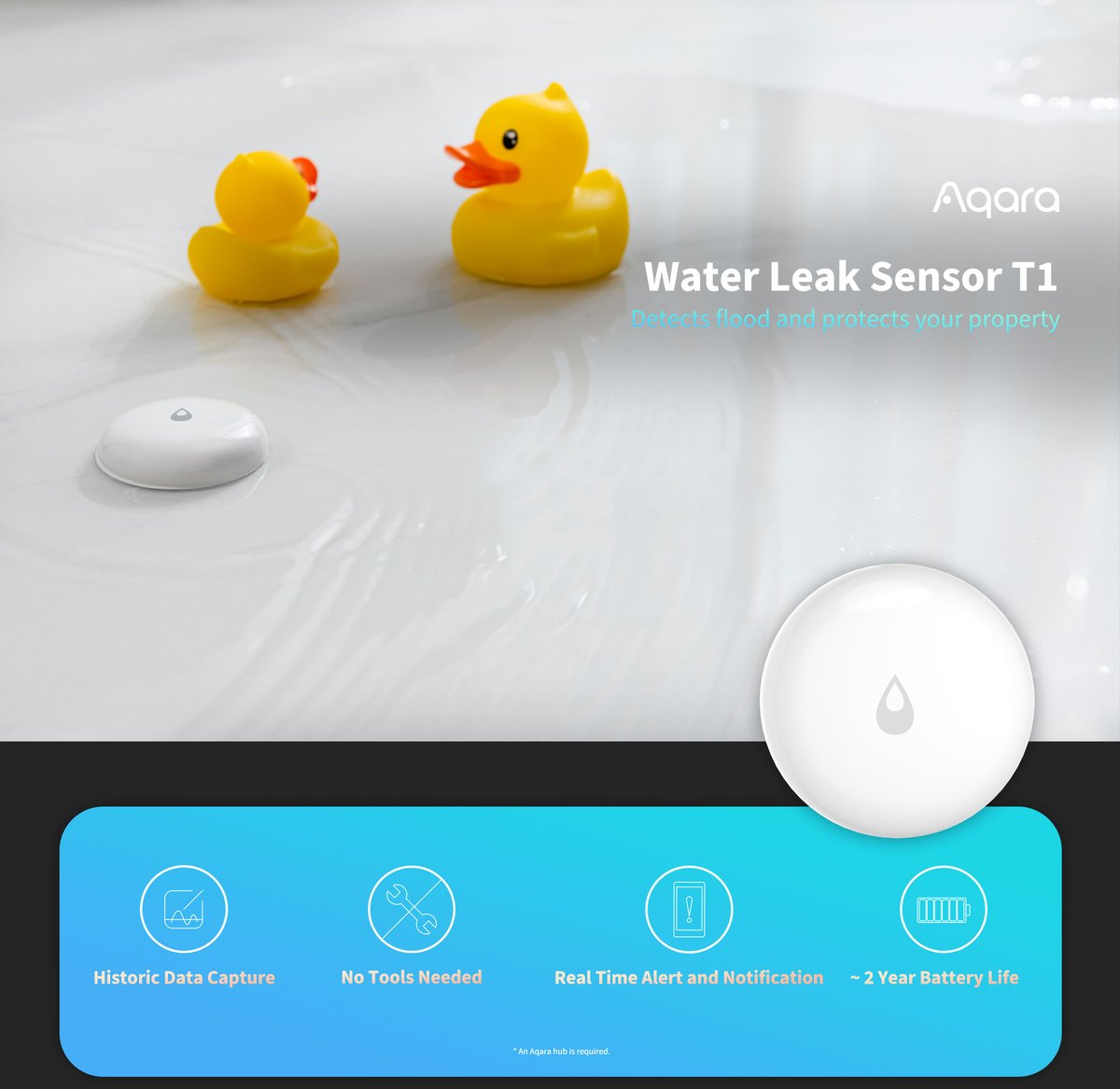
Put an independent temperature and humidity sensor in the room, on the opposite side from the aircon. A Zigbee one like the Aqara temperature and humidity sensor is cheap, runs years on a coin cell, and reports every time the reading shifts. (SwitchBot’s Hub 2 has one built in, but it’s in the wrong place — right next to the blaster, usually on a wall near the aircon, reading the discharge air rather than the room.)
Now you can write automations that verify instead of assume:
- Send “off” at 3am. Five minutes later, check whether the temperature has started rising. If it hasn’t, send “off” again and push a notification.
- Only send “on” if the room is above 27°C — no more cooling an already-cool room because a schedule said so.
- Alert if the aircon appears to have been running for more than four hours.
That third one is the money-saver. It’s the automation that catches the morning you left for work with the bedroom unit still going.
This is closed-loop control built out of two open-loop halves, and it gets an S$89 hub most of the way to a S$150-per-room adapter. It does need a brain that can run conditional logic on sensor state — which in practice means Home Assistant, or at a stretch SmartThings. Apple Home and Google Home’s automation editors will fight you. If that’s the direction you’re heading, our Home Assistant hardware guide for Singapore covers what to buy right now.
For the Home Assistant crowd: the Mitsubishi CN105 trick
If you have a Mitsubishi Electric split unit, there’s a third option that beats both, and it costs about ten dollars.
Every modern Mitsubishi indoor unit has a five-pin connector on its control board labelled CN105. That’s the port Mitsubishi’s own MAC-5xxIF-E Wi-Fi module plugs into. You can plug an ESP32 into it instead, flash it with ESPHome’s mitsubishi_cn105 component, and Home Assistant will speak the unit’s native protocol directly — full state feedback, instant updates when someone touches the physical remote, no cloud, no account, no app, nothing to be discontinued in three years.
It is the best aircon integration available in any home, and it is essentially free.
The honest caveats: you have to open the indoor unit casing to reach CN105, which will make your installer unhappy and may affect warranty coverage. Do it on an out-of-warranty unit, or get someone competent to do it during a servicing visit. And it’s Mitsubishi-specific — Daikin owners should look at Home Assistant’s Daikin integration instead, which handles BRP069A/B and BRP072C-series adapters locally using the 13-digit key printed on the adapter, with the cloud-based Onecta integration as the fallback for newer hardware. Support for the BRP072A42 sold here through the D-Mobile app is patchier; check before you buy on that basis alone.
So what should you buy?
One or two rooms, and you just want scheduling and voice: IR blaster. A SwitchBot Hub 2 at S$89 plus a separate temperature sensor is the best value in this entire article, and unlike the native adapters it gets your aircon into Apple Home via Matter.
A multi-split across three or four rooms, and you care about real runtime data: the maths shifts. Three Daikin adapters at roughly S$150 each is about S$450 plus installation, but you get truthful state on every unit and no line-of-sight problems. If you’re the sort of person who’ll actually look at the runtime data and change your habits, that’s defensible at today’s tariff.
Mitsubishi Electric owner who runs Home Assistant: CN105 and ESPHome. It isn’t close.
Renting: IR blaster, no question. Nothing is opened, nothing is modified, and it goes in your bag when you move — the same logic behind our no-drill renter’s setup.
One last thought. At 34.78 cents a kWh, the thing that pays for any of this isn’t the hardware — it’s raising your setpoint by two degrees and letting a schedule enforce it. If you buy a S$150 adapter and keep running the bedroom at 21°C all night, you’ve bought a nicer interface to a more expensive habit. Get a ceiling fan moving the air, set it to 25°C, and let the automation be the thing that stops you changing your mind at midnight.