If you were planning to pick up a HomePod mini or an Apple TV this week, put the credit card down for seven days.
Bloomberg’s Mark Gurman has reported more than once in the past week that Apple plans to unveil three home products on Tuesday, 13 October: an all-new smart home hub with a screen, the first HomePod mini update since 2020, and a new Apple TV 4K (MacRumors has the rundown). As of this morning, 6 October, Apple hasn’t sent invitations or confirmed anything. Gurman’s record on Apple hardware timing is good, though, and the products in question were originally planned for 2024 and have reportedly been held back so they could launch with Apple’s upgraded Siri.
For most gadget refreshes, “wait for the new one” is lazy advice. This one is different, because in 2026 an Apple TV or HomePod isn’t an optional extra in an Apple Home setup. It’s the thing your whole smart home runs through. And one of the two Apple TV models on sale in Singapore right now has a gap that most buyers never notice.
Here’s what’s reportedly coming, what’s on the shelf today at Singapore prices, and a straight answer on whether to buy now or wait.
What’s reportedly launching on 13 October
Treat everything in this section as reporting, not fact, until Apple puts it on stage.
The home hub. This is the new product category. Reports describe a square display of roughly six to seven inches (sources differ on the exact size) on a base that holds the speakers, in a design people keep comparing to the old iMac G4. There’s a FaceTime camera on the front, and there are reportedly two versions: one for a countertop and one for the wall. Gurman says it will recognise who is standing in front of it and show that person their own calendar, messages and layout. It will also control HomeKit and Matter accessories, play music, make video calls and act as a photo frame. Gurman reported last October that Apple was targeting a price of around US$350. Expect Singapore pricing to land well above a straight currency conversion once GST and Apple’s local pricing are applied.
The new Apple TV 4K. It reportedly moves to an A17-class chip or newer, so it can run Apple Intelligence, and adopts Apple’s own N1 wireless chip. In the iPhone 17 family, N1 handles Wi-Fi 7, Bluetooth 6 and Thread.
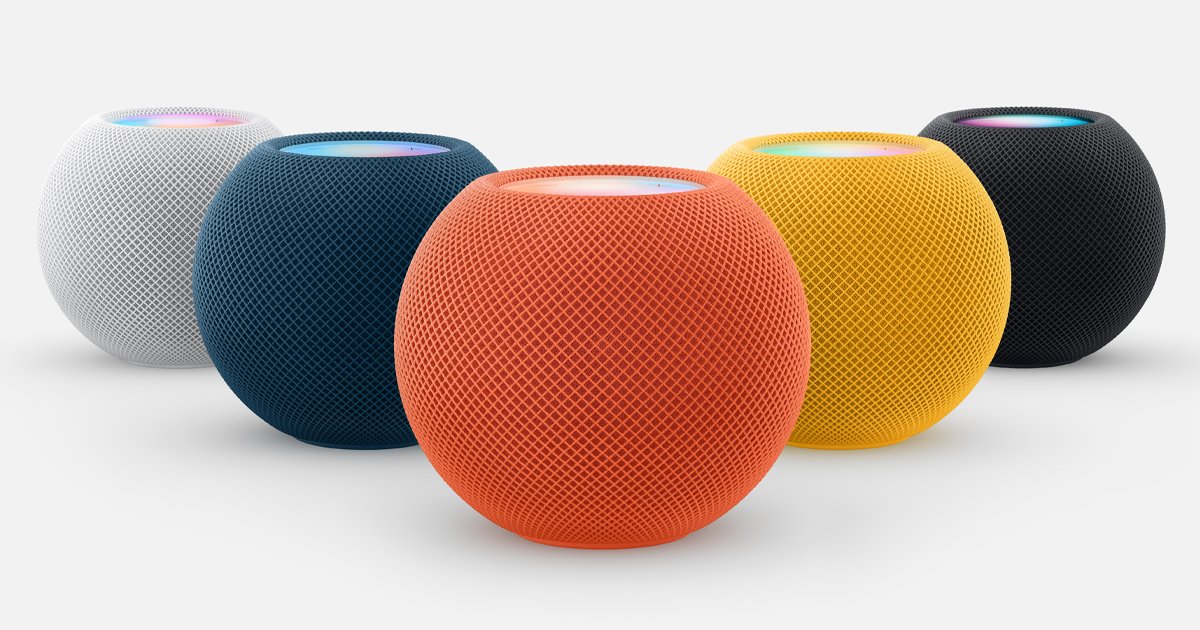
HomePod mini (second generation). Expect a faster chip, better audio and new colours. Whether it gets the N1 chip is genuinely disputed: code found by a MacRumors tipster points to MediaTek-sourced wireless hardware instead, which would suggest Apple is keeping N1 for its pricier devices.
Siri AI everywhere. All three are built around the new Siri. Coverage of code found in the tvOS 27 beta suggests the current HomePods and Apple TVs aren’t expected to get those features. If you want the new assistant in your living room, you’ll need new hardware.
What’s missing from every report is a new full-size HomePod. If you’re shopping for one, there’s no rumour to wait on.
Why the Apple home hub decision matters more in 2026
Two things changed this year that turned the HomePod and Apple TV from nice-to-haves into infrastructure.
First, the old Home architecture is gone. Apple ended support for the previous version of Apple Home on 10 February 2026. The new architecture is faster and more reliable, but it only accepts an Apple TV or a HomePod as a home hub. iPads no longer qualify. Without a home hub you lose remote control when you’re out of the flat, you lose shared access for family members, and you lose most automations. The “I’ll just leave an old iPad on the shelf” setup that a lot of Singapore households relied on is over.
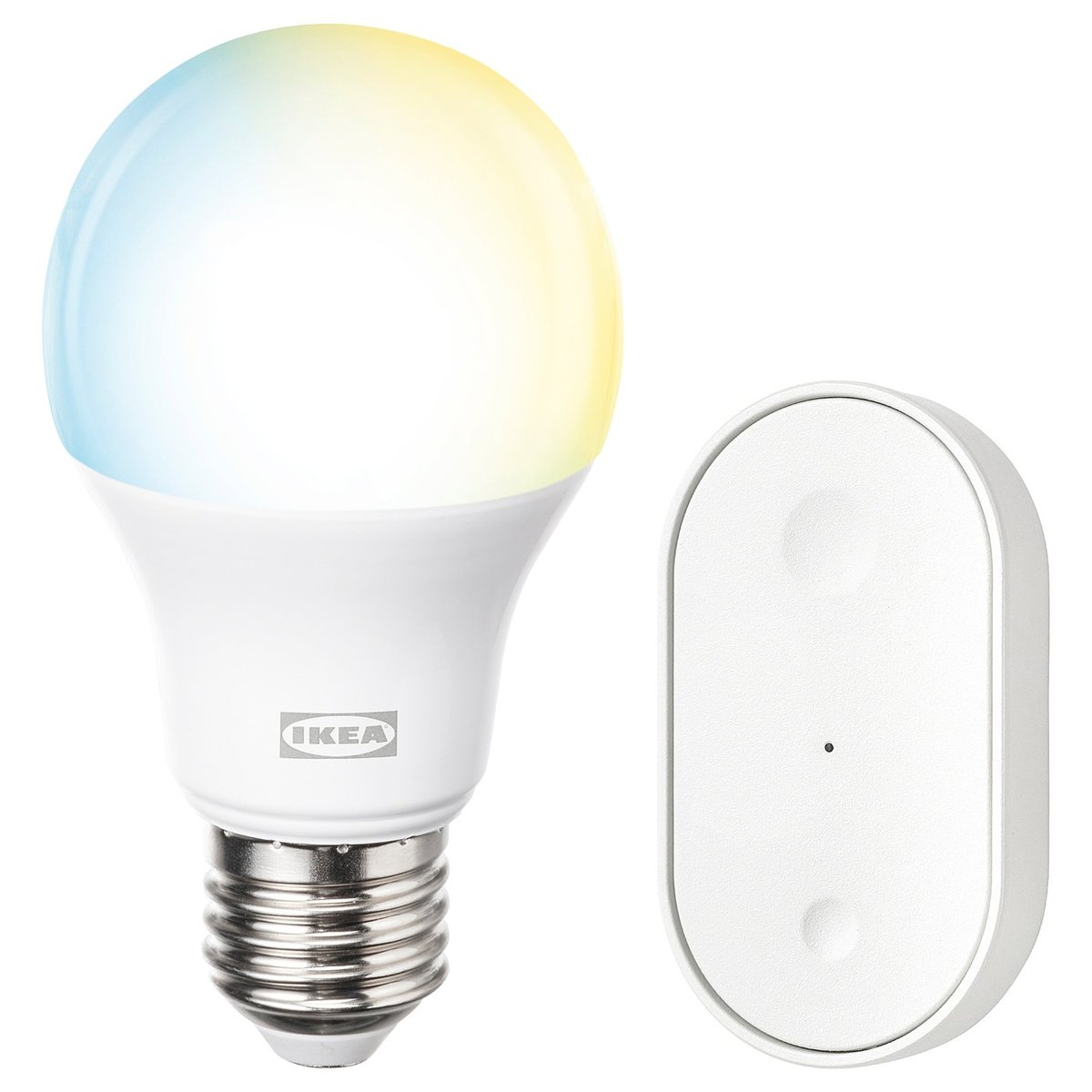
Second, Thread has gone mainstream in Singapore. IKEA’s KAJPLATS bulbs from S$6.90 and its S$12.90 GRILLPLATS plug are Matter-over-Thread devices with no IKEA hub required. As we covered last week, though, they’re useless without a Thread border router. Aqara’s newer Thread lights, Eve, Nanoleaf and a growing list of locks work the same way. For most Apple households, the Thread border router is the HomePod mini on the bookshelf or the Apple TV under the TV.
So you’re not just buying a speaker or a streaming box. You’re buying the brain and the radio for everything else.
What’s on sale in Singapore right now
Here’s Apple’s current home line-up at Apple Singapore prices, checked this morning:
| Device | Price (S$) | Launched | Thread border router | Home hub | Notable |
|---|---|---|---|---|---|
| HomePod mini | 179 | 2020 | Yes | Yes | Temp/humidity sensor, Ultra Wideband, Wi-Fi 4 (802.11n) |
| Apple TV 4K Wi-Fi, 64GB | 299 | 2022 | No | Yes | A15 Bionic, Wi-Fi 6 |
| Apple TV 4K Wi-Fi + Ethernet, 128GB | 379 | 2022 | Yes | Yes | A15 Bionic, Wi-Fi 6, Gigabit Ethernet |
| HomePod (2nd gen) | 499 | 2023 | Yes | Yes | Temp/humidity sensor, much bigger sound |
Look at the third column. The S$299 Apple TV 4K has no Thread radio. Apple’s own Apple TV 4K spec sheet lists “Thread networking support” only under the Wi-Fi + Ethernet model. The cheaper box can still act as a home hub for Wi-Fi and Bluetooth accessories, but it can’t talk to a single Thread device. Buy it to run your IKEA bulbs and Aqara Thread lights and you’ll find yourself buying a HomePod mini anyway.
It’s an easy trap to fall into. People save S$80 on the Apple TV and later spend S$179 on a HomePod mini to fix it. If you buy a current Apple TV at all, buy the Ethernet model. In an HDB flat, run a cable from it to your fibre router or mesh node. A wired home hub is one less thing fighting through concrete walls.
The HomePod mini, for all its age, has held up well. Its spec sheet still includes Thread, Ultra Wideband and a temperature and humidity sensor. That last one is more useful in Singapore than Apple ever advertised. You can trigger a dehumidifier or switch the aircon to dry mode when your bedroom crosses 70% relative humidity, and you won’t need to buy a separate sensor. Its weak spot is the Wi-Fi: 802.11n is ancient, so on a busy 2.4GHz band in a dense HDB block it can be slower to respond than a newer device.
Buy now or wait: the honest answers
You have no Apple home hub at all. Wait. Seven days costs you nothing, and you either get a newer device for a similar price or a clearer view of whether the old one is still worth it. If you need remote access or automations before then, buy from Apple’s online store, where Singapore buyers get up to 14 calendar days to start a return. You can buy today and still return it after the announcement.
You were about to buy the S$299 Apple TV. Don’t, whether or not you wait. If the new Apple TV gets N1 as reported, every model should get Thread. If you want the current one, the S$379 Ethernet model is the only one we’d recommend for a smart home.
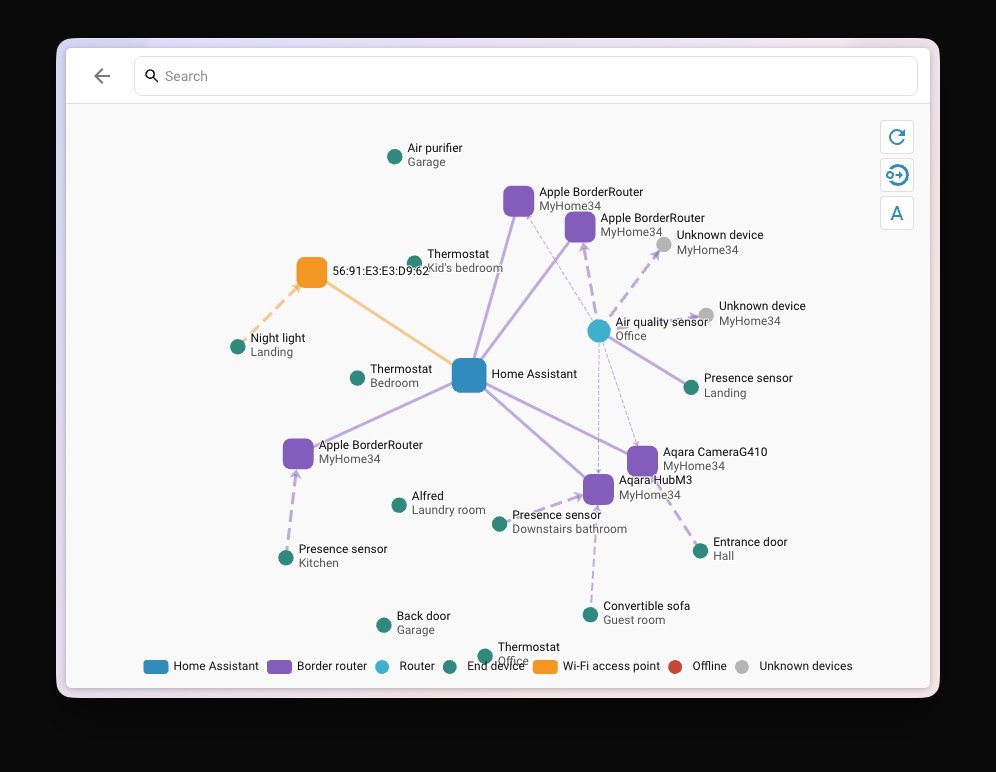
You already own a Thread-capable HomePod mini, HomePod or Apple TV 4K (Ethernet). You don’t need to upgrade for smart home reasons. Your hub will keep working, and every extra Apple device with Thread adds another border router to your mesh rather than replacing it. If the new hub tempts you, treat it as an addition to your existing setup. If you’re not sure how many border routers you’re actually running, Home Assistant’s new Matter network map will show you.
You own an Apple TV 4K Wi-Fi model and wondered why Thread devices won’t pair. That’s why. The cheapest fix is a HomePod mini placed centrally in the flat. Whether that’s the current S$179 model or its replacement, you’ll know next week.
You want a screen on the wall to control the house. This is the real reason to wait. Apple’s hub is aimed squarely at the job Aqara’s panels and old iPads in wall mounts have been doing. Until we see the price, the wall version’s power requirements and how Matter accessories appear on it, don’t commit to a dedicated panel. Our touchscreen control panel guide covers the alternatives if Apple’s turns out too expensive.
You want the new Siri. Wait, and keep expectations modest. One quiet Singapore advantage: Apple Intelligence has supported localised English (Singapore) since iOS 18.4 in April 2025. Contrast that with Google, whose Gemini for Home skipped Singapore when it reached Australia and Japan. Apple hasn’t said which Siri AI features will work on the hub in which countries on day one, though. After the iOS 27 camera summaries turned out to need a paid iCloud+ tier, read the fine print on any “AI” home feature before paying for it.
You want the big HomePod for music. Buy it whenever you like. No new full-size model is in the reports, so there’s nothing to wait for.
The HDB question: where should the hub actually go?
A new device category means a new placement decision. Apple will design it for an American kitchen island, not a 4-room HDB flat, so a few local considerations apply.
The countertop version wants the kitchen, but your Thread mesh probably doesn’t. HDB kitchens are often at one end of the flat, closed off behind a wall or a sliding door, sometimes with a service yard beyond. A Thread border router there has to push through reinforced concrete to reach the bedrooms. If the hub joins an existing HomePod mini or Apple TV, that’s fine: Thread devices pick the best route. If it’s your only border router, a central spot such as the dining area or the living room wall nearest the corridor will serve the whole flat better.
The wall version needs power where you want it. Most wall-mounted control screens need either a nearby power point or a supply run inside the wall. Retrofitting a power point onto an HDB wall usually means surface trunking or an electrician chasing the wall. If you’re mid-renovation or waiting for BTO keys, ask your contractor to leave a power point at eye level next to the main light switches, wherever a wall panel might go. Our BTO wiring checklist explains why a spare point is cheap to add before the walls close and painful afterwards.
Humidity and heat still apply. Don’t mount any screen above the stove, inside a service yard, or anywhere afternoon sun hits it directly. That’s ordinary electronics sense, but it matters more here, where a west-facing wall can get hot enough to shorten a battery or a backlight’s life.
A camera in the living room is a household decision. The hub reportedly has a FaceTime camera and recognises who is standing in front of it. If you have a live-in helper or elderly parents at home, talk to them about where it goes before you mount it. We covered the ground rules in our piece on cameras, locks and your live-in helper.
What to do this week
- Check what hub you already have. In the Home app, open Home Settings and look under Home Hubs & Bridges. If the only entry is an Apple TV 4K Wi-Fi model, you have a home hub but no Thread border router.
- Hold any HomePod mini or Apple TV purchase until after 13 October, unless Apple’s 14-day return window covers you.
- If you buy a current Apple TV, make it the S$379 Wi-Fi + Ethernet model and plug it into your router with a cable.
- Don’t buy a dedicated wall panel yet if Apple’s hub might do the job.
- Plan the power point now if you’re renovating and like the idea of a wall-mounted hub.
If you’re new to Apple Home and want someone to plan where the hubs, sensors and switches go, HomeSmart has a step-by-step Apple Home setup guide, and stocks the HomePod mini locally.
The bottom line
Apple’s home hub is the most interesting smart home hardware Apple has made in years, and it arrives just as Apple’s smart home has stopped working without one of its own devices. That combination is why waiting a week is worth it. Don’t rush the S$179 HomePod mini or either Apple TV this week, and don’t buy the S$299 Apple TV at all for a smart home. The S$499 HomePod is safe to buy whenever you want one.
We’ll update this guide with Singapore pricing and availability once Apple makes it official. If Apple surprises everyone and stays quiet on the 13th, the advice above barely changes: buy the Thread-capable model and put it in the middle of the flat.