Apple’s smart home display went up for pre-order in Singapore at 9am today, and for once we’re in the first wave, not the last. The original HomePod and HomePod mini didn’t go on sale here officially until March 2023. Apple HomeView goes on sale on 13 November in Singapore, the US, UK, Canada, Australia, New Zealand and India, with South Africa getting it through resellers. Siri AI on HomeView works in English here from day one. (Apple Newsroom Singapore)
Last week we asked whether to buy a HomePod mini or Apple TV now or wait for Apple’s hub. Now there are real prices and real spec sheets, plus one catch for Singapore buyers. Apple announced a whole Home Collection of cameras, a lock, thermostats and sensors alongside HomeView, and none of it is coming here.
Here’s what HomeView actually costs in Singapore and what it does, plus whether it belongs on your HDB wall, on your kitchen counter, or nowhere at all.
The Singapore price list
Apple announced three home products on 13 October. Here’s what they cost locally.
| Product | Singapore price | Pre-order | Available |
|---|---|---|---|
| Apple HomeView (tabletop, with speaker base) | S$399 | 15 Oct, 9am SGT | 13 Nov |
| Apple HomeView (Wall Mounted) | S$399 + mount | 15 Oct, 9am SGT | 13 Nov |
| Schneider Home Power Mount, USB-C Wall Connector | from S$79 | Now | Now |
| Schneider Home Power Mount, AC Wired | from S$109 | Now | Now |
| Schneider Home Power Mount, PoE Wired | S$179 | — | Early 2027 |
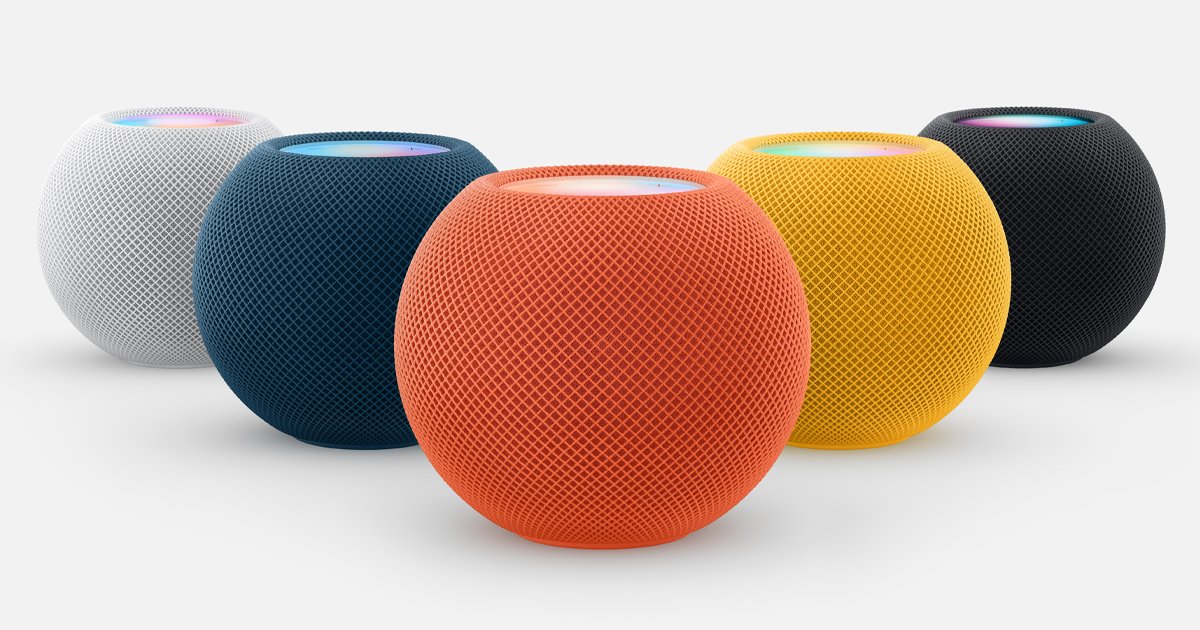
| HomePod mini 2 | S$199 | 15 Oct, 9am SGT | 30 Oct |
| Apple TV 4K (4th generation) | S$399 | “Coming soon” | TBA |
The first surprise is that the wall model costs the same S$399 as the tabletop one, but you get less for the money. More on that below.
The Apple TV 4K is the odd one out. Apple’s Singapore newsroom only says it’s “coming soon to customers in Singapore”, with no date (Apple Newsroom Singapore). If you were holding out for the new A19 box with far-field microphones, you’ll be waiting a bit longer than everyone buying a HomeView.
What HomeView actually is
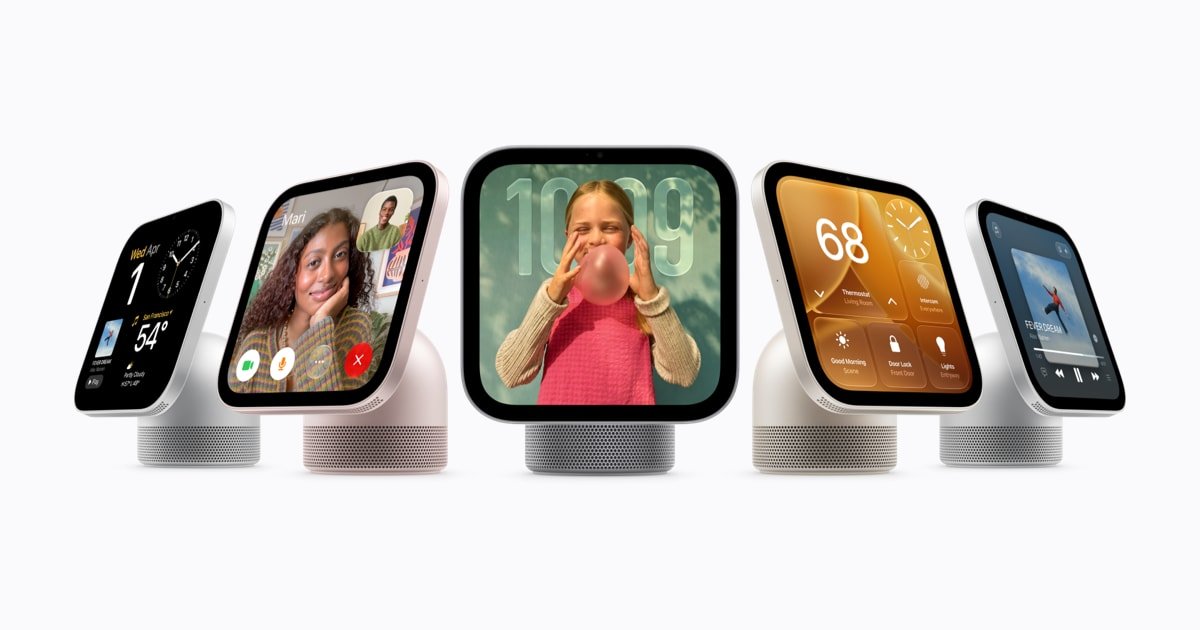
Think of it as Apple’s answer to the Google Nest Hub and the Echo Show, built on iPhone-class hardware. From Apple’s spec sheet:
- Display: 7-inch square Liquid Retina, 1088 × 1088 pixels, 500 nits
- Chip: A18, which is what runs Siri AI on the device
- Camera: 12MP Center Stage, for FaceTime and for recognising who’s standing in front of it
- Sensors: ambient light, temperature/humidity and an accelerometer
- Radios: Wi-Fi 6E, Bluetooth 6.0 and Thread. It’s a Thread border router and a Matter-compatible home hub
- Audio: the tabletop model has two full-range drivers, a down-firing woofer and two passive radiators. The wall model only has the two full-range drivers
- Requires: an iPhone or iPad on iOS/iPadOS 27.2 or later
It recognises the faces of up to six household members and shows each person their own home screen. Personal content like Messages, Calendar and Reminders only appears when HomeView recognises your face and your paired iPhone is at home and was unlocked recently. It can show up to nine camera feeds at once. It listens for smoke and carbon monoxide alarms and sends a notification to your other Apple devices when one goes off. It also does recipes, timers, music and a photo frame. (iClarified)
What it isn’t is an iPad. There’s no App Store, just Apple’s built-in apps. If you were hoping to put the Aqara Home app or a SmartThings dashboard on it, you can’t.
The catch for Singapore: the Home Collection isn’t coming
HomeView launched alongside the Apple Home Collection. It’s a range of Apple-curated accessories built by LG Electronics and Schneider Electric:
- an LG video doorbell, floodlight cam, outdoor cam and auto-tilting indoor cam, all recording up to 2.5K
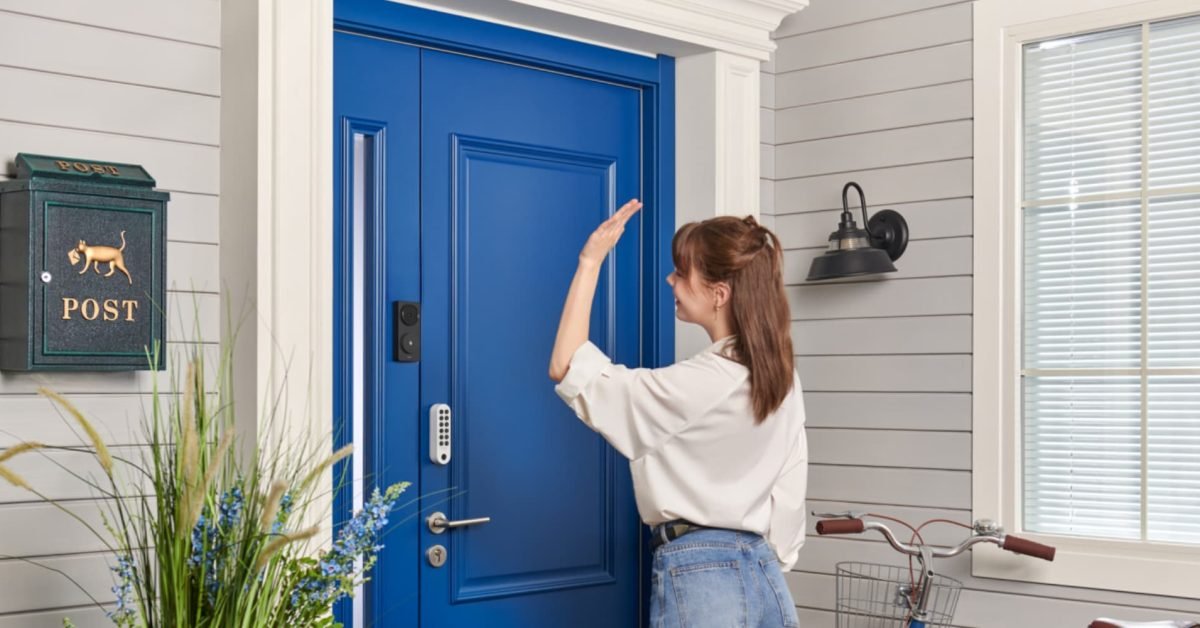
- an LG Smart Deadbolt Lock with UWB and Aliro, which unlocks hands-free as you walk up
- smart thermostats from LG and Schneider Electric
- temperature and humidity sensors from both
Apple’s own release says these will be available “starting in December with select accessories available starting early 2027 in U.S., UK and Canada only.” (Apple Newsroom Singapore)
Honestly, most of it wouldn’t fit here anyway. HDB flats don’t have central HVAC thermostats. The LG lock is an American-style deadbolt, while Singapore main doors overwhelmingly use mortise-type digital locks. The real loss is the cameras, and the idea of a “just buy Apple’s one” ecosystem where everything is guaranteed to work together.
What you can do is use HomeView as the front end for Matter and HomeKit gear that’s already sold here:
- Locks: if Aliro is what got you excited, our Aliro and UWB explainer covers what’s realistic for an HDB door. Our digital lock vs smart lock guide lists which locally available models actually show up in Apple Home.
- Cameras: HomeKit Secure Video cameras like the Aqara Camera Hub G5 Pro already store footage in your iCloud+ plan with no separate camera subscription (9to5Mac). HomeSmart Singapore has a comparison of the Aqara camera range. Before you plan more than one, check how much iCloud+ storage you’ll need. The 50GB tier covers one camera and 200GB covers up to five.
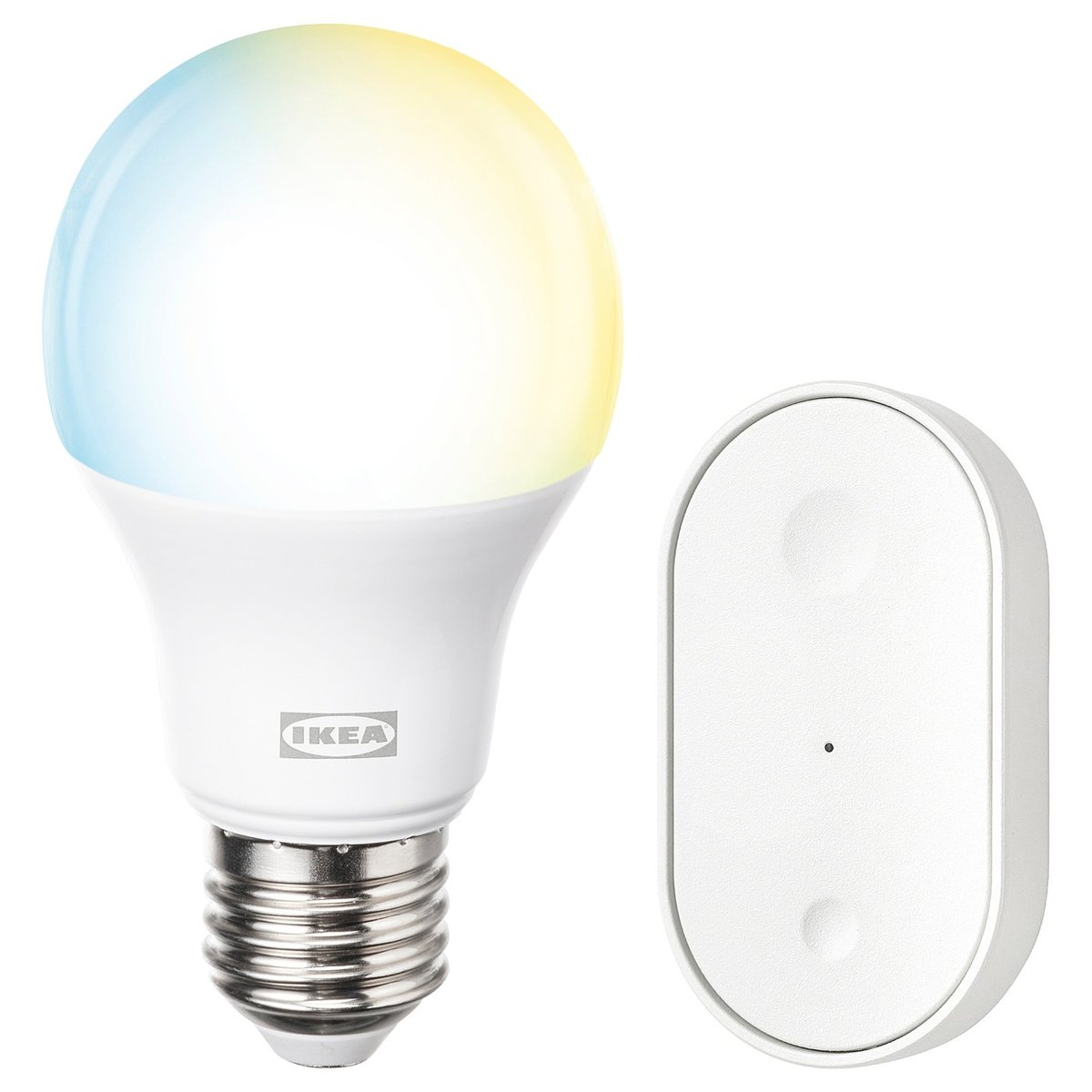
- Thread devices: the S$6.90-and-up IKEA Matter-over-Thread range and Aqara’s Thread sensors pair straight to HomeView as the border router.
Wall-mounted in an HDB: the real cost
The wall model is the one that looks best in renovation photos. It’s 286g, 14.55cm square and under 1cm thick. It’s also where the pricing gets awkward.
It ships with nothing to hang it on and nothing to power it. Neither the mount nor the power adapter is in the box. 9to5Mac flagged that the power supply has to be a USB-C adapter of at least 20W that supports 9V at 2.22A. If yours doesn’t meet that, HomeView shows a “Not Enough Power” warning (9to5Mac). Your old 5W iPhone brick won’t do.
It sounds worse. It has no woofer and no passive radiators. MacRumors summed it up as “Pay More, Get Less Speaker” (MacRumors). If HomeView is going to be your kitchen speaker too, the tabletop model is the better buy.
So in Singapore dollars, a wall-mounted HomeView really costs:
- S$478 or more with the USB-C Wall Connector mount (S$399 + S$79), plus a suitable USB-C adapter and cable if you don’t have one. In most HDB flats that means a visible cable running down to the nearest socket, or a run of trunking.
- S$508 or more with the AC Wired mount (S$399 + S$109), plus an electrician. This mount connects to mains wiring through a single wall box and powers the screen directly, so there’s no adapter or visible cable. Apple recommends a licensed electrician. In the US they’re partnering with ADT for installation, but that’s US-only. Here, any mains wiring work has to be done by an EMA-licensed electrical worker.
- S$578 with the PoE mount (S$399 + S$179), once it ships in early 2027. One Ethernet cable carries both data and power, so you’d need a LAN point at the right spot and a PoE switch at the other end.
For an existing HDB flat, the AC Wired mount only really works if there’s already a switch or socket box where you want the screen. Running new mains wiring into a concrete wall isn’t a weekend job, and what you’re allowed to chase depends on the wall. If you’re mid-renovation or waiting on BTO keys, this is exactly the kind of thing to settle before the walls are closed up. Our smart home wiring checklist covers which spare boxes and data points to ask your contractor for. A spare box at eye level next to the kitchen entrance or the main door costs very little to add during a reno. Adding one later costs far more.
If you’re in a finished flat and don’t want to touch the walls, buy the tabletop model. It has better sound, you can move it around, and it works out cheaper in the end.
Siri AI: what Singapore gets, and what it needs
This is the part that makes HomeView more than a nicer Nest Hub, and it comes with conditions:
- English only. Siri AI on HomeView is available in English in all eight launch countries, Singapore included. If your household speaks Mandarin, Malay or Tamil to the assistant, this isn’t for you yet.
- The home owner needs an Apple Intelligence iPhone or iPad. The person who owns the home in the Home app needs an Apple Intelligence-capable device running the latest software with Siri AI turned on. Anyone who wants personal answers about their own messages or calendar needs their own compatible device too. A household of older iPhones won’t get the headline features.
- There are usage limits. Server-based Siri AI features have daily limits. Apple says expanded access is coming but hasn’t announced pricing.
- HomePod mini 2 doesn’t get Siri AI on day one. Apple says it’s coming to the S$199 speaker “via a future software update.” Until then it’s an S10-powered speaker and home hub, nothing more.
Android households should stop here. HomeView needs an iPhone or iPad to set up, and nothing about it is built for Google Home or SmartThings users.
That temperature and humidity sensor is more useful here than you’d think
It’s easy to skip past on the spec sheet, but a calibrated humidity reading in the middle of the room is genuinely useful in Singapore. You can use it to switch a dehumidifier on when humidity climbs past 70% (see our smart dehumidifier guide), or to run the aircon in dry mode on muggy afternoons. Apple notes the sensor takes time to calibrate after starting up, so don’t trust the first readings.
One reading from one spot won’t replace dedicated sensors, though. Bedrooms and bathrooms still need their own. Something like the Aqara Climate Sensor W100 covers those rooms, while HomeView handles the living room.
A camera that knows faces, in a home with a helper
HomeView has a camera that’s always ready and recognises up to six enrolled people. Apple processes the camera and microphone data in “Secure Exclaves”, which it says can’t be accessed by apps, users or Apple itself. That’s a strong privacy design. It’s still a camera in your living room.
If you have a live-in helper, tell her what the device does, decide whether to enrol her, and think about where it points. The same goes for anyone else who lives with or regularly visits you. Our guide to cameras, locks and your live-in helper covers what Singapore’s rules actually say. Being upfront about it is the bare minimum.
So who should pre-order?
Buy the tabletop HomeView (S$399) if:
- you’re all-in on iPhone and want one screen for cameras, lights, music and the family calendar
- you don’t have a home hub yet. HomeView covers that, the Thread border router and the controller in one device
- someone in the house has an Apple Intelligence-capable iPhone and actually wants to use Siri AI
Consider the wall model if:
- you’re renovating or about to collect BTO keys and can plan a power point, a data point or both into the wall now
- sound doesn’t matter because you already have a HomePod or another speaker nearby
Buy a HomePod mini 2 (S$199) instead if:
- you just need a reliable Apple Home hub and Thread border router for your locks, sensors and automations. It’s half the price, and it’s in shops on 30 October
- you don’t need a screen. Many Apple Home setups run fine on an iPhone, a HomePod and good automations
Skip it entirely if:
- you already have an Apple TV or HomePod running as your home hub and don’t want a screen. HomeView doesn’t add anything to the hub role you don’t already have
- your household is on Android, or your assistant needs to understand anything other than English
- you were mainly excited about the Home Collection. It isn’t coming here, and Apple hasn’t given any timeline for Singapore
The bottom line
HomeView is the first Apple home product that treats Singapore as a launch market rather than an afterthought. The tabletop model at S$399 is a sensible buy for iPhone households that want one screen to run the flat. The wall model is good-looking but overpriced: it costs the same, sounds worse and needs another S$79 to S$179 of hardware before it works. Unless your walls are open for renovation, the tabletop version is the one to get.
If you’re new to all this, start with HomeSmart Singapore’s Apple Home setup guide before choosing between HomeView and a HomePod mini. Hold off on the wall version until your electrician has looked at where it’s going.