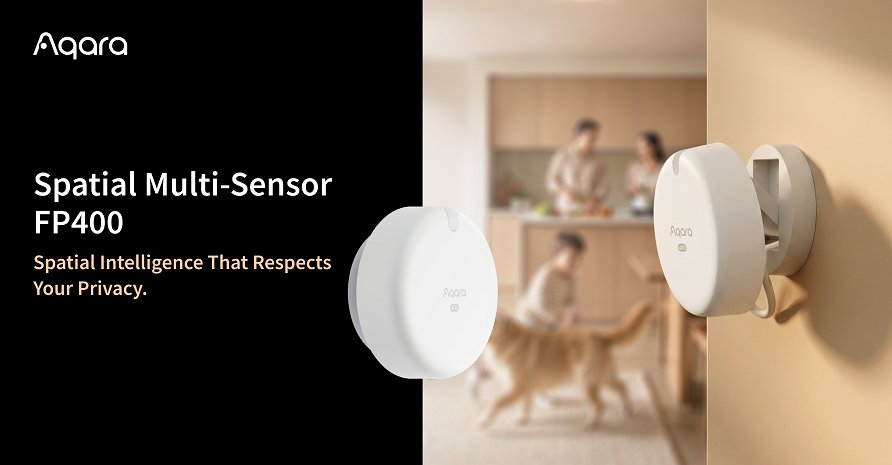
Aqara’s Spatial Multi-Sensor FP400 went on sale worldwide on 16 September, eight months after its CES debut in January. On paper it’s the presence sensor people have been asking for since the FP2 came out: 60 GHz mmWave radar, up to ten people tracked at once, eight custom zones, a 10 x 8 metre coverage area, and — the headline for anyone who has grumbled about the FP2’s 2.4 GHz Wi-Fi — native Thread and Zigbee with Matter on top.
There’s a catch, and it’s hiding in a footnote. If you do the obvious modern thing and scan the FP400’s Matter code straight into Apple Home, Google Home or Home Assistant, you get one whole-room occupancy sensor and one light sensor. That’s it. No zones, no headcount. For that, you need an Aqara hub.
That changes the maths quite a lot for Singapore buyers, so let’s walk through what you actually get, which setup makes sense, and whether it replaces the FP2 or FP300 you might already be looking at.
What the FP400 actually is
Here’s the spec sheet from Aqara’s FP400 product page, minus the marketing:
- Radar: 60 GHz mmWave, 120° field of view
- Tracking: real-time position of up to 10 people, on a 0.5 m x 0.5 m grid
- Zones: up to 8 custom zones
- Coverage: up to 10 m deep x 8 m wide side-mounted; about 7 x 7 m in a corner; ceiling-mounted at 3–4 m it covers roughly 5 x 6 m for motion and 4 x 5 m for presence
- Other sensing: ambient light sensor; AI filtering meant to separate humans from pets and robot vacuums
- Radios: Thread and Zigbee (you pick one at setup), Matter-enabled
- Power: USB-C, 5V ⎓ 1A — wired only, no battery
- Size: 64 x 64 x 29.5 mm, IPX5, rated -10°C to 50°C and 0–95% RH non-condensing
Pricing is US$79.99 on Amazon in the US, €79.99 in Europe and CA$109.99 in Canada, per Matter Alpha’s listing tracker. Aqara’s availability announcement says “worldwide”, but at the time of writing I couldn’t find a Singapore retailer with it in stock. Going by what Aqara charges here for the rest of the range, I’d expect it somewhere around S$110–S$130 when local stock lands. That’s my guess, not a quote.
What it doesn’t have is worth saying too. Unlike the battery-powered FP300, there’s no temperature or humidity sensor. And the posture-aware “assisted fall detection” in Aqara’s elder-care pitch belongs to a separate model, the FP400 Pro, and even there Aqara says it only works inside the Aqara ecosystem. If fall detection for an elderly parent is why you’re shopping, keep reading before you buy the standard model.
The footnote: three ways to set it up, three different sensors
Aqara’s documentation effectively describes three setup paths, and they don’t give you the same device.
1. Direct Matter over Thread, no Aqara hub
You scan the Matter code into Apple Home, Google Home, SmartThings or Home Assistant. You need a Thread border router — a HomePod mini, HomePod (2nd gen), Thread-equipped Apple TV 4K, a Nest Hub (2nd gen), or Home Assistant with a Thread radio.
What you get: one overall presence sensor plus one illuminance sensor. Aqara’s own documentation strongly discourages setting it up this way. That’s a remarkable thing for a manufacturer to say about its flagship Matter feature, but it’s honest. Without zones, you’ve bought an US$80 room occupancy sensor that needs a power cable. The FP300 does that on batteries for less.
2. Thread, set up in the Aqara app with a supported hub, then shared via Matter
This is the one you want. You pair the FP400 to the Aqara app through a supported hub, draw your zones, tune sensitivity and the absence-confirmation delay there, and then share it to your other platforms with a Matter pairing code. Now Apple Home or Home Assistant sees one whole-area occupancy sensor, up to eight zone occupancy sensors, and the light sensor.
The live headcount and position map stay in the Aqara app. Matter has no standard way to say “three people are on the sofa”, so nothing outside Aqara gets that.
3. Zigbee through an Aqara hub
The traditional Aqara route: pair over Zigbee to the hub, and the hub bridges it into Matter. It works, and early owners on the Aqara forum describe moving from direct Matter to Zigbee through an M3 into Home Assistant for exactly this reason. Aqara’s docs suggest you get somewhat less exposed through the Zigbee bridge than through Thread, though, so unless your mesh is all-Zigbee I’d go with option 2.
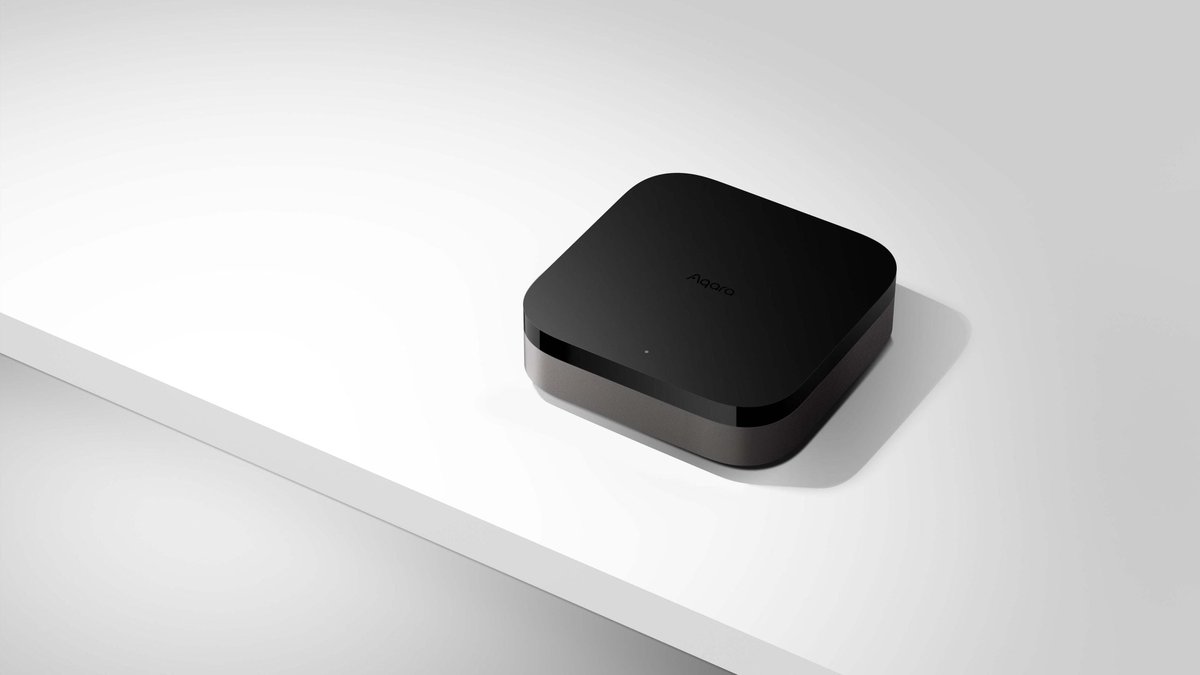
The supported hubs right now: Hub M3, Hub M100, Hub M200, Doorbell Camera Hub G410 and Camera Hub G5 Pro. Note what’s missing — the older M2 and E1 aren’t on the list. If your Aqara setup is built around an M2, the FP400’s zones need a hub upgrade too.
In practice that means the real price of an FP400 with zones in Apple Home is the sensor plus a hub. HomeSmart sells the Aqara Hub M100 at S$89 and the Hub M3 at S$289. For a first-time buyer that roughly doubles the cost. If you already own an M3 or M100, it’s free.
If you’re weighing up the M3 against running everything on Home Assistant, we covered that in Aqara Hub M3 vs. Home Assistant Green. The FP400 is a small point in the M3’s favour: Home Assistant can talk to the FP400 directly over Matter, but it can’t draw its zones.
FP400 vs FP2 vs FP300: which one for your flat?
We compared the older two in Aqara FP300 vs FP2. Here’s how the FP400 slots in, with HomeSmart Singapore prices where they exist:
| FP2 | FP300 | FP400 | |
|---|---|---|---|
| SG price | S$139 | S$99 | Not yet in SG (US$79.99) |
| Radio | 2.4 GHz Wi-Fi | Thread / Zigbee | Thread / Zigbee |
| Power | USB-C wired | 2 x CR2450 | USB-C wired |
| People tracked | 5 | Presence only | 10 |
| Zones | Up to 30 | None | Up to 8 |
| Extra sensors | Light | Light, temp, humidity | Light |
| Fall detection | Yes | No | FP400 Pro only |
| Zones in Apple Home without an Aqara hub | Yes (HomeKit, over Wi-Fi) | n/a | No |
A few things stand out.
The FP2 still wins on zones. Thirty zones against eight is a real difference if you like carving a room up — sofa, desk, dining table, kitchen entrance, the patch of floor in front of the fridge. The FP2 is also the one that puts zones into Apple Home without an Aqara hub, because it talks HomeKit directly over Wi-Fi. What you pay for that is a Wi-Fi device on your 2.4 GHz band, which is a known weak spot in crowded HDB blocks where every neighbour’s router is fighting for the same channels.
The FP400 wins on range and mesh. Ten by eight metres side-mounted covers the long, narrow living-plus-dining space you get in most 4- and 5-room HDB flats, which the FP2 often can’t do from one spot. And since it’s mains-powered, the FP400 on Thread should act as a router for your mesh — a proper upgrade over the FP2, which adds nothing to your Thread or Zigbee network. If you’ve looked at your mesh using Home Assistant’s new Matter network map and seen a dead end in the living room, a powered FP400 could fill it.
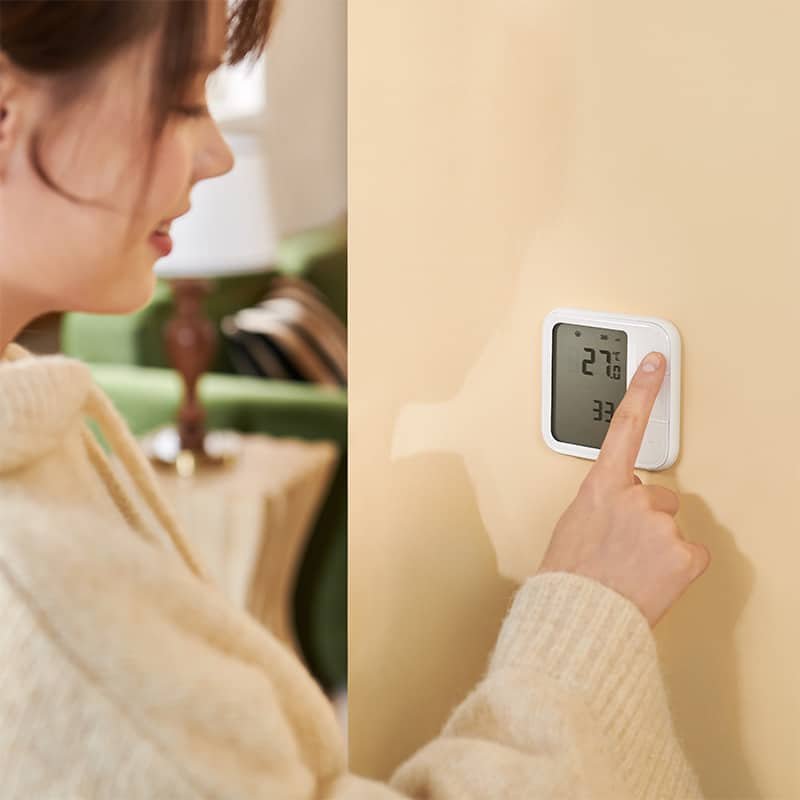
The FP300 is still the right answer for most bedrooms. It runs on batteries (Aqara quotes two years on Matter, three on Zigbee), so you can stick it anywhere without running a cable. You don’t need zones for “someone is in this room, keep the lights on”, and the temperature and humidity readings are genuinely useful for aircon and dehumidifier automations in our climate. At S$99 it’s the default.
The budget pick is still the FP1E at S$79, if you already have a Zigbee hub and just want reliable room presence.
Where the FP400 makes sense in a Singapore home
The open-plan living and dining room
This is its natural home. One FP400 high on the wall at one end of the room, zones for sofa, TV area, dining table and the corridor to the bedrooms. Then you can write automations the FP300 can’t handle: dim the dining pendant but leave the sofa lights on when everyone moves to watch TV, or turn the aircon off only when both the sofa zone and the dining zone have been empty for ten minutes.
Mount it on the wall, not the ceiling. Aqara’s ceiling numbers assume a 3–4 m mounting height, and most HDB flats have ceilings well under 3 m, so a ceiling mount gives you a smaller footprint than the spec sheet suggests.
Home offices and study corners
The desk zone is a classic: lights and fan stay on while you’re sitting still at the desk, which is exactly where PIR sensors give up and plunge you into darkness mid-Zoom call. Any mmWave sensor fixes that. The FP400’s zones mean the study corner of a larger room can behave like its own room.
Bathrooms — careful
IPX5 means it’ll shrug off splashes, and a presence-held light in the bathroom is a lovely upgrade. But Aqara’s humidity rating is non-condensing, and a Singapore bathroom after a hot shower is very much condensing. I’d put it outside the wet area, pointing in, or not in there at all. If a humid bathroom is what you’re trying to automate, our bathroom exhaust fan guide covers the humidity side properly.
Watching over elderly parents
This is where I’d slow down. The FP400’s posture tracking — standing, sitting, lying — and its fall-detection pitch are real, but assisted fall detection is on the FP400 Pro, and Aqara says it only works in the Aqara ecosystem. None of it becomes an Apple Home or Google Home alert over Matter. If that’s the job, the FP2 already does fall detection today with a ceiling mount. We covered the wider options in Aging in Place in Your HDB. Either way, test it properly before trusting it with anyone’s safety.
Should you buy one?
Buy the FP400 if you already own an Aqara M3, M100, M200, G410 or G5 Pro, you have a big open-plan space you want split into zones, and you’d like your presence sensor to strengthen your Thread mesh rather than sit on your Wi-Fi. For that person it’s the best sensor Aqara has made. Wait for local stock (or pay the shipping) and set it up through the Aqara app, not directly into Matter.
Stick with the FP2 if you’re on Apple Home without an Aqara hub, you want more than eight zones, or you need working fall detection now. It’s older and it’s Wi-Fi, but it’s the only one of the three that brings zones to HomeKit on its own.
Buy the FP300 if you just want rooms that know when someone’s in them. That covers most bedrooms and small rooms, and it doesn’t need a power point.
Don’t buy an FP400 to pair straight into Matter with no Aqara hub. You’d be paying a flagship price for a single occupancy sensor, and Aqara’s own documentation advises against it.
My slightly grumpy conclusion: this is less Aqara’s fault than Matter’s. The standard still has no rich way to describe “where people are in a room”, so every manufacturer with a clever sensor ends up keeping the clever part inside its own app. Aqara at least uses Matter to send zones out as separate occupancy sensors, which is about as far as the spec allows today. Until that changes, the smartest presence sensors will keep coming with a hub-shaped asterisk. If you’re still working out which Aqara hub you’d need, HomeSmart’s guide to choosing an Aqara hub is a good place to start.