Singapore is one of the safest cities on earth, but anyone who has lived in an HDB block knows the small anxieties: the contractor’s gate left ajar, the helper who can’t remember if she locked the main door, the niggling thought during a two-week Hari Raya trip back to the kampung that someone could jiggle the gate open. For years the “solution” was a CCTV camera and a prayer. In 2026, you can do far better — and you can do it without handing a foreign security company a recurring monthly fee for the privilege of watching your own front door.
The category has matured fast. A proper DIY smart alarm system now means contact sensors on your gate and main door, a motion sensor covering the living room, an arm/disarm mechanism, and a siren loud enough to make an opportunist think twice — all talking to an app that pings your phone the instant something trips. No installer, no contract, no SGD 30-a-month “monitoring” line on your credit card.
Here’s how the three systems worth buying in Singapore actually stack up, and which one fits your flat.
Why “No Subscription” Matters More in Singapore Than You Think
In the US, a monthly fee buys professional monitoring: a call centre that rings you, then dispatches police if you don’t answer. That model barely exists here. The SCDF and SPF aren’t going to be auto-dispatched by Eufy’s app, so what you’re really paying a subscription for — if you pay one at all — is cloud video storage and AI alerts. For an alarm system (as opposed to a camera system), self-monitoring via push notifications is genuinely all most Singapore households need. Your phone buzzes, you check the camera or call your neighbour, done.
That reframing is liberating, because it means the “no monthly fee” systems aren’t a compromise — for our context they’re often the correct choice. The trade-off you accept is that there’s no human in a call centre as backup, and no cellular failover if your home loses both power and internet at once. For a high-floor HDB unit, that’s a risk most people will happily take.
If you want the camera side of the equation, I’ve covered that separately in our guide to the best outdoor security cameras for Singapore homes. This article is about the sensor-and-siren layer that actually detects an intrusion.
Option 1: Aqara — The Endlessly Expandable Choice
If you’re already deep in the Aqara world — and a lot of Singapore smart-home owners are, because HomeSmart and PFE Tech have made the brand easy to buy locally with proper warranty — building an alarm out of Aqara parts is the most flexible path.
The architecture is simple: an Aqara hub acts as the brain and the siren (every current Aqara hub has a built-in speaker that can blast an alarm tone), while a fleet of cheap sensors does the detecting. Arm the system in “Away” mode, and the moment a contact sensor or motion sensor trips, the hub wails and your phone lights up.
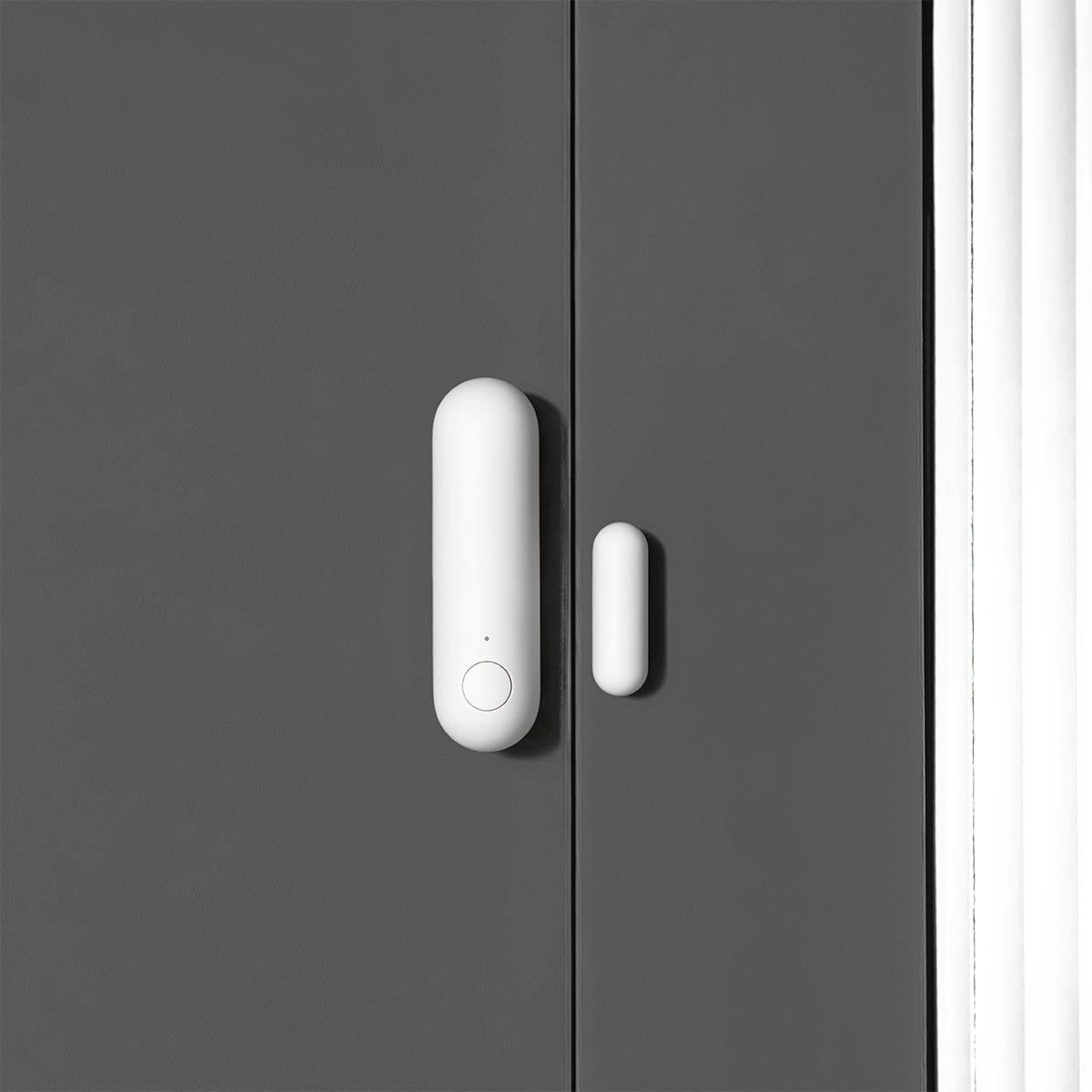
The sensor that matters most is the Aqara Door and Window Sensor P2, and it’s worth understanding why it’s special. The P2 is the first Aqara contact sensor to run on Matter over Thread, with a tamper alarm built in and a stated multi-year battery life. At roughly S$28–33 each it’s cheap enough to put on the main door, the gate, the bomb-shelter door and every window without flinching. Stick one on your gate and one on your main door and you’ve covered the two routes more than 90% of HDB intrusions actually use.
There’s an important catch, and Aqara’s own documentation is blunt about it: the P2 needs a Thread border router. It does not connect to the older Zigbee hubs (the M2, M1S, E1, G2H or G3). You’ll need a Thread-capable hub like the Aqara Hub M3, the M100, the G5 Pro camera hub, or even an Apple HomePod mini acting as the border router. If you already own an older Zigbee hub, the original Zigbee-based Aqara Door and Window Sensor still works beautifully and is even cheaper — just don’t mix up the two when you’re at the checkout.
For motion, pair it with an Aqara Motion and Light Sensor P2 (or the Zigbee Motion Sensor P1 on older hubs) in the living room. If you want to get clever, an Aqara FP2 or FP300 mmWave presence sensor can zone a room precisely enough to ignore your cat but catch a person — overkill for a basic alarm, but lovely if you already have one for automation.
The honest weakness: Aqara has no dedicated alarm keypad sold in Singapore. You arm and disarm via the Aqara Home app, by tapping an NFC card, with a wireless mini-switch stuck by the door, or — my preferred method — automatically via geofencing so the system arms itself when the last family member leaves and disarms when someone arrives home. It’s more elegant than a keypad once it’s set up, but it is a bit of initial fiddling. Aqara is the enthusiast’s choice: the most sensors, the lowest per-sensor cost, the deepest automation, but you assemble it yourself.
Option 2: Eufy — The All-in-One Kit That Just Works
If the words “Thread border router” made your eyes glaze over, Eufy is for you. Crucially, Eufy has an official Singapore store with local pricing and warranty, which instantly puts it ahead of a lot of grey-import competition.
Eufy’s pitch is the 5-Piece Home Alarm Kit: a HomeBase hub, a keypad, a motion sensor and two entry (contact) sensors in one box, for around US$159 / roughly S$200-plus locally. Everything pairs in minutes, the keypad mounts by the door for a code-based arm/disarm your domestic helper or elderly parent can actually use without a smartphone, and — this is the headline — self-monitoring is free forever. Live alerts, the HomeBase siren, app control: no subscription required, exactly as outlets like Security.org and SafeWise have repeatedly flagged in their no-monthly-fee roundups.
The keypad is the real differentiator. In a multi-generational HDB flat — the reality for a huge slice of Singapore — not everyone wants to manage an app. A wall keypad with a PIN is the kind of thing Aqara makes you engineer yourself and Eufy gives you in the box. It pairs naturally with Eufy’s own door locks and cameras if you want to grow the system, which I touch on in our piece on privacy-first smart tech for Singapore’s seniors.
The honest weakness: Eufy is a walled garden. The alarm components live on Eufy’s HomeBase and don’t expose themselves as Matter sensors you can wire into Apple Home or Home Assistant automations. So if your dream is a single dashboard controlling lights, aircon and security together, Eufy’s alarm sensors won’t play along — they secure your home, full stop. There’s also the brand’s well-publicised past wobbles over cloud privacy to weigh, though the local-storage, self-monitored setup sidesteps most of that. For a household that wants security rather than a platform, it’s the lowest-friction option on this list.
Option 3: SwitchBot — The Budget Tinkerer’s Pick
SwitchBot sits between the two. Its Contact Sensor and Motion Sensor are among the cheapest decent sensors you can buy, and they double as automation triggers — the contact sensor also reads light level, so it can tell “door opened” from “door opened in the dark.” Pair them with a SwitchBot Hub 2, which can sound a voice alarm and, usefully, act as a Matter bridge so those sensors show up in Apple Home, Google Home or SmartThings.
That Matter bridging is SwitchBot’s quiet superpower. You get budget sensors and cross-ecosystem compatibility, which is more than Eufy offers. The motion sensor’s quoted range — roughly 9m at up to a 110° horizontal angle — comfortably covers an HDB living room.
The honest weakness: SwitchBot’s “alarm” is softer than the other two. Without a dedicated loud siren, you’re leaning on the Hub 2’s modest speaker or routing an alert through an Alexa device to bark a warning — fine as a deterrent and notification, less convincing as a “scare the burglar” klaxon. SwitchBot is the pick if you’re price-sensitive, already own a few SwitchBot gadgets, and value Matter flexibility over raw siren volume.
What About Ring?
Worth saying plainly because readers always ask: Ring Alarm is not officially sold in Singapore. Ring’s ecosystem is geo-locked to a handful of markets, and grey-import Ring kit tends to choke on region restrictions and lose features. Skip it. The three systems above are all genuinely available here with local support — that matters far more than chasing a brand you saw in an American YouTube review.
How to Actually Lay It Out in an HDB or Condo
Whichever system you choose, the deployment logic is the same, because Singapore burglaries are boringly predictable. The overwhelming majority come through the main door and gate, not the windows (you’re usually too high up for that). So:
- Gate + main door: one contact sensor on each. This is non-negotiable and catches the realistic threat.
- Living room: one motion sensor or presence sensor as a backstop, in case someone somehow gets past the door undetected.
- Bomb shelter / store: an optional contact sensor if that’s where the valuables and documents live.
- Windows: only the low or accessible ones — ground-floor units, or anything reachable from a common corridor or aircon ledge.
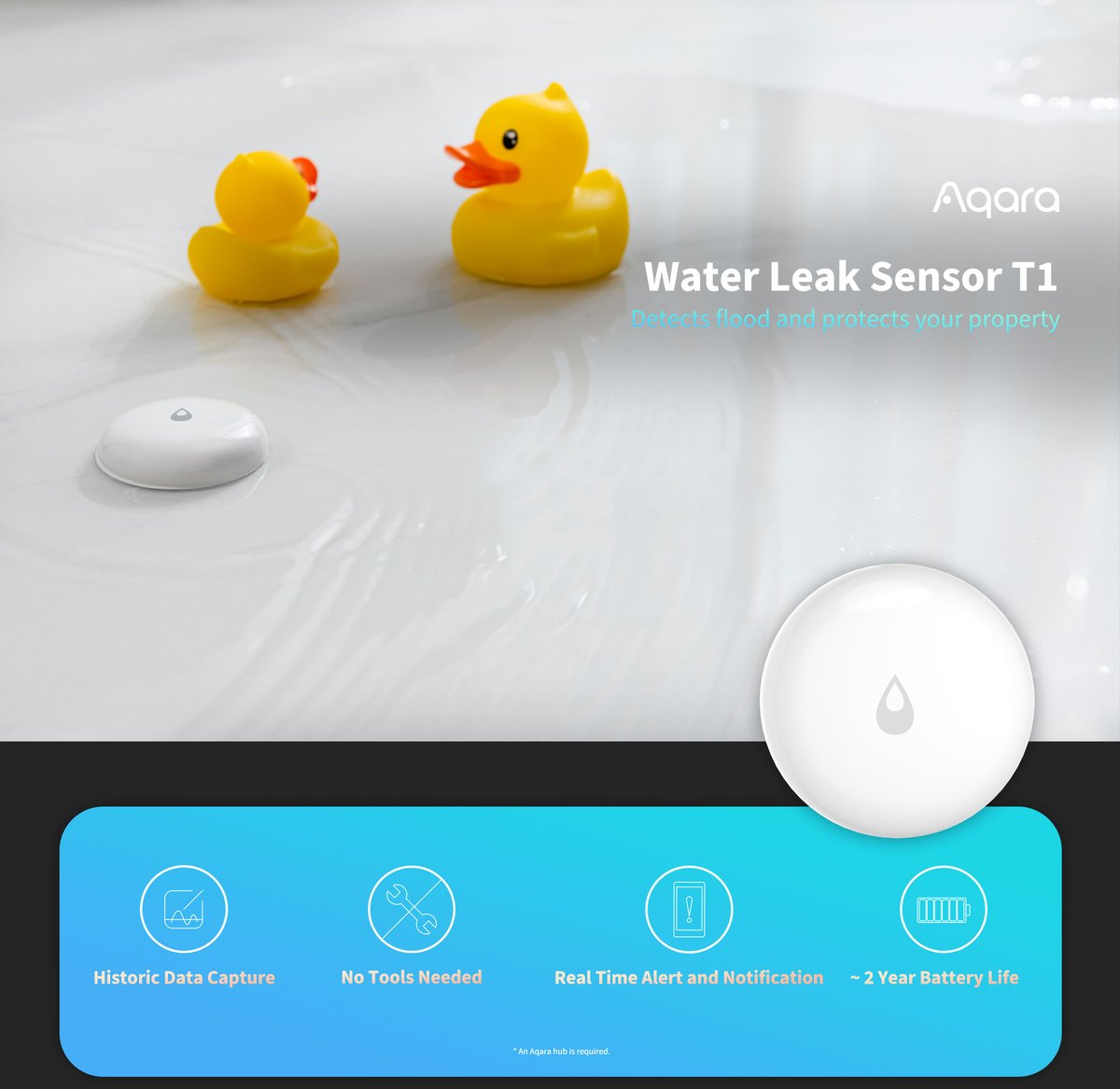
Arm it in “Away” mode when everyone’s out, “Home/Night” mode (motion off, contacts on) when you’re sleeping so a 3am toilet trip doesn’t trigger the siren, and let geofencing handle the switching if your system supports it. Add a water leak sensor or two from the same ecosystem while you’re at it — the same hub that guards your door can warn you about a burst flexi-hose under the sink, and a flooded kitchen is statistically far likelier to ruin your week than a burglar.
The Verdict
- Buy Aqara if you’re a tinkerer, already own Aqara gear, and want the cheapest per-sensor cost with the deepest automation. Just make sure you have a Thread-capable hub before buying P2 sensors.
- Buy Eufy if you want a true plug-and-play kit with a physical keypad the whole family can use, an official local store, and zero interest in fiddling with automations.
- Buy SwitchBot if budget is tight and you want Matter compatibility, accepting a quieter alarm in return.
All three deliver the one thing that actually matters: the instant your gate opens while you’re out, your phone knows. No contract, no monthly fee, no foreign call centre — just you, your home, and a sensor that costs less than a plate of chilli crab.
Building out a wider system? Our sister site Smartifiers covers the global smart-home picture, and if you’re starting from scratch, HomeSmart’s getting-started guide is a solid Singapore-specific primer.