Walk into almost any freshly renovated HDB flat in Singapore and look up. You’ll see them: neat rows of recessed downlights punched into a plastered false ceiling, often paired with a cove of warm LED strip lighting. It’s the default Singapore reno look, and it’s been that way for years. But here’s the thing most homeowners only realise after the electrician has packed up and gone home — those downlights are the single hardest part of your lighting to make smart later.
Swapping a table lamp for a smart bulb is a 10-second job. Swapping twenty recessed downlights sunk into a sealed false ceiling means an electrician, a ladder, and a half-day of disruption. So if there’s one lighting decision worth getting right before your contractor drills the holes, it’s this one. Let’s talk about how to do smart downlights properly in a Singapore home.
Why downlights are a special case
Smart lighting advice usually starts and ends with “buy a few smart bulbs.” That logic falls apart with downlights for three reasons that are very specific to how we build ceilings here.
First, the quantity. A typical 4-room HDB living and dining area runs 12 to 20 downlights. Add bedrooms, kitchen, and hallways and you can easily hit 30 to 40 fixtures across the flat. That number changes everything about which technology makes sense.
Second, the network problem. If every one of those 30 downlights is a Wi-Fi device talking directly to your router, you have a genuine problem. Consumer routers start choking well before you hit that many always-on clients, and you’ll feel it as laggy lights and dropped connections. This is exactly why for downlights specifically — more than any other category — you want a hub-based, low-power mesh protocol like Zigbee, Bluetooth Mesh, or Thread, not direct Wi-Fi. The hub talks to your router once; the lights talk to the hub.
Third, the dumb-switch trap. This is the mistake I see most often. People install smart downlights, then leave them behind a normal wall switch. Someone flips the switch off out of habit, and now your “smart” lights are just dead — no app control, no automation, nothing, until someone physically turns the switch back on. The fix is to either keep the wall switch permanently live and control everything through the app and automations, or pair your smart downlights with a smart switch/relay so the physical switch stays useful. If you’re going the smart-switch route in an older flat, read our guide to no-neutral smart switches for Singapore HDBs first, because that’s the wiring gotcha that trips people up.
Tunable white vs full colour: be honest with yourself
Before you spend, decide what you actually want. The vast majority of Singapore homes are better served by tunable white downlights — warm 2700K for evenings, neutral 4000K for everyday, cool 6000K daylight for cleaning and cooking — than by full RGB colour.
Colour-changing downlights look fantastic in a showroom and on Instagram. In real daily life, most people set them to a comfortable white and never touch the colour again. Tunable white fixtures are cheaper, usually have better colour rendering (CRI), and put out more usable light per watt. Save the RGB drama for a light strip in the cove or behind the TV — see our Govee vs Hue vs Nanoleaf light strip comparison for that — and keep your downlights as clean, high-quality white light.
One more practical reason tunable white wins for downlights: adaptive lighting. Both Apple Home and the Aqara app can automatically shift your downlights warmer at night and cooler during the day, mimicking natural daylight. In a Singapore flat where you might be home under artificial light from morning till midnight, that circadian nudge genuinely helps. It’s the same idea behind a sunrise wake-up light, applied to your whole ceiling.
The contenders
Aqara Smart Downlight T2 — the sensible default
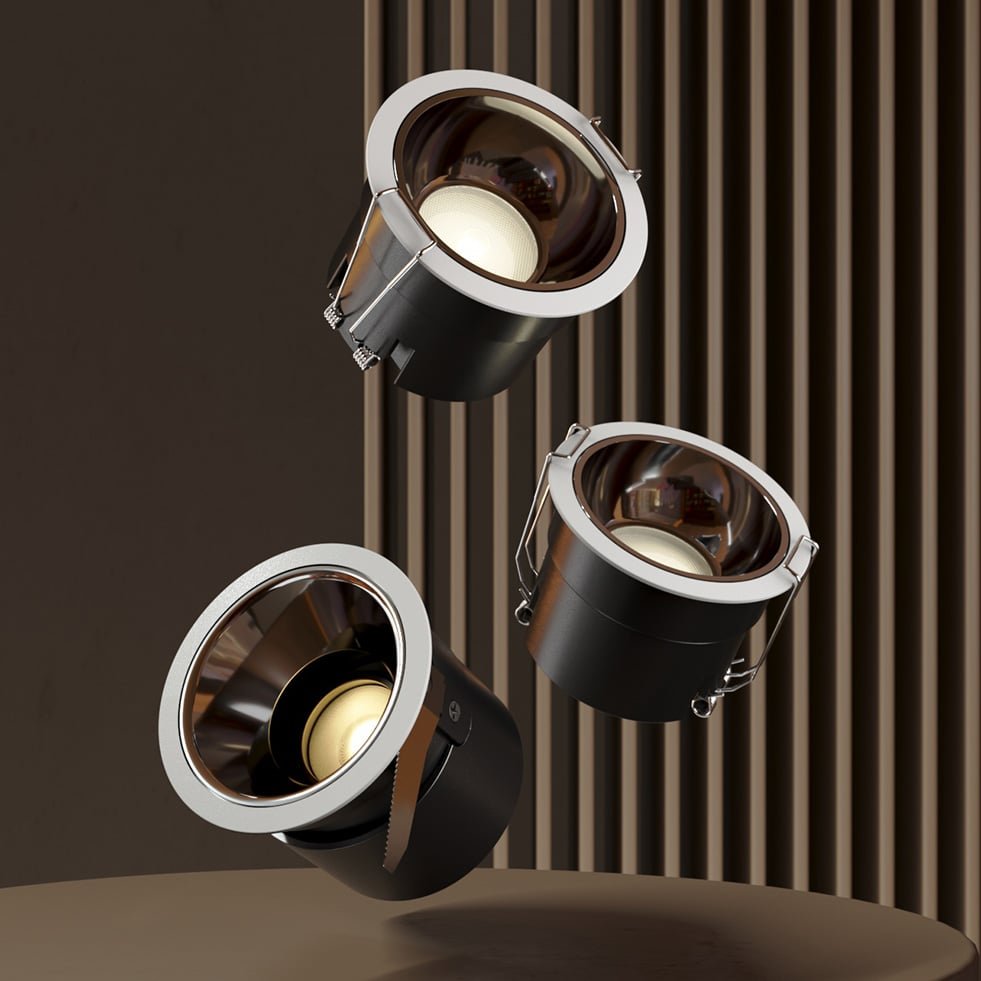
If you want my one-line recommendation for most HDB and condo renovations, it’s the Aqara Smart Downlight T2. It hits the sweet spot of price, quality, and ecosystem flexibility.
The T2 is a Zigbee 3.0 fixture putting out 650 lumens, with tunable white from 2700K to 6000K and deep dimming down to 1% — which matters more than you’d think when you want soft ambient light at night without resorting to a separate night lamp. It comes in four beam angles (15°, 24°, 36°, and 60°), so you can use tight beams to wash a feature wall and wide beams for general room lighting. It uses the common 75mm cutout that Singapore ceiling contractors already work with.
Because it’s Zigbee, you’ll need an Aqara hub — but that hub then bridges your downlights into Apple Home, Google Home, and Alexa, and crucially supports Matter so the lights show up in whichever ecosystem you’ve committed to. One hub comfortably handles dozens of these lights without touching your Wi-Fi. At roughly S$39–45 per downlight, it’s priced like a premium dumb fixture but does far more. You can find the Aqara Smart Downlight T2 on HomeSmart Singapore, which carries local stock and warranty.
If you don’t already own an Aqara hub, factor that into the budget — but if you’re outfitting a whole flat, the per-light economics make the hub a rounding error. Not sure which hub? We’ve compared the Aqara M3 against Home Assistant Green elsewhere, but for most people the M2 or M3 is the no-brainer pick.
Aqara Smart Downlight T2 Pro — when light quality matters
Renovating a space where the lighting really matters — a feature dining area, a study, anywhere you care about how skin tones and timber finishes look — and the T2 Pro earns its premium. The headline spec is Ra96 colour rendering, which is genuinely close to natural daylight and a noticeable step up from typical downlights. It keeps the same 2700K–6000K tunable white range with extremely fine 100,000-level dimming, and adds smaller 55mm cutout options and trim/reflector choices for a more architectural finish.
It runs about S$99–109 per fixture, so this isn’t the one you put thirty of across the whole flat. Use the T2 Pro where people gather and the light is on display, and the standard T2 everywhere else. You can see the full Aqara Downlight T2 Pro specs and options on the PFE Tech Aqara store. Like the standard T2, it’s Zigbee with hub-based Matter bridging.
Philips Hue — the premium, ecosystem-agnostic choice
If you’re already deep in the Philips Hue world, or you simply want the most polished, reliable smart lighting experience and don’t mind paying for it, Hue’s recessed downlights (sold here under the White Ambiance Garnea / Aphelion line) are excellent. They need a Hue Bridge, which then exposes everything over Matter to Apple Home, Google Home, and SmartThings.
These are white-ambiance fixtures (2700K–6500K, no colour), available in 7W/600lm and 10.5W/900lm versions, and in Singapore they run around S$89 each through local retailers like Threecubes. The Hue ecosystem’s strengths are rock-solid reliability, the best app in the business, and an enormous accessory range. The weakness is simply cost — at nearly double the Aqara T2, kitting out a whole flat in Hue downlights gets expensive fast. For a few key rooms, though, it’s hard to fault.
Yeelight M2 Pro — the budget mesh option
The Yeelight Smart LED Downlight M2 Pro (Mesh Edition) is the value pick. It’s an 8W, 600-lumen tunable-white (2700K–6500K) downlight that uses Bluetooth Mesh and pairs with the Mi Home / Yeelight app, with Apple HomeKit support. Like the others, it wants a Yeelight Mesh gateway so it’s not hammering Bluetooth or your Wi-Fi directly. Pricing sits around the same S$40 mark as the Aqara T2.
The catch is ecosystem maturity. Yeelight’s mesh and Mi Home integration work fine, but Matter support across Yeelight’s range is patchier than Aqara’s or Hue’s, and the app experience is less refined. If you’re a Xiaomi-ecosystem household already, it slots in neatly. If you want the cleanest path to Apple Home or Matter, Aqara is the safer bet for the same money. You can check the official lineup at Yeelight Singapore.
Don’t forget the cove (and the switch)
Two final things renovators always overlook.
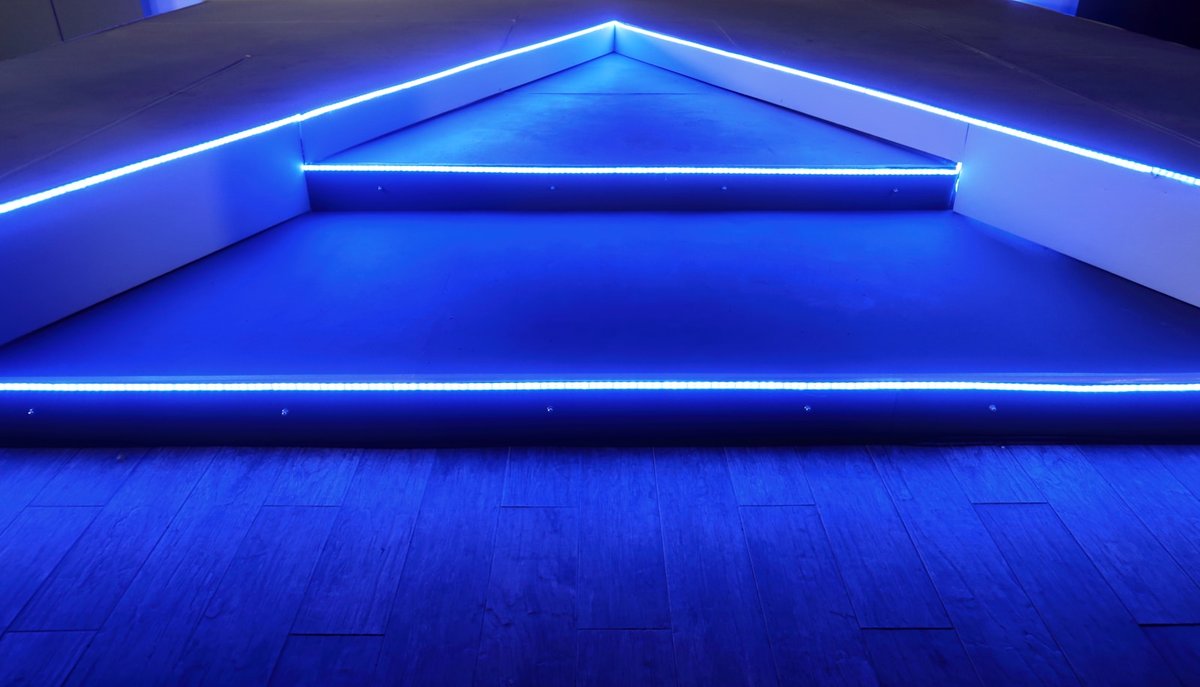
Your false ceiling almost certainly includes a cove with LED strip lighting, and there’s no rule saying the strip and the downlights have to be from the same brand — but it’s much nicer when they’re at least in the same app. A smart strip in the cove plus smart downlights lets you create proper scenes: bright neutral light for everyday, warm low downlights plus a dim cove glow for movie nights, all from one tap or a voice command.
And about that wall switch again, because it’s worth repeating: plan it before the electrician finishes. The cleanest setup is to have your downlight circuits left permanently powered and controlled entirely through smart automation, with a smart wireless switch or scene controller mounted where the old switch used to be. That way nobody accidentally kills your smart lighting, and you still get a satisfying physical button on the wall. Sort this out during reno and you’ll never think about it again.
So what should you actually buy?
- Most HDB and condo renovations: Aqara Smart Downlight T2 throughout, on an Aqara hub. Best balance of price, light quality, dimming, and Matter-ready ecosystem support.
- Rooms where light quality is on display: mix in the Aqara T2 Pro for that Ra96 rendering, standard T2 everywhere else.
- Premium, “just works” reliability and budget isn’t the constraint: Philips Hue White Ambiance downlights on a Hue Bridge.
- Xiaomi households / tightest budget: Yeelight M2 Pro Mesh downlights.
Whatever you choose, the real takeaway is timing. Downlights are the one smart-home upgrade you can’t easily retrofit, so decide on the protocol, the hub, and the switch plan before the ceiling goes up. Get that right, and you’ll have a ceiling full of light you can shape to any mood — warm and low at midnight, crisp daylight at noon — for the entire life of your renovation.