The year-end school holidays start on Saturday, 21 November. If last year is any guide, a big share of Singapore goes overseas soon after. Changi Airport Group’s figures show December 2025 was the airport’s busiest month on record, with 6.3 million passenger movements, and its busiest single day was Saturday 20 December, when more than 223,000 people passed through.
Most of them leave a flat shut up for a week or two in the most humid month of the year: Singapore’s monthly mean relative humidity peaks at about 87% in December, and nothing moves the air while you’re gone.
Most “vacation mode” advice is American and about burglars. That matters here too, but in an HDB flat the things that actually go wrong while you’re in Hokkaido are more often mould in the wardrobe, a leak under the sink, or a tripped breaker that spoils the fridge. Here’s how to set your smart home up for all four before you fly.
Start With the Boring Bit: Can Your Home Even Reach You?
Every alert in this article is useless if your setup can’t talk to you from overseas. Check this before you check anything else.
- Apple Home needs a home hub to run automations and to let you control anything while you’re away. That means a HomePod, HomePod mini or Apple TV left at home, powered on and on your Wi-Fi (Apple’s support page explains the setup). Apple’s new HomeView, on sale here from 13 November, also does the job (our HomeView piece covers what it costs). With no hub, your iPhone in Osaka can’t do a thing, and time-based automations won’t fire either.
- Google Home routines largely run in Google’s cloud, so remote control works as long as your devices are online. The catch is the reverse: if your home internet drops, so does almost everything.
- Home Assistant runs on your own box, but reaching it from outside needs Home Assistant Cloud (Nabu Casa) or your own setup such as Tailscale. Test it on mobile data before you leave, not at the departure gate.
- Aqara, Hue and most hub-based brands relay notifications through their own cloud, so they need your home internet to be up.
Also make sure your phone gets notifications abroad: a data plan or eSIM, and no Focus mode silencing your smart home app. And remember that when a fibre cut took parts of Bishan offline for 16 hours, automations on local hubs kept working while app control died. Local automations keep protecting the flat even when they can’t tell you about it.
Make the Flat Look Lived-In (Without a Giveaway Timer)
The Singapore Police Force’s housebreaking advice is mostly common sense: lock every door and window, don’t leave notes announcing you’re away, and ask a trusted neighbour to keep an eye out. Add “don’t post the boarding pass on Instagram” and you’ve covered most of it.
Lights are where smart homes can help. The problem is that a single lamp clicking on at 7:00pm sharp every evening is easy to spot from the corridor, and most HDB flats have a corridor-facing window. You want lights that move around the flat and vary from night to night.
Philips Hue does this best out of the box. The Hue app has a Mimic presence automation that switches lights on and off in different rooms to look like real activity, rather than running a fixed timer (Hue describes it in its security lighting guide). You need a Hue Bridge. Bluetooth-only Hue bulbs controlled from your phone can’t do it. Because it runs on the Bridge, it carries on even if your internet drops.
Home Assistant has the most convincing option: the community-built Presence Simulation integration. Instead of guessing, it replays what your lights, covers, switches and media players actually did a set number of days ago. Your flat on Tuesday night looks exactly like it did last Tuesday, toilet trips and all. It’s a HACS integration, which on Home Assistant 2026.11 means it now comes from the built-in Marketplace (our 2026.11 update guide explains that change). There’s one setting to know about. It can only replay history your database still holds, and Home Assistant keeps 10 days by default. Set the replay gap to 7 days, or raise the recorder’s purge_keep_days before you go. If your trip is longer than the gap, it simply loops.
Google Home has Home & Away routines that start when everyone’s phone has left home, and they can control lights, plugs and switches (Google’s help page). That’s good for switching everything off when the last person leaves. It doesn’t do randomised presence lighting, so for evenings you’ll need a few scheduled automations at different times in different rooms.
Apple Home doesn’t have a vacation-lighting mode, and nothing we’ve seen in iOS 27 adds one. You can get close with three or four automations spread across rooms: living room at sunset, bedroom later, everything off before midnight. Just make sure the times differ between rooms.
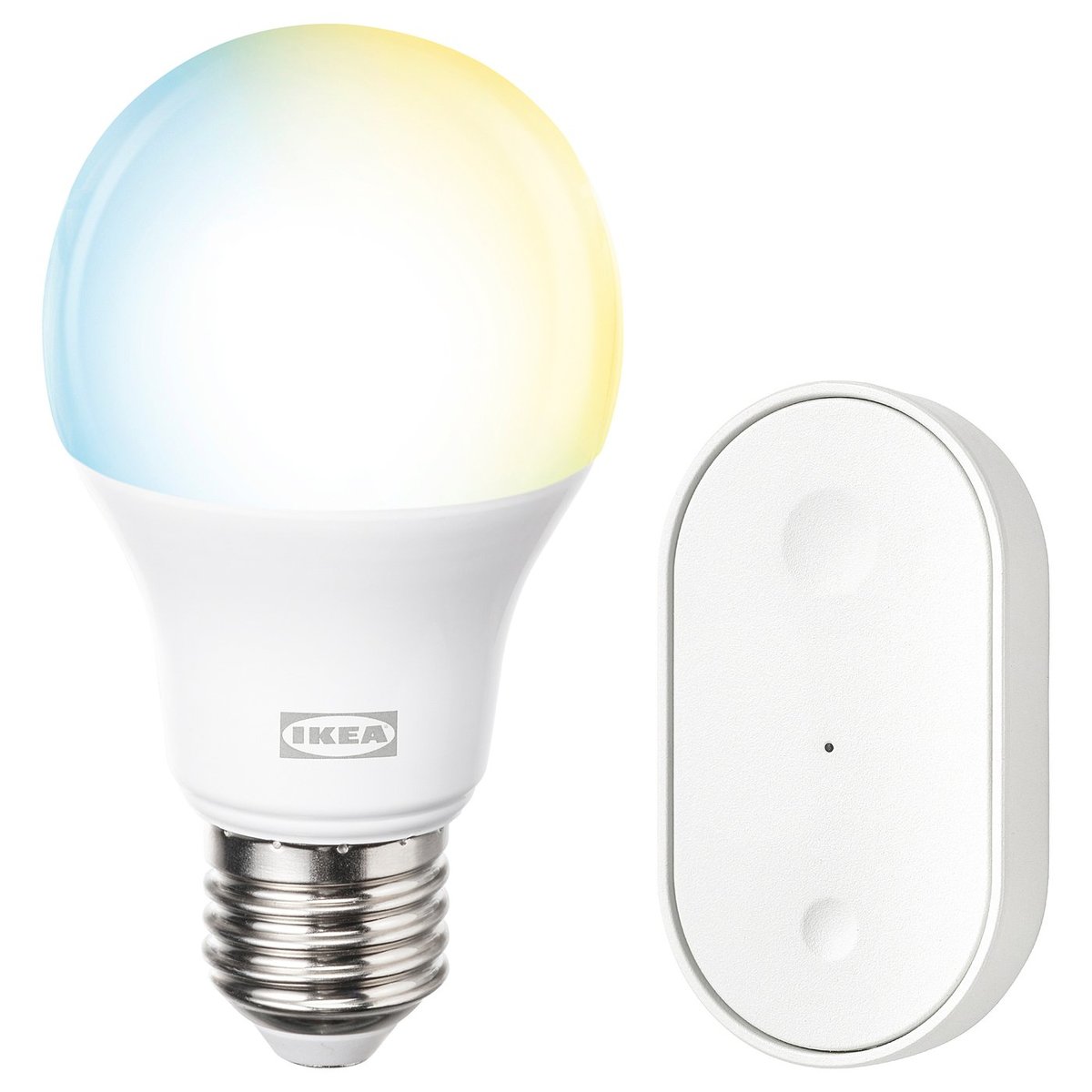
You don’t need to buy into a whole ecosystem for this. Two IKEA KAJPLATS bulbs (from S$6.90) or a GRILLPLATS plug (S$12.90) on a floor lamp will do the job in Apple Home, Google Home or Home Assistant, as long as you already have a Thread border router. Our IKEA Matter guide has the full Singapore line-up.
If you have smart curtain motors, put them on a sunrise and sunset schedule too. Blinds that open and close every day look occupied.
The Real Threat in a Shut Singapore Flat: Mould
This is the part American guides skip. A closed HDB flat in December has no airflow, and the outdoor air averages well over 80% relative humidity. The US EPA recommends keeping indoor humidity below 60%. Leave a flat shut for two weeks and the risk shows up where you least want it: leather bags, shoes, the back of the wardrobe, and the silicone around the shower.
Start by measuring it, so you can check the reading from overseas.
- IKEA TIMMERFLOTTE (S$12.90): Matter-over-Thread temperature and humidity sensor with a display. It’s the cheapest way in if you already have a Thread border router.
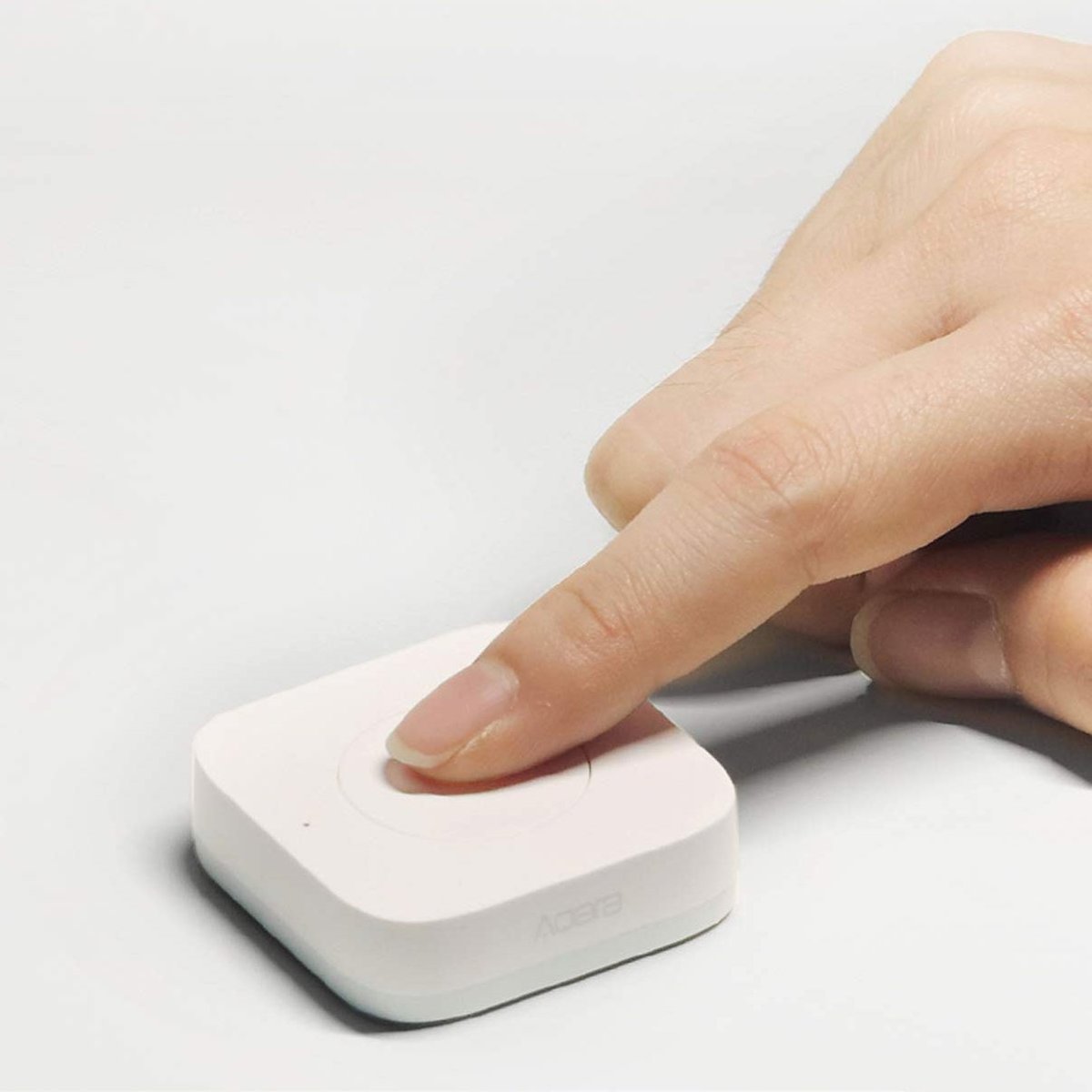
- Aqara Temperature and Humidity Sensor T1 (S$28): Zigbee 3.0, tiny enough to sit on a wardrobe shelf. Needs an Aqara hub.
- Aqara Climate Sensor W100 (S$74): runs on Thread or Zigbee, works with Matter, and has a display plus buttons. It’s worth the extra if it’ll live in your living room year-round.
Put one in the room you’re most worried about, usually the master bedroom with the built-in wardrobe, not the living room.
Then decide what to do about the reading. There are three options, from simplest to most work.
Option 1: Go low-tech. Moisture-absorber tubs in every wardrobe, cabinet doors ajar, bathroom door open. A few dollars, no power needed.
Option 2: Put a dehumidifier on a schedule. The catch is the water tank. A compressor dehumidifier in Singapore can fill a two- or three-litre tank in a day and then stop. If yours has a continuous drain outlet, run a hose to a floor trap in the kitchen or service yard. Check one more thing before you buy a smart plug for it: many dehumidifiers with soft-touch buttons don’t start again when power is cut and restored. If yours doesn’t, a smart plug can only switch it off. Test it at home first by switching the plug off and on and seeing whether the dehumidifier resumes. Plug it straight into the wall, not a power strip. A typical compressor unit draws a couple of hundred watts, so a few hours a day costs well under a dollar at this quarter’s tariff of 31.16 cents per kWh including GST. Our dehumidifier guide lists which models are worth it.
Option 3: Use the aircon’s dry mode, triggered by humidity. If your aircon is already controllable through a Wi-Fi adapter or an IR blaster (here’s which one to pick), make an automation like this: if bedroom humidity stays above 70% for an hour, run dry mode, then always switch it off after two hours no matter what the sensor says. That hard stop matters. Without it, one stuck sensor reading turns into ten days of aircon running for nobody. An IR blaster can’t confirm the aircon actually turned off, so this option suits Wi-Fi adapters better.
Whichever you pick, don’t aim for 50%. In a sealed Singapore flat, keeping things under about 65 to 70% while you’re away is a good result.
Leaks: Cheap Sensors, but Have a Plan for the Alert
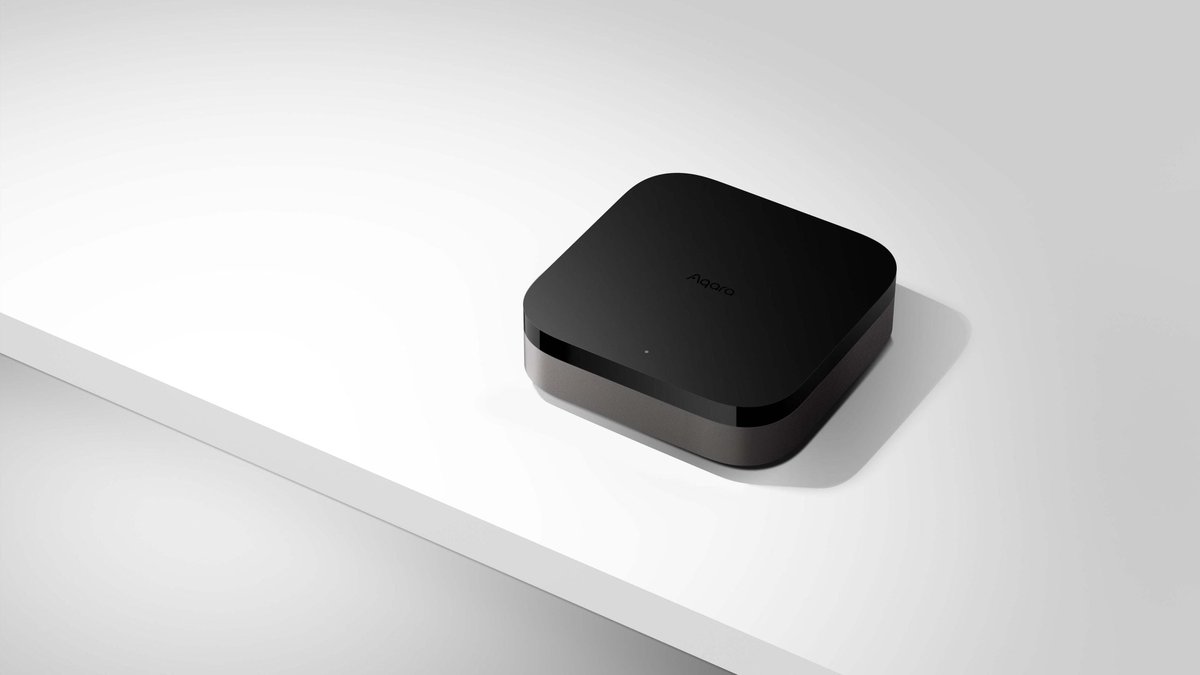
A water leak sensor is the best-value device in this article. The Aqara Water Leak Sensor T1 is S$28, runs on Zigbee 3.0, and can send a critical alert through Apple Home or the Aqara Home app. You’ll need an Aqara hub. The Aqara Hub M100 (S$82) is a Zigbee hub, Thread border router and Matter controller in one small USB-powered box, so it also covers the IKEA and Thread devices above.
In an HDB flat, put them here:
- Under the kitchen sink, where old flexible hoses and corroded mixer connections give way.
- Behind or under the washing machine, especially if the inlet hose has been there since the BTO handover.
- On the floor under the aircon fan coil. Blocked condensate drains are a classic Singapore problem, and they matter even more if you’ve set up Option 3 above.
- Under a storage water heater, if your bathroom has one.
Our leak sensor guide covers other brands if you’re not on Aqara.
Then plan for the alert. A notification at 2am in Seoul only helps if someone in Singapore can get in and turn off the water. That’s where a smart lock earns its keep. The Aqara U300 and U200 support one-time and time-limited passwords from the Aqara Home app. You can send a relative a code that only works this week, or a single-use code from overseas that works even if the lock is offline. That beats leaving a spare key under the shoe rack.
The simplest prevention is to shut the water off before you leave. Your flat’s stop valve is usually next to the water meter. It does conflict with one gadget, though: shut the valve and your balcony watering timer won’t have any water. Pick one, or ask the neighbour with the code to water the plants instead.
Power Trips: The Fridge Problem
December thunderstorms trip circuit breakers, and a tripped RCCB in an empty flat means a warm fridge by the time you’re home. Few consumer apps will clearly tell you “your power is off”. You find out when everything shows as offline.
What you can do:
- Turn off what doesn’t need power: the water heater, the TV and consoles at the wall, and the aircon isolator if you’re not using Option 3.
- Use offline status as a power-cut alarm. In Home Assistant, set an automation that notifies you when a mains-powered device, such as a plug or a light, becomes unavailable for more than ten minutes. Use something on the same circuit as the fridge if you can.
- Don’t put the fridge itself on a smart plug. A failed or mistakenly switched-off plug is a bigger risk than the one you’re monitoring for.
- Check what comes back after power returns. Some plugs and bulbs default to off after an outage, which will quietly break your presence lighting. Our storm-season guide explains how to set power-on behaviour.
Door Sensor and Camera: Useful, but Only While You’re Away
A contact sensor on the main door tells you if anyone comes in while you’re gone, whether that’s the relative you gave a code to or someone you didn’t. The Aqara Door and Window Sensor P2 (S$48) runs Matter over Thread, so it works straight in Apple Home or Google Home with a Thread border router.
An indoor camera is optional. If you add one, use a schedule or an away automation so it records only while the flat is empty, and have it switch back to privacy mode when you’re home. The Aqara Camera G100 (S$82) records to a microSD card of up to 512GB, so you don’t need a subscription. If a helper or family member is staying behind, think again before you point a camera anywhere inside. Our guide on cameras and live-in helpers covers what’s fair and what’s legal.
The Away-Mode Kit, Priced
| Item | Protocol | Price |
|---|---|---|
| Aqara Hub M100 | Zigbee hub + Thread border router + Matter | S$82 |
| Aqara Water Leak Sensor T1 (x2) | Zigbee 3.0 | S$56 |
| IKEA TIMMERFLOTTE humidity sensor | Matter over Thread | S$12.90 |
| IKEA GRILLPLATS plug (for a lamp) | Matter over Thread | S$12.90 |
| Aqara Door and Window Sensor P2 | Matter over Thread | S$48 |
| Core kit total | S$211.80 | |
| Optional: Aqara Camera G100 | Wi-Fi 2.4GHz | S$82 |
Prices are from homesmart.sg and IKEA Singapore as of November 2026. If you already have a Thread border router, such as a HomePod mini, Apple HomeView, the Ethernet model of the Apple TV 4K or a second-generation Google Nest Hub, you can skip the M100 for the Thread devices. The Zigbee leak sensors still need an Aqara hub.
Do a Dry Run This Weekend
Don’t let the first test of your setup be the trip itself. Before 21 November:
- Turn Wi-Fi off on your phone, then open each app over mobile data and switch something on. That confirms remote access works.
- Pour a little water next to each leak sensor and time how long the alert takes to reach your phone.
- Switch off the power point your dehumidifier plug is on, then switch it on again. Does the dehumidifier start again?
- Run presence lighting for one evening while you’re out for dinner, and look up at your windows from the carpark.
- Send the relative their lock code and have them actually use it.
Our Take
If you only buy one thing before the holidays, make it two leak sensors and a hub. Then add humidity monitoring, because a mouldy wardrobe is far more likely than a burglary in a Singapore flat. For lighting, Hue’s Mimic presence and Home Assistant’s Presence Simulation both beat a lamp on a timer.
The most important part of away mode isn’t a device, though. It’s knowing who gets the alert, who can get in, and what they’ll do when they’re inside. Sort that out first, then go and enjoy your holiday.