On the afternoon of 15 September, about 2,000 homes in Bishan and Thomson found out the hard way which parts of their smart home actually belong to them.
Reports spiked at around 1.27pm. Broadband died simultaneously for customers of Singtel, StarHub, M1 and Simba. Not because four telcos failed at once, but because all four ride the same passive fibre network. NetLink Trust’s preliminary finding was that multiple fibre cables were damaged during construction works carried out by a third-party contractor — one that NetLink hadn’t engaged. Crews worked through the night, slowed by water ingress and obstructions blocking access to the underground cables, and services were fully restored at 5.40am the next morning.
Sixteen hours offline. And this is the third notable connectivity failure Singaporeans have sat through this year: a cable strike on 18 April knocked out more than 5,000 households across Ang Mo Kio, Bishan, Sengkang and Punggol for roughly 20 hours, and Singtel’s mobile network went down for nearly nine hours on 16 March.
So here’s the question worth asking before the next backhoe finds a duct: if your fibre went dark at 1pm on a workday, how much of your HDB would still behave like a smart home at dinner time?
The answer is wildly different depending on choices you made at purchase time — and most people have never tested it.
Your Wi-Fi didn’t go down. That’s the whole point.
Start with the single most misunderstood thing about a fibre cut: your home network is fine.
The fibre is your WAN — the link from your ONT to the outside world. When a contractor’s auger goes through it, your router is still powered, still broadcasting its SSID, still handing out DHCP leases, still forwarding packets between everything inside your flat. Your Zigbee mesh is untouched. Your Thread mesh is untouched. Your Ethernet run to the TV console is untouched.
Nothing in your house lost the ability to talk. What it lost was the ability to talk to a server in Virginia, Frankfurt or Shenzhen.
Which reframes the problem completely. The question is not “is my network up?” It’s “does anything in my flat make its own decisions, or does every single button press take a 10,000km round trip?”
That’s the split that decided who had a miserable evening and who never noticed.
The tier list: what lives, what limps, what dies
Tier 1 — Genuinely unaffected
Devices on a local radio protocol, paired to a hub in your flat that stores and executes automations itself.
That means Zigbee sensors and switches on an Aqara, SmartThings or Home Assistant hub. It means Thread devices bound into a Matter fabric with a local controller. Your motion-triggered corridor light fires in the same 200ms it always did, because the sensor talks to the hub and the hub talks to the bulb, and no part of that path leaves your living room.
Wired Zigbee wall switches are the quiet heroes here. An Aqara H1 or H2 smart switch is still, physically, a wall switch. Press it and the light changes. The smart layer is additive, not load-bearing.
Tier 2 — Works locally, but you lose half of what you paid for
This is where most people actually live, and it’s the frustrating tier.
Your hub keeps running local automations, but push notifications stop. That leak sensor under the kitchen sink still detects water and still triggers whatever local scene you built — but the alert never reaches your phone. Push notifications are not a local feature and never have been: they route through Apple’s or Google’s notification servers, and usually the device vendor’s cloud before that. A hub that proudly supports local automations is telling you the truth and still can’t buzz your phone.
If you’re out of the house when the fibre cuts, your sensors become a system that notices things and tells nobody.
You also lose remote access entirely. No checking the camera from the office, no unlocking the gate for your mother-in-law, no “did I leave the aircon on.”
And you lose voice, mostly. This surprises people who assume a HomePod on their shelf is a local computer. Siri sends almost every request to Apple’s servers for interpretation — the HomePod keeps automating your home as a hub, but it will cheerfully tell you it’s having trouble connecting when you ask it to turn off a light it is perfectly capable of turning off. Same story for Alexa, and dramatically more so for the new LLM-driven assistants: Alexa+ and Gemini for Home are cloud inference engines wearing a speaker.
The only real fix is a local voice pipeline, which we walked through in our guide to building a private, local voice assistant for a Singapore smart home.
Tier 3 — Bricked until the fibre comes back
Cloud-first Wi-Fi devices. Tuya-based white-label gear. Anything where the app talks to a server and the server talks to the device — even when your phone and the device are on the same Wi-Fi, two metres apart.
This is where a lot of the mainstream Singapore smart home market sits. It’s the core structural complaint we made about PRISM+’s ecosystem refusing to speak Matter: a device that only exists through a vendor’s cloud has no independent existence at all. During a 16-hour outage it’s a dumb appliance with an extra failure mode.
Cloud-only cameras go dark too — no live view, no recording, no clips. Local-recording setups with a microSD card or an NAS just keep rolling, which is one more reason we favour no-cloud, no-subscription camera setups.
Ecosystem by ecosystem
Home Assistant — the clear winner, and it isn’t close. Local by design: device communication happens on your LAN and only falls back to cloud when there’s genuinely no alternative. Automations, dashboards, history, local voice — all of it runs on the box in your TV console. The 2026.9 release from 2 September added a Matter network map and an Activity view that shows the full chain of what triggered what, which is exactly the tooling you want when you’re debugging what broke during an outage. The catch is cost and effort: Home Assistant Green’s RRP moved to US$199 in January after component prices nearly doubled, and landed-in-Singapore pricing has been ugly all year — see our Home Assistant hardware guide for the RAM-crisis era.
Apple Home — better than people expect. A HomePod, HomePod mini or Apple TV 4K acting as a home hub stores and runs your automations locally, and the Thread-capable models double as border routers. Control from an iPhone on the same Wi-Fi keeps working. You lose Siri, remote access and notifications. For an HDB where the goal is “the lights and aircon still behave,” this is a perfectly respectable outcome for the price of a HomePod mini.
SmartThings — solid, if your devices use Edge drivers. Those are Lua drivers that execute on the hub itself, so a motion sensor triggering a light never leaves your network. Cloud-connected integrations in the same account will still fail, so a mixed setup degrades unevenly.
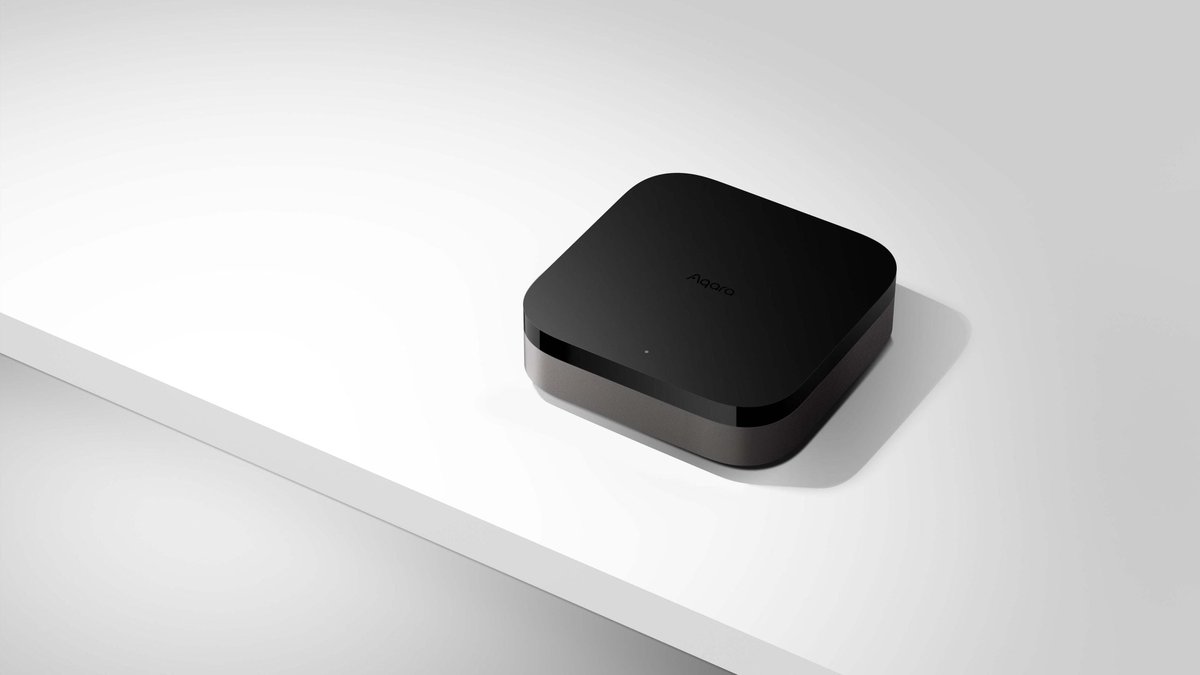
Aqara — genuinely good local behaviour now. The M3, M100 and M200 hubs execute Zigbee and Matter-over-Thread automations locally. If you’re choosing between them, our sister guide on how to pick an Aqara hub is the shortcut. Just remember the Tier 2 caveat: automations run, notifications don’t.
Google Home — the weakest position of the major ecosystems, and it doesn’t even need a fibre cut to prove it. A 2025 Google Cloud bug took Home and Nest offline globally for around three hours, and in August 2026 one writer documented his Nest Hubs getting stuck, routines refusing to fire, and every voice command answered with “device out of reach” — while the hardware sat there working perfectly. Matter devices on your local network fare better than legacy Nest gear, but the app and the routine engine lean hard on the cloud.
Alexa — assume nothing works. A handful of Echo models do limited local voice control for lights, but the platform’s centre of gravity is Amazon’s servers, and Alexa+ moves it further that way.
What to actually do about it
The free fix: audit before the next cut
Don’t theorise — test. Unplug the WAN cable from your router for ten minutes on a Sunday afternoon (leave the router itself powered), then walk the flat and try everything. Lights, aircon, locks, cameras, the app, voice.
You will find at least one thing you assumed was local that isn’t. Everyone does. Write it down; that list is your upgrade roadmap, in priority order, for free.
The S$10 fix: a backup path to the internet
Most routers sold in Singapore can already do this and their owners don’t know it. ASUS’s Dual WAN feature lets you nominate a secondary WAN and switch to it automatically when the primary drops — and the secondary can simply be a phone plugged into the router’s USB port in tethering mode, or a USB LTE dongle. ASUS documents the whole setup, and it takes about five minutes.
Pair that with a cheap second line and you have real redundancy. Singapore SIM-only plans start under S$10 a month, with SIMBA’s entry tier hovering around the S$5 mark — and the key detail is to pick a telco on a different mobile network from your broadband provider, so one company’s bad day isn’t also your bad day.
Two honest caveats. First, this restores notifications, remote access and voice — it does not make a cloud-only device local, it just gives the cloud a different road. Second, a mobile fallback shares your flat’s ceiling with everyone else’s, so during a widespread outage that cell tower is going to be busy.
The real fix: buy for local execution
Every purchase decision is a vote on this. Given two devices at similar prices, the one that speaks Zigbee, Thread or Matter to a hub in your flat will outlive, outperform and out-survive the one that speaks Wi-Fi to a server overseas. It’ll also respond faster on a normal day, which is the part people notice long before an outage.
Practically, for an HDB, that means: wall switches and sensors on Zigbee or Thread rather than Wi-Fi; a hub that stores automations locally; cameras that record to a card or NAS; and a preference for Matter-certified gear so you’re not betting the flat on one vendor’s server bill.
The two things people get wrong
An outage is not a power cut. Everything above assumes your flat still has electricity. If the power goes, your router, hub and ONT all die and none of this matters — which is a separate problem with a separate answer, covered in our guide to UPS battery backups for Singapore smart homes. Ideally you plan for both, because the failure modes are independent.
Local doesn’t mean unreachable. The most common objection to going local-first is “but then I can’t check on things from work.” You can — you just do it through your own VPN back into your flat rather than through a vendor’s cloud. That also happens to be the right architecture for keeping IoT gear on its own segregated network.
The bottom line
The Bishan cut lasted 16 hours and hit around 2,000 homes. Statistically, it probably wasn’t you. But the pattern in 2026 has been clear enough — three multi-hour failures, all outside your control, none preventable by switching telcos, because the fibre in the ground is shared infrastructure.
You can’t buy your way out of a cable strike. You can decide, in advance, whether a cable strike means “no Netflix tonight” or “the lights don’t work and the front door won’t open.”
That decision is made at the shop, not during the outage. Choose local.