You’ve done the work. Over the years, you’ve carefully built up your smart home. A Philips Hue bulb here, an Aqara door sensor there, a few trusty Wi-Fi smart plugs scattered around your HDB flat. It all works… but in separate apps. Your partner prefers Google Home, but your best automations are in Apple HomeKit. And when the internet goes down, half your “smart” home becomes decidedly dumb.
Then comes Matter, the much-hyped “universal language” for smart home devices. Does this mean you have to throw out your perfectly good collection of Zigbee and Wi-Fi gadgets and start from scratch?
Absolutely not. Let’s be honest, nobody has the budget or patience for that. The key to modernising your setup without breaking the bank is the Matter Bridge. This guide will show you exactly how to use these clever devices to bring your existing smart home into the future, making it more reliable, interoperable, and ready for whatever comes next.
Why Bother with Matter? The Real-World Benefits for Your HDB Flat
Before we get into the how, let’s talk about the why. Upgrading to Matter isn’t just about chasing the latest tech trend. It solves real, everyday frustrations for smart home owners in Singapore.
The End of the Walled Garden: True Multi-Admin Control
This is the killer feature. Previously, if you set up a device in Aqara’s ecosystem, it was a pain to get it working natively in Google Home and Apple Home. A Matter bridge changes that completely. A bridged device can be controlled by multiple platforms simultaneously. Your iPhone-loving spouse can use the Home app to turn off the lights, while you use your Android phone’s Google Assistant. No more fighting over which ecosystem runs the house. It’s a level of flexibility we’ve been promised for years, and it finally works.
Local Control: Your Smart Home’s Insurance Policy
We’ve all been there: a sudden Singtel or Starhub fibre outage renders your cloud-dependent smart plugs useless. Matter, at its core, is built for local control. When you use a Matter bridge, the automations between your sensor and your light can run directly on your home network, with zero reliance on the internet. This means:
- Blazing-fast response: Lights turn on the instant you enter a room, not after a half-second trip to a server overseas.
- Unshakeable reliability: Your morning routine that turns on the lights and boils the kettle will run even if your internet connection is down.
For a truly robust smart home, local control isn’t a luxury; it’s a necessity.
Future-Proofing Your Investment
By bridging your existing Zigbee devices, you’re giving them a new lease on life. That door sensor you bought three years ago can now participate in the modern smart home alongside brand-new, Matter-native devices. This approach protects your investment and ensures your trusted gadgets won’t become e-waste anytime soon.
The Magic Box: How Matter Bridges Work
Think of a Matter bridge as a multi-lingual translator for your smart home. It sits on your network and performs one crucial job: it translates the commands from your older devices into the universal Matter language, and vice-versa.
- It speaks Zigbee: It communicates with your existing low-power devices like Aqara sensors, Philips Hue bulbs, and IKEA TRÅDFRI devices using their native Zigbee protocol.
- It speaks Matter (over Wi-Fi/Thread): It then presents these devices to your main smart home platforms—like Apple Home, Google Home, or Samsung SmartThings—as if they were native Matter devices.
Your iPhone doesn’t need to know how to speak Zigbee; it just speaks Matter to the bridge, and the bridge handles the translation. The result is seamless control of old and new devices, all in one place.
The Best Matter Bridges for Singapore Homes in 2026
Not all bridges are created equal. Your choice will depend heavily on the ecosystem you’re already invested in. Here are the top contenders for Singaporean smart homes.
For the Aqara Ecosystem: The Aqara Hub M3
For the thousands of Singaporeans who have built their smart homes around Aqara’s affordable and reliable Zigbee devices, the Aqara Hub M3 is the ultimate upgrade. It’s not just a bridge; it’s a full-blown Matter controller and Thread Border Router, designed from the ground up for a local-first future.
- Protocol Powerhouse: It packs Zigbee 3.0, Thread, Wi-Fi, Bluetooth, and even an IR blaster into one compact box.
- Seamless Bridging: The M3 can expose virtually all of its connected Aqara Zigbee child devices to Matter. This means your existing door sensors, motion sensors, water leak sensors, and wireless mini switches become available across all Matter platforms.
- Local Automation Engine: The M3 runs automations locally. This is a massive step up from older hubs that relied on the cloud. You can create complex rules within the Aqara app that will execute instantly and reliably, regardless of your internet status.
For anyone with a significant Aqara setup, the M3 is a no-brainer investment. It’s the central nervous system that ties everything together. We’ve gone into more detail in our in-depth comparison against other local controllers.
For Philips Hue Lighting: The Hue Bridge
Signify (the company behind Philips Hue) did something fantastic for its customers: it updated the existing, widely-used Philips Hue Bridge with Matter support via a free software update. If you have a Hue setup, you likely already own the best Matter bridge for it.
Once updated, the Hue Bridge exposes all your Hue lights, switches, and sensors to Matter. This is perfect for users who want to control their best-in-class Hue lighting from platforms like Apple Home for its adaptive lighting feature, while still using Google Assistant for voice commands. It’s a prime example of a company respecting its existing user base.
For the DIY Enthusiast: Home Assistant
If you’re the type who likes to tinker and wants ultimate control, then Home Assistant is your answer. Running on a device like a Raspberry Pi or the official Home Assistant Green, it can become the most powerful Matter bridge imaginable.
By adding a Zigbee USB coordinator stick (like the Home Assistant SkyConnect), you can connect Zigbee devices from any brand—Aqara, IKEA, Sonoff, Tuya—and bridge them all to Matter. This breaks you out of single-brand ecosystems entirely. The learning curve is steeper, for sure. But the payoff is a smart home that is truly yours, with unparalleled customization and control.
What About Wi-Fi Devices? The Software Update Path
Bridging Wi-Fi devices is a different story. Since they connect directly to your router, they don’t need a physical hardware bridge. Instead, they need a firmware update from the manufacturer to add Matter compatibility.
This is where things get tricky. Some companies, like TP-Link (Kasa) and Meross, have been proactive in updating their popular smart plugs and switches. However, many older or cheaper Wi-Fi devices may never get the update. Your best bet is to check the manufacturer’s support page for your specific model. Moving forward, look for the Matter logo on the box when buying new Wi-Fi devices to ensure they’ll work out of the box.
A Practical Guide: Bridging Your Devices Step-by-Step
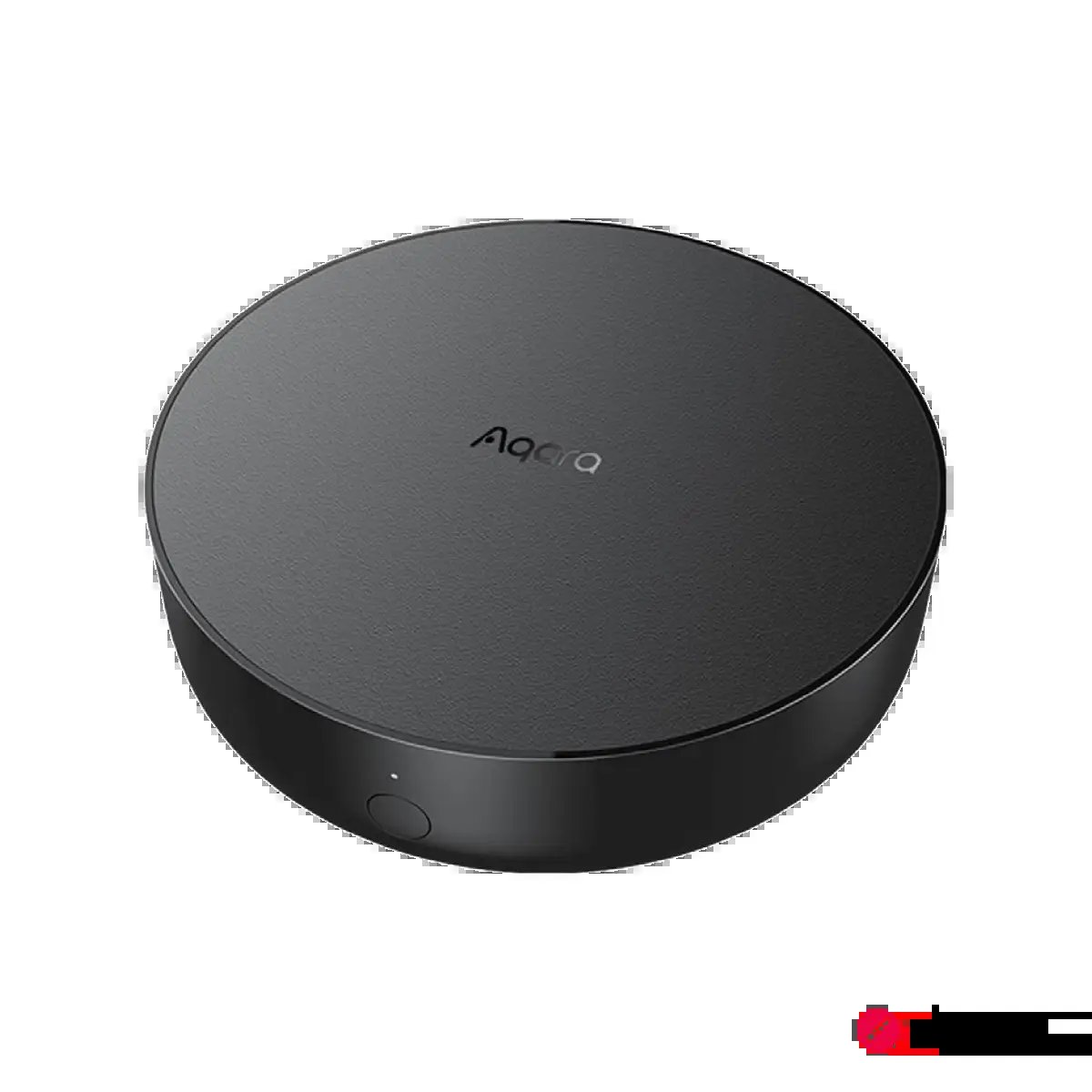 Image: aqara.com
Let’s walk through a real-world example: bridging an existing Aqara Door and Window Sensor to Apple Home and Google Home using the Aqara Hub M3.
- Foundation First: Make sure your Aqara Hub M3 is powered on, connected to your router via an Ethernet cable (always preferred for stability), and set up in the Aqara Home app.
- Pair the Zigbee Device: In the Aqara Home app, add the Door and Window Sensor to your M3 hub just as you normally would. Give it a name like “Main Door Sensor”.
- Activate Bridging Mode: Navigate to the M3 hub’s settings page within the Aqara app. Look for an option that says “Bind to Matter” or “Connect to Matter”.
- Generate the Code: The app will generate a Matter setup code and a corresponding QR code. This is the key that will unlock your device for other platforms.
- Add to Your Platform: Open the platform you want to add it to first (e.g., Apple Home). Tap the ‘+’ icon to add a new accessory and scan the QR code from the Aqara app.
- The Magic Happens: Apple Home will recognize the M3 as a bridge and then automatically pull in all its compatible child devices. You’ll see “Main Door Sensor” pop up as a new, controllable accessory.
- Repeat for Other Platforms: Now, open Google Home. Go through the same “Add a device” flow. When prompted, choose to add an existing Matter device and use the numerical setup code generated in step 4.
That’s it. Your single Aqara sensor is now natively available in both ecosystems, ready to be used in automations on either platform.
The ‘Invisible Smart Home’ & HDB/Condo Considerations
This bridging strategy is a core part of creating an “invisible smart home”—one that works seamlessly in the background without you having to juggle a dozen different apps. In the compact living spaces of Singaporean HDBs and condos, this approach has tangible benefits:
- Reduced Clutter: A single, powerful bridge like the M3 can replace multiple older, single-purpose hubs, freeing up precious space on your TV console.
- Improved Network Health: In dense HDB blocks, the 2.4GHz Wi-Fi band is incredibly congested. Shifting your small sensors and switches to a robust Zigbee mesh network, managed by a wired bridge, drastically improves reliability compared to having 20+ cheap Wi-Fi devices all fighting for airtime.
- Simplified Wiring: Many older HDB flats lack neutral wires in their switch boxes. Zigbee-based smart switches are often the best solution, and a Matter bridge makes them first-class citizens in any smart home platform. This is a topic we’ve covered extensively when discussing the best no-neutral smart switches for Singapore.
Looking Ahead: Matter 1.5 and Beyond in 2026
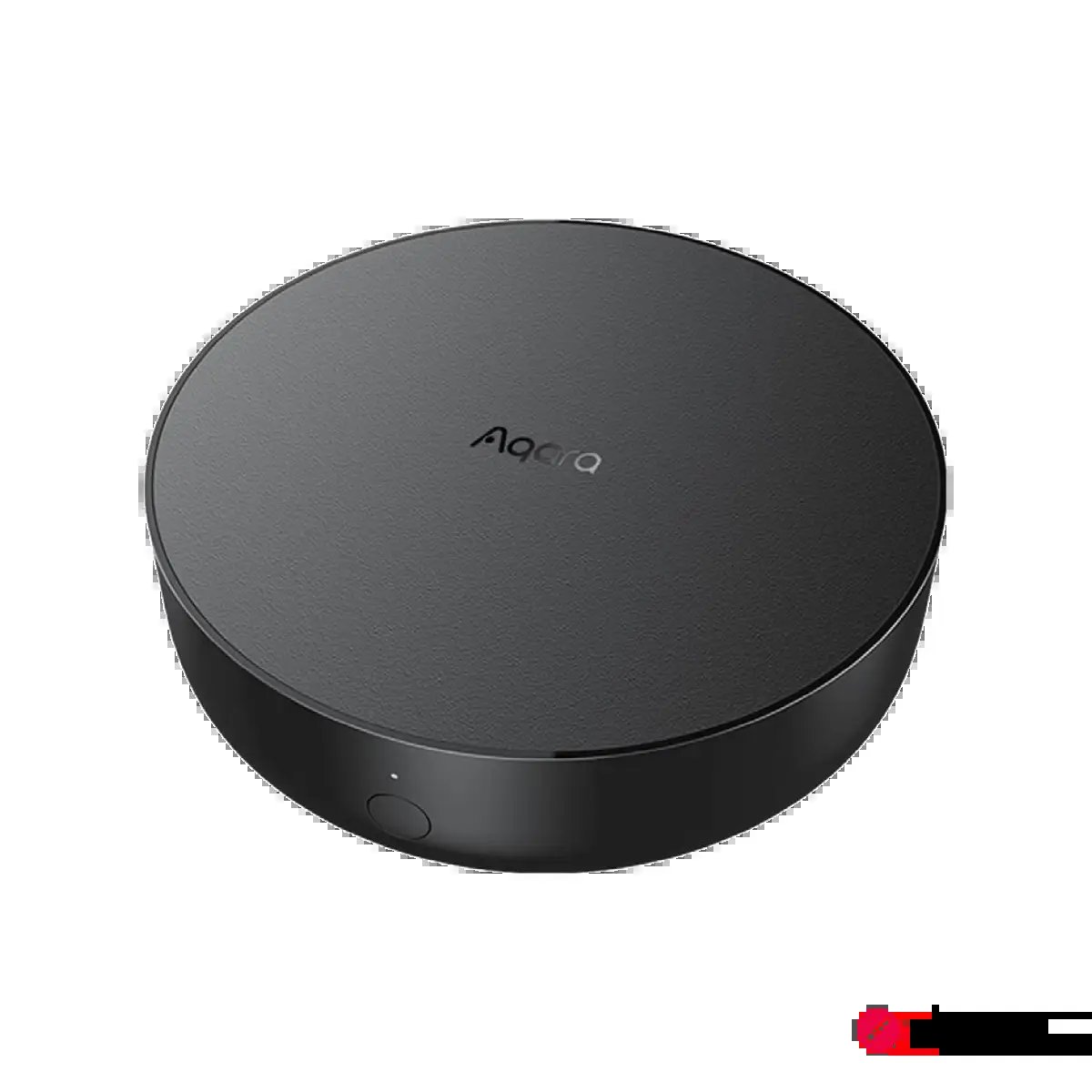 Image: aqara.com
The smart home world doesn’t stand still. The Matter standard is constantly evolving, with updates released regularly to add new device categories and improve functionality. The recent Matter 1.5 specification, for example, is paving the way for better interoperability for devices like cameras and smart locks. This means that soon, you’ll be able to choose from a wider range of Matter-compatible security cameras and have them work across ecosystems more smoothly than ever before. Investing in a quality bridge today ensures you’re ready to take advantage of these new device types as they arrive.
The Verdict: Is Bridging Worth the Effort?
For anyone with an existing collection of smart home devices, the answer is a resounding yes.
Bridging is the single most cost-effective and powerful way to modernise your smart home. It breathes new life into your trusted Zigbee devices, breaks down the walls between ecosystems, and builds a rock-solid, locally controlled foundation for your home’s future. You get the benefits of the new Matter standard without the expense and waste of replacing everything.
If you’re just starting your smart home journey, it makes sense to buy Matter-native devices where you can. But don’t hesitate to pick up a fantastic Zigbee sensor or switch, because with a capable bridge like the Aqara Hub M3, it will integrate perfectly into your new, unified smart home.