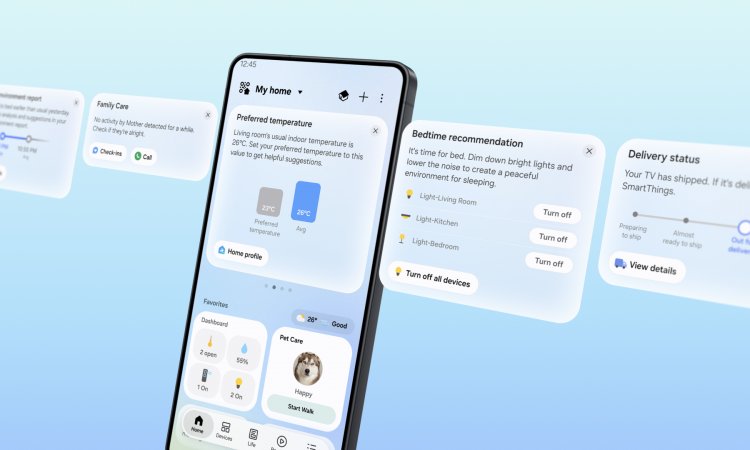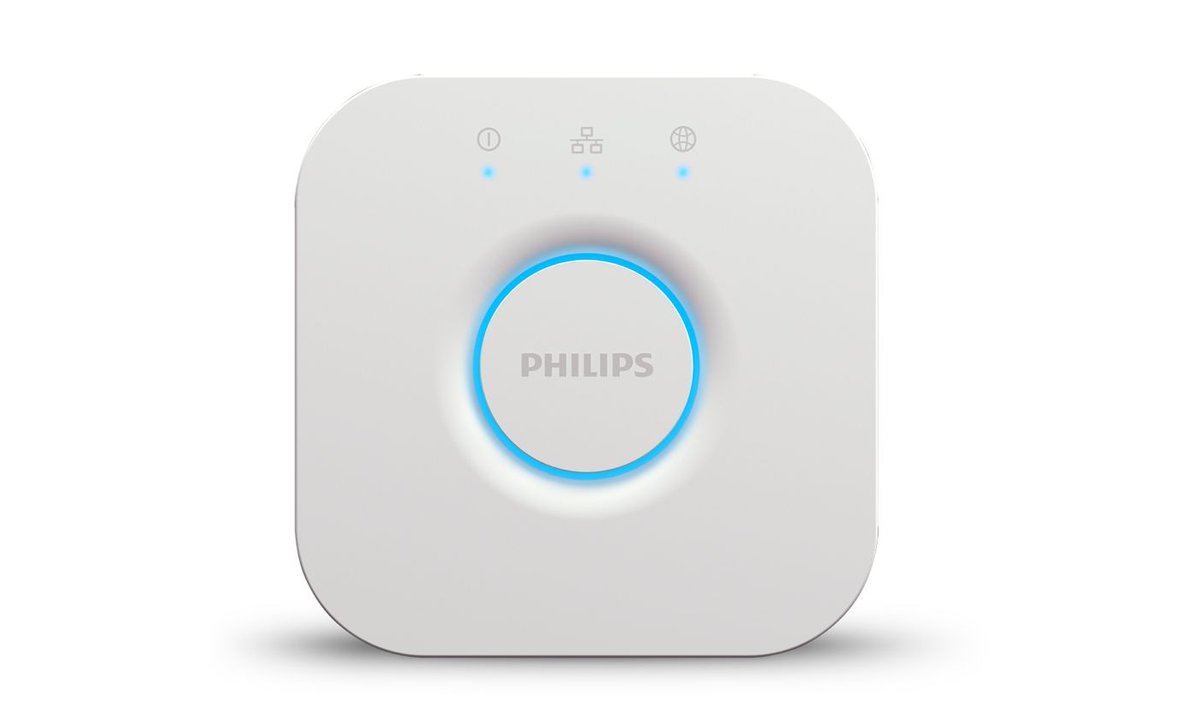
If you control Philips Hue lights from Google Home, those lights quietly changed how they talk to Google this month. Google’s Home app release on 14 October moved existing Hue Bridges from the old cloud-to-cloud link onto local Matter control. Your Nest speaker or display now talks to the Hue Bridge across your home network, instead of every command travelling to Google’s servers, over to Signify’s servers, and back to the bridge sitting next to your router.
It’s good news, and it’s overdue: Hue Bridges have supported Matter since 2023. In Singapore there’s a catch that nobody in the US coverage mentions. The local path runs “through Google Home hubs”, and Google’s Singapore store now sells exactly one of those. When we checked on 24 October, it was out of stock.
Here’s what changed, what still needs the internet, and what to do about it in an HDB or condo.
What Google Actually Announced
Google’s release note, as reported by 9to5Google, reads: “Existing Philips Hue bridges now automatically upgrade in the background to local Matter control through Google Home hubs, delivering faster response times and greater reliability with no re-pairing required.”
That sentence makes three promises:
- It’s automatic. You don’t scan a Matter QR code or remove and re-add the Hue integration. Keep the Google Home app updated and the switch happens in the background.
- No re-pairing. Your rooms, device names and routines are supposed to survive the move. That matters if you’ve spent a weekend naming 30 bulbs.
- It needs a hub. The phrase “through Google Home hubs” is doing a lot of work. A Google speaker, display or router has to be on your network to carry the local connection. Your phone on its own doesn’t count.
The same release also redesigned Google Home’s controls for third-party lights, plugs and switches, with a swipe-up panel for extra actions and settings. That part reaches everyone, hub or no hub.
What Google didn’t say is just as important. It published no list of which hubs qualify, no rollout schedule, no regional breakdown and no latency figures. “Faster and more reliable” is Google’s claim, not a measured result. And it made no explicit promise about what happens when your internet goes down. We’ll come back to that.
Why Local Matters in a Singapore Flat
Under the old “Works with Google” integration, turning off the living room lights from your sofa went through two clouds before it reached the bridge a few metres away. Most days you’d never notice. You notice on the days when:
- Your fibre goes down. We wrote about the 16-hour Bishan fibre cut and what kept working in homes that leaned on cloud integrations. Cloud-to-cloud Hue control was on the “dead” list.
- One of the clouds has a bad day. A Google outage or a Hue cloud outage could each break the link on their own. With a local path, Hue’s cloud drops out of the equation for basic control.
- The lag gets annoying. Every trip through two clouds adds delay you can feel when you’re standing at the switch. A local hop never leaves your flat.
Samsung has been doing the same kind of clean-up. Our look at SmartThings’ local control update found a similar pattern: the big platforms are finally pulling basic device control back onto your home network, years after Matter made it possible.
The Singapore Catch: Finding a Google Hub
According to Philips Hue’s Matter setup guide, these Google devices can act as the Matter controller for a Hue Bridge:
- Speakers: Google Home, Google Home Mini, Nest Mini, Nest Audio
- Displays: Nest Hub (1st gen), Nest Hub (2nd gen), Nest Hub Max
- Other: Nest Wifi Pro (Wi-Fi 6E), Google TV Streamer (4K)
There’s a detail here that works in your favour: the Hue Bridge path doesn’t need Thread. The bridge is wired to your router by Ethernet, so the Google hub reaches it over your ordinary home network. An old Wi-Fi-only Nest Mini qualifies just as well as a Nest Hub Max. Thread only comes into play if you pair Matter-over-Thread bulbs directly, without a bridge.
Now try buying one of those devices in Singapore. When we checked Google Store Singapore on 24 October, the only smart home product it listed was the Nest Hub (2nd gen) at S$139, and it showed “Out of stock – get notified”. The Singapore store pages for the Nest Mini, Nest Audio, Google TV Streamer and Nest Wifi Pro now redirect to the store’s homepage. The new Gemini-powered Google Home Speaker (US$99.99) isn’t sold there either.
That fits a pattern Singapore Google Home users already know. We covered how Gemini for Home reached Australia and Japan but not Singapore. Google still supports the Home app here, but it’s clearly not prioritising Singapore for smart home hardware.
So your options, in rough order of sanity:
- You already own a Nest speaker or display. Nothing to buy. Update the Google Home app and test it (see below). That covers a lot of Singapore Hue-plus-Google households, since Google’s Mini speakers were sold through telcos and the big electronics chains here for years and often thrown into promo bundles.
- You want a Nest Hub (2nd gen). Hit “get notified” on Google’s store, or check local electronics chains for leftover stock. At S$139 it’s also a Thread border router and a reasonable kitchen display, so it isn’t a bad buy if you’d use it anyway.
- You’d buy a secondhand Nest Mini just for this. It works, technically. But buying discontinued hardware to prop up an ecosystem its maker won’t sell you new is exactly the kind of decision our smart home expiry date guide warns about. We wouldn’t.
What Still Needs the Internet
Local Matter control is a real improvement, but it doesn’t make your Google smart home work offline.
- “Hey Google” still needs the cloud. Google Assistant (and Gemini, where it’s available) sends your voice to Google’s servers to work out what you said. Once it knows, the command can travel locally to the bridge. But if your fibre is down, voice control is down too. A local route doesn’t help a voice command that can’t be understood.
- Remote control obviously needs the internet. Switching lights off from Changi Airport still goes through the cloud.
- App control during an outage is likely, not promised. 9to5Google expects Hue lights to stay controllable in the Home app during an internet outage, as long as your phone is on the same home network. That’s a reasonable reading of how Matter works, but Google itself hasn’t guaranteed it. Test it before you rely on it.
- Your Hue Bridge keeps running its own automations regardless. Automations you set up in the Hue app, like sunrise wake-up, a sunset scene or a Hue motion sensor turning on the corridor light, run on the bridge itself and have never needed Google. That’s still the most outage-proof setup for Hue lights.
What Matter Doesn’t Carry Over
Matter gives Google Home a standard way to drive your Hue lights: on, off, brightness, colour and colour temperature. It doesn’t carry everything that makes Hue, Hue. Gradient effects, dynamic scenes and entertainment sync stay in the Hue app. Philips Hue’s guide lists them as Bridge features, and they aren’t part of what Matter passes to Google. It also notes that the Hue Play HDMI Sync Box and the dial on the Tap Dial Switch don’t support Matter. Neither do Hue bulbs connected only by Bluetooth, which is worth knowing if you started with a couple of Bluetooth bulbs and never bought a bridge.
Hue scenes are the grey area. Matter has no way to expose Hue’s own scenes, and Google hasn’t said whether voice commands or routines that triggered Hue scenes through the old cloud link will keep working after the migration. If your “Hey Google, good night” routine calls a Hue scene, check it this week rather than at midnight.
Two more edge cases:
- The original round Hue Bridge (v1) is left out. Its support ended in 2020 and it never got Matter. If you’re still running one, this update does nothing for you, and it’s long past time to replace it.
- Home Assistant users can ignore all of this. Home Assistant’s Hue integration talks to the bridge directly over your network. Google’s change doesn’t touch it.
How to Check It Worked in Your Flat
Google gives you no on-screen confirmation that the switch has happened, so test it yourself. It takes ten minutes:
- Update the Google Home app on your phone, and make sure your Nest speaker or display is online and in the same home as your Hue lights.
- Check the network. The Nest device and the Hue Bridge need to see each other on the same local network. If you followed our IoT network segmentation guide and put the Hue Bridge on a separate IoT network or VLAN, the local Matter path may not be able to reach it. Matter also relies on IPv6 and multicast discovery inside your home network, so routers or mesh systems with “client isolation” or aggressive multicast filtering can get in the way.
- Pull the plug on the internet, not the Wi-Fi. Disconnect the fibre cable from your router’s WAN port (or unplug the ONT), but leave the router powered so your home Wi-Fi stays up.
- Try the Google Home app on your phone, connected to home Wi-Fi with mobile data switched off. If the Hue lights respond, local control is working.
- Try a voice command too, just to confirm for yourself that it fails. Better to learn that now than during a real outage.
- Reconnect the internet, then run your routines that use Hue scenes to make sure they survived the migration.
If the app can’t control the lights in step 4, give it a few days. Google hasn’t said how quickly the background upgrade reaches every home, and rollouts like this usually arrive in waves.
Should This Change What You Buy?
If you’re already on Hue plus Google with a Nest device: enjoy a free upgrade. It’s one of the rare Google Home changes that improves things without asking you to do anything.
If you’re thinking about buying into Hue now: know that the Hue Bridge Pro has become noticeably more expensive. Hueblog reported a September increase in Europe from €99.99 to €149.99, and the US price is now US$149.99. Singapore retailer listings we found were S$84.55 for the standard Hue Bridge at Challenger and S$139 for the Bridge Pro at Gain City. Both were marked out of stock and may not reflect the latest increases, so check before you budget. For local Matter control with Google, the standard bridge does the job. Hueblog notes that the upcoming Backup & Restore feature won’t come to the older white bridge, which is the main reason to stretch to the Pro. If you’re weighing Hue’s other connection options, our piece on Hue adding Thread alongside Zigbee explains what changes.
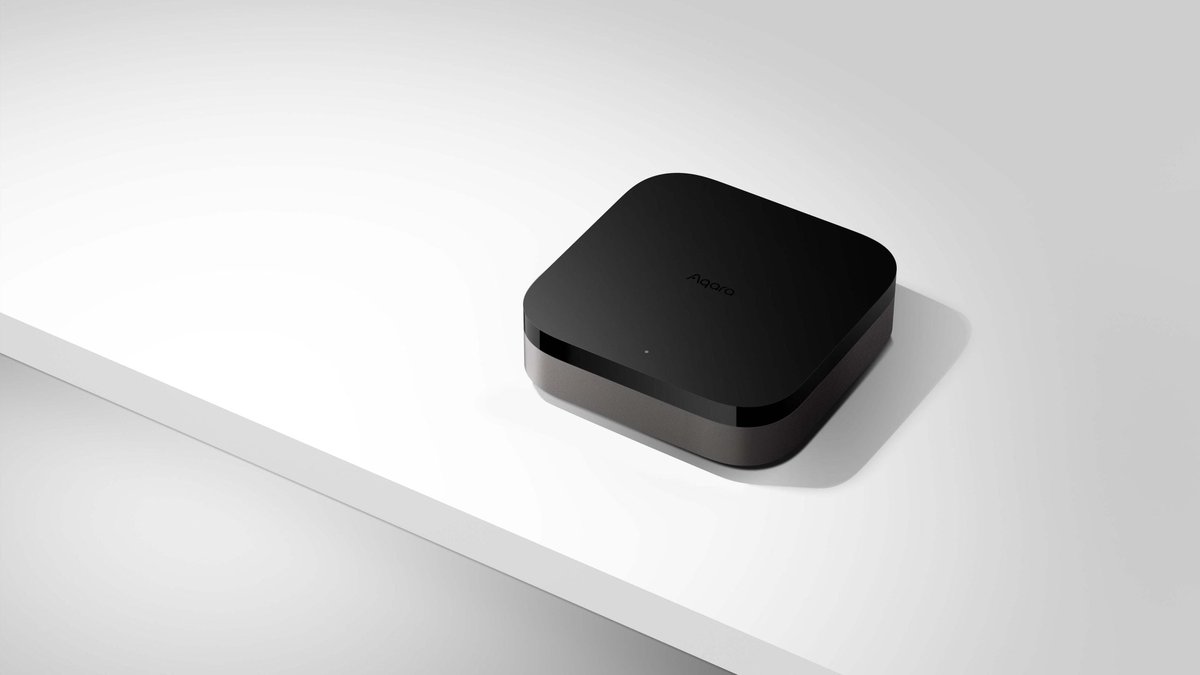
If you’re choosing a platform from scratch in Singapore: we’d hesitate to build around Google Home in 2026. It isn’t broken, and this update shows Google is still improving it. But the hardware you need for the best experience is hard to buy here, and the headline AI features skipped Singapore. Apple Home, SmartThings and Home Assistant all have local controllers you can actually buy here. If you want a hub with local support behind it, HomeSmart’s guide to what works best with Matter today is a practical starting point. The Aqara Hub M3 is worth a look as a local Matter controller and bridge that’s sold and supported in Singapore. Our Aqara Hub M3 vs Home Assistant Green comparison covers which suits you better.
The Bottom Line
Google moving Hue Bridges to local Matter control is the right fix, delivered three years late, with no effort needed from you. If you already have a Nest Mini or Nest Hub in your HDB, your Hue lights should respond faster and stop depending on Hue’s cloud for everyday control. Run the unplug-the-fibre test so you know where you stand.
Just don’t confuse “local” with “offline”. Voice still needs Google’s servers, and in Singapore the hub that makes the local path work is getting hard to buy new. Until Google treats Singapore as more than an afterthought for smart home hardware, the Hue Bridge’s own automations are still the part of your setup you can rely on most.