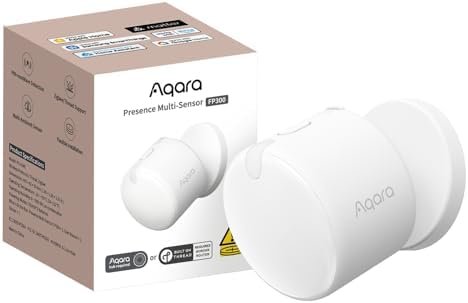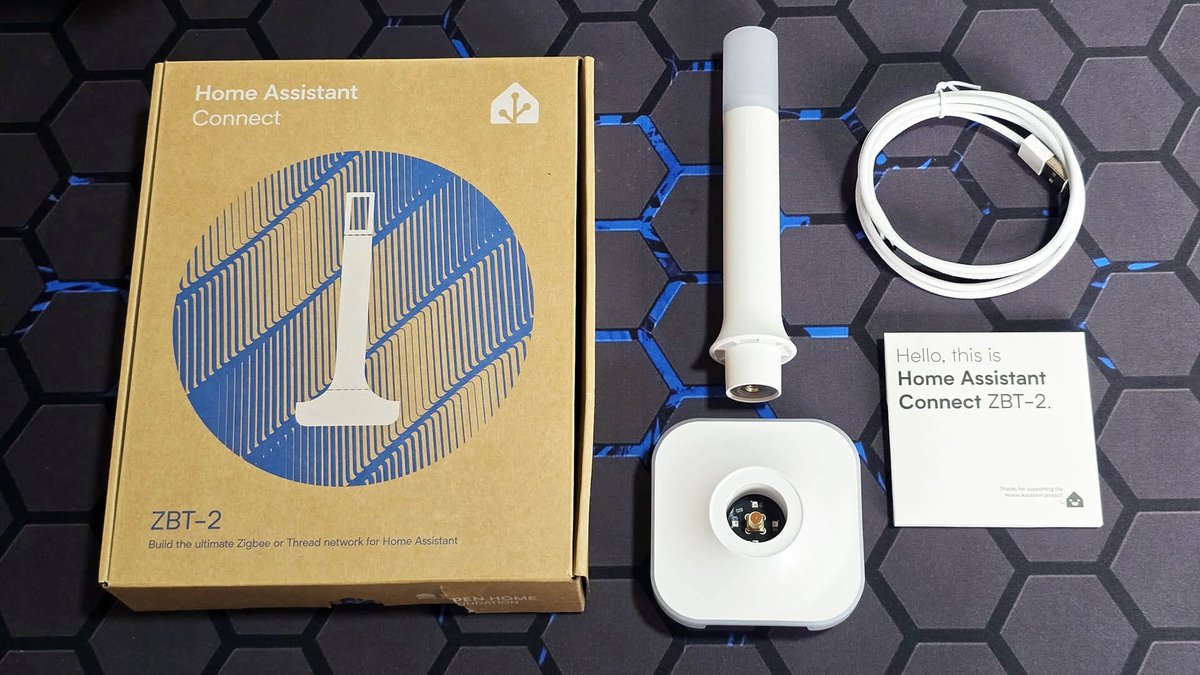
If you live in Singapore, you know the drill. You buy the latest Matter-compatible smart lock or a high-end presence sensor, you set it up in your living room, and it works like a charm. Then, you move it to the master bedroom or the service yard, and suddenly—“No Response.”
It is the bane of the Singaporean smart home enthusiast. We have some of the best internet infrastructure in the world, yet we struggle to get a light bulb to turn on in the toilet 10 meters away.
In 2026, with Matter and Thread supposedly solving all our connectivity headaches, why is this still happening? The answer lies in the physics of our homes. The enemy isn’t the software; it’s the ferroconcrete.
This guide explains why your HDB flat eats smart home signals for breakfast and, more importantly, how to build a “Border Router Triangle” to blast a reliable Thread mesh through those stubborn walls.
The Ferroconcrete Faraday Cage
Unlike American homes built with timber frames and drywall, Singaporean HDB flats and condos are built to withstand tropical storms (and arguably, minor airstrikes). They are constructed using reinforced concrete—cement with steel rebar running through it.
For structural integrity, this is fantastic. for RF (Radio Frequency) signals, it is a nightmare.
Thread, the wireless protocol that powers the modern Matter smart home, operates on the 2.4GHz frequency. While 2.4GHz is better at penetrating solid objects than the faster 5GHz Wi-Fi band, it still meets its match in steel-reinforced concrete. The metal rebar acts as a partial Faraday cage, absorbing and scattering the signal.
The “One Hub” Fallacy
The most common mistake I see in Singapore setups is the “One Hub” approach. You buy an Apple HomePod Mini or an Aqara Hub M3 and place it in the living room, usually next to the TV. You assume this single device will cover the entire 4-room or 5-room flat.
In an open-plan layout, it might. But once you close a solid wooden door or try to reach a device around a structural corner (like the hallway leading to the bedrooms), the signal drops drastically. If your smart lock is on the front gate and your hub is deep in the living room behind a TV console, you are already flirting with disaster.
Understanding the Thread Mesh: FTD vs. MED
To beat the concrete, you have to understand how Thread works. Unlike Wi-Fi, where every device screams back to a central router, Thread is a mesh network. Devices talk to each other.
However, not all devices are created equal. In the Thread ecosystem, there are two main character types:
- Full Thread Devices (FTD): These are always plugged into power (mains-powered). They act as Thread Routers. They receive signals and repeat them to other devices.
- Minimal Thread Devices (MTD) / Sleepy End Devices: These are battery-powered (sensors, locks). They listen and speak, but they do not repeat signals for others to save battery life.
The Golden Rule: You cannot build a mesh with only battery-powered sensors. If you have an Aqara Door and Window Sensor P2 in the bedroom and a Hub in the living room, they are trying to shout at each other through two concrete walls. They will fail.
You need “stepping stones”—Full Thread Devices—to carry that signal down the hallway.
Strategy: The “Border Router Triangle”
For the typical layout of a Singaporean flat (BTO or Resale), a linear line of devices often isn’t enough because of how corridors block line-of-sight. The most robust setup for a 4-room or 5-room flat is what I call the Border Router Triangle.
This setup ensures that no device is ever more than one concrete wall away from a strong signal source.
Point 1: The Commander (Living Room)
This is your primary Thread Border Router. It connects your Thread network to your Wi-Fi/Ethernet so you can control things from your phone.
- Placement: Do not hide this inside a TV cabinet! Place it on top of the console or a shelf.
- Best Pick: The Apple TV 4K (Ethernet version) is the gold standard here because it can be hardwired for stability. Alternatively, an Aqara Hub M3 works brilliantly as it handles both Matter and legacy Zigbee devices.
Point 2: The Relay (The Corridor/Common Room)
This is the most critical and most neglected point. The long hallway in HDB flats is a signal dead zone. You need a device here to “catch” the signal from the Living Room and throw it into the Bedrooms.
- The Device: You likely don’t want a smart speaker in the hallway. Instead, use a smart switch or a smart plug.
- The Recommendation: If you have a neutral wire at your light switch, replace the hallway light switch with a Matter-over-Thread switch. If not, use an Aqara Dual Relay Module T2 hidden in a false ceiling or behind a standard switch (ensure it is the Thread version/configured correctly via a hub).
Point 3: The Anchor (Master Bedroom)
The Master Bedroom is usually the furthest point. You need a strong node here to manage devices in the master bath and potentially the aircon controller.
- The Device: A HomePod Mini on the bedside table is perfect here. It acts as a secondary Border Router. If your internet goes down, Thread still works locally between these devices.
Practical Tips for “Mesh Extenders”
You don’t always need expensive hubs to extend the network. In 2026, we have access to excellent “Mesh Extenders” that masquerade as everyday appliances.
1. The “Invisible” Booster: Aqara T2 Relay
The Aqara Dual Relay Module T2 is a secret weapon. Because it is mains-powered, it acts as a robust router. I have installed these in the false ceilings of HDB corridors to control downlights. While controlling the lights, they silently bridge the Thread network from the living room to the bedrooms. It is cleaner than having ugly smart plugs sticking out of hallway sockets.
2. Smart Plugs are Ugly but Effective
If you can’t do electrical work, buy a Matter-over-Thread smart plug (like those from Eve or Onvis). Plug it into a socket in the common bedroom or the hallway. You don’t even have to plug anything into it—just having it powered on extends your mesh.
3. Don’t Forget the Kitchen (Service Yard)
The service yard is another ferroconcrete bunker. If you have a smart washer or a door sensor on the service yard window, the signal often drops. An Aqara LED Strip T1 installed under your kitchen cabinets can act as the repeater that pushes the signal out to the yard.
A Note on Zigbee vs. Thread in HDBs
You might be reading this and thinking, “My old Xiaomi Zigbee setup worked fine!”
Zigbee and Thread are cousins (both use 802.15.4 radio), but legacy Zigbee networks often relied on a single strong hub. The advantage of Thread in 2026 is that it is IP-based and self-healing across brands.
However, if you are mixing protocols, check out my guide on Future-Proof Your SG Smart Home: How to Bridge Zigbee & Wi-Fi to Matter in 2026. You don’t have to throw away your Zigbee devices; hubs like the Aqara M3 bridge them into your Matter mesh seamlessly.
Troubleshooting: How to “See” Your Signal
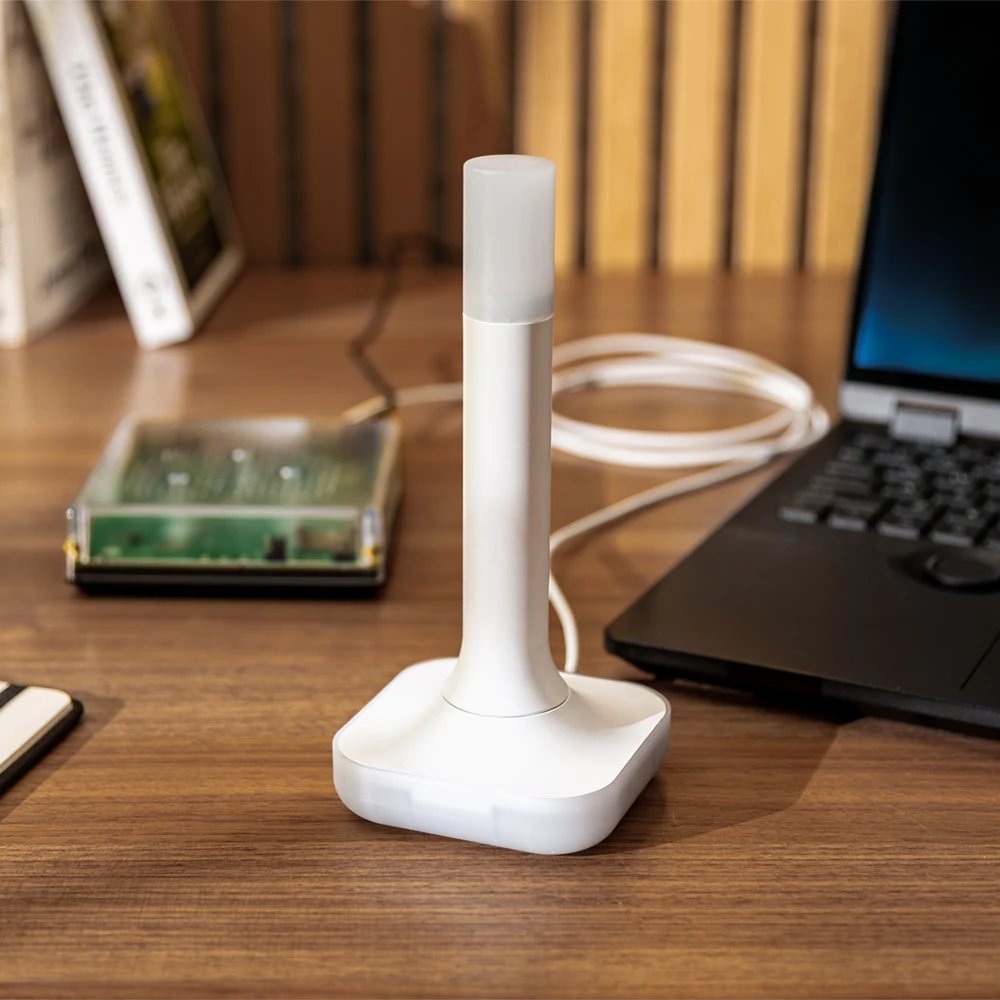 Image: smarterhome.sk
One of the frustrations with Thread is that it’s often invisible. You can’t just open a Wi-Fi analyzer app. However, if you are in the Apple ecosystem, the Eve for HomeKit app (free on the App Store) is invaluable, even if you don’t own Eve devices.
- Download the Eve app.
- Go to Settings > Thread Network.
- It will visualize your mesh. You will see which devices are “Leaders,” “Routers,” and “Endpoints.”
- Look for orange or red lines. If the link between your Living Room Hub and your Bedroom Sensor is weak, place a mains-powered device (smart plug/bulb) physically between them.
2026 Hardware Recommendations for Singapore
If you are retrofitting your flat today, here is the shopping list for a bulletproof mesh:
- The Brain: Aqara Hub M3. It’s not just a hub; it’s a Thread Border Router that can control your IR air conditioners too.
- The Voice: Apple HomePod Mini. Great for voice control and acts as a redundant Border Router.
- The Extender: Aqara Smart Wall Switch H1 (with Neutral) or the newer Thread-native switches. Always choose “With Neutral” if your wiring supports it, as they act as stronger routers than “No Neutral” versions.
- The Lock: If you are buying a Matter-compatible lock, ensure there is a Thread repeater within 3 meters of your metal gate. Metal gates are notorious signal blockers.
Summary
 Image: everythingsmart.io
Building a smart home in a Singapore HDB flat requires respecting the concrete. You cannot rely on a single hub. By visualizing a triangle of mains-powered devices covering your living area and bedrooms, you create a mesh that is resilient, fast, and frustration-free.
Don’t let the “Bomb Shelter” win. deployed correctly, Thread is the technology that finally conquers our walls.