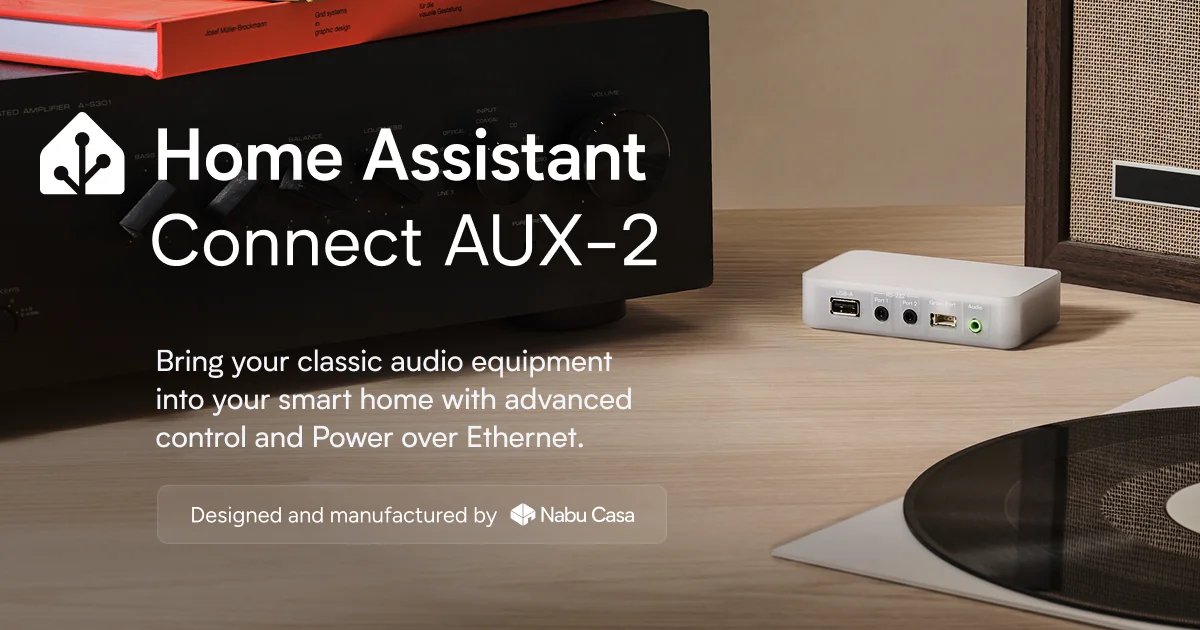
Nabu Casa, the company behind Home Assistant, launched a new box on 11 November that isn’t a hub at all. The Home Assistant Connect AUX-2 costs US$69 (€59 in Europe). It doesn’t add Zigbee or Thread to your setup. What it does is connect Home Assistant to the things in your flat that were never meant to be smart: the old amplifier in the TV console, the projector with a serial port nobody has ever used, and the Bluetooth sensors and curtain robots that keep dropping out because your Home Assistant server sits behind two concrete walls.
Nabu Casa calls the launch post “No device left behind”, and that’s a fair summary. It’s also a niche product. Some Singapore Home Assistant users will find it’s exactly what they’ve been missing, and others will get the same result from a few dollars of ESP32 board. Here’s how to tell which group you’re in.
What the AUX-2 Actually Is
Inside is an Espressif ESP32-S3, the same family of chip that hobbyists have been flashing with ESPHome for years. The AUX-2 runs ESPHome too. It connects to Home Assistant over an encrypted local connection and updates over the air. The bootloader is unlocked and the firmware is open source, so you can replace it if you want.
According to CNX Software’s hardware breakdown, the box measures 106 × 63 × 25 mm, weighs 104 g and draws under 1 W. You can power it in one of two ways:
- Power over Ethernet (802.3af or better) through a 10/100 Ethernet port. This is the setup Nabu Casa recommends.
- USB-C (5 V/2 A) with 2.4 GHz Wi-Fi. Nabu Casa warns this carries “the chance of instability.”
Here’s what’s on the back, and what each port is good for in a Singapore home:
| Port | What it is | What you’d plug in |
|---|---|---|
| Audio jack | 3.5 mm analog or mini-TOSLINK optical (one at a time, auto-switching) | An old amplifier, AV receiver or soundbar |
| 2 × serial | RS-232 on 3.5 mm jacks, with TX/RX swap switches | A projector, AV receiver or TV with an RS-232 port |
| USB-A | Host port for adapters | Home Assistant Connect ZWA-2 (Z-Wave), or a USB RS-485 adapter for Modbus |
| Grove | GPIO/I2C connector | A cheap temperature or other sensor |
| Bluetooth | Bluetooth 5 LE, metal antenna | Acts as a Bluetooth proxy for Home Assistant |
There’s no power supply in the box, and no cables either. Budget for those separately (more on that below).
What It Isn’t: A Thread or Zigbee Hub
This is the first thing to understand. Many Singapore Home Assistant users are really trying to fix a weak Thread or Zigbee mesh. If that’s your problem, the AUX-2 won’t help.
- Thread doesn’t work. Nabu Casa says turning the AUX-2 into an OpenThread border router would need “a big rewrite of the serial communications,” and that work “hasn’t even started yet.”
- Zigbee is experimental. You can plug a Connect ZBT-2 into the USB port, and Nabu Casa says it works. But it isn’t advertising the feature yet. CNX reports it only works with ZHA on Home Assistant 2026.11 or later, not Zigbee2MQTT. Nabu Casa also warns that Wi-Fi and Zigbee together means more interference, so use Ethernet if you try it.
- Z-Wave works well, via the Connect ZWA-2. The pitch is that you can put your Z-Wave radio in the middle of the house on a PoE cable, away from your server. That’s useful in the US and Europe. Z-Wave has never caught on in Singapore retail, though. Most of what you can buy here is Zigbee, Wi-Fi, Bluetooth or Thread.
If what you need is better Zigbee or Thread coverage across your flat, our Home Assistant hardware guide and our Thread mesh guide for concrete walls are better places to start.
Use 1: A Bluetooth Proxy That Reaches Past Your Concrete Walls
For most HDB households, this is the feature that matters. It’s also the least glamorous.
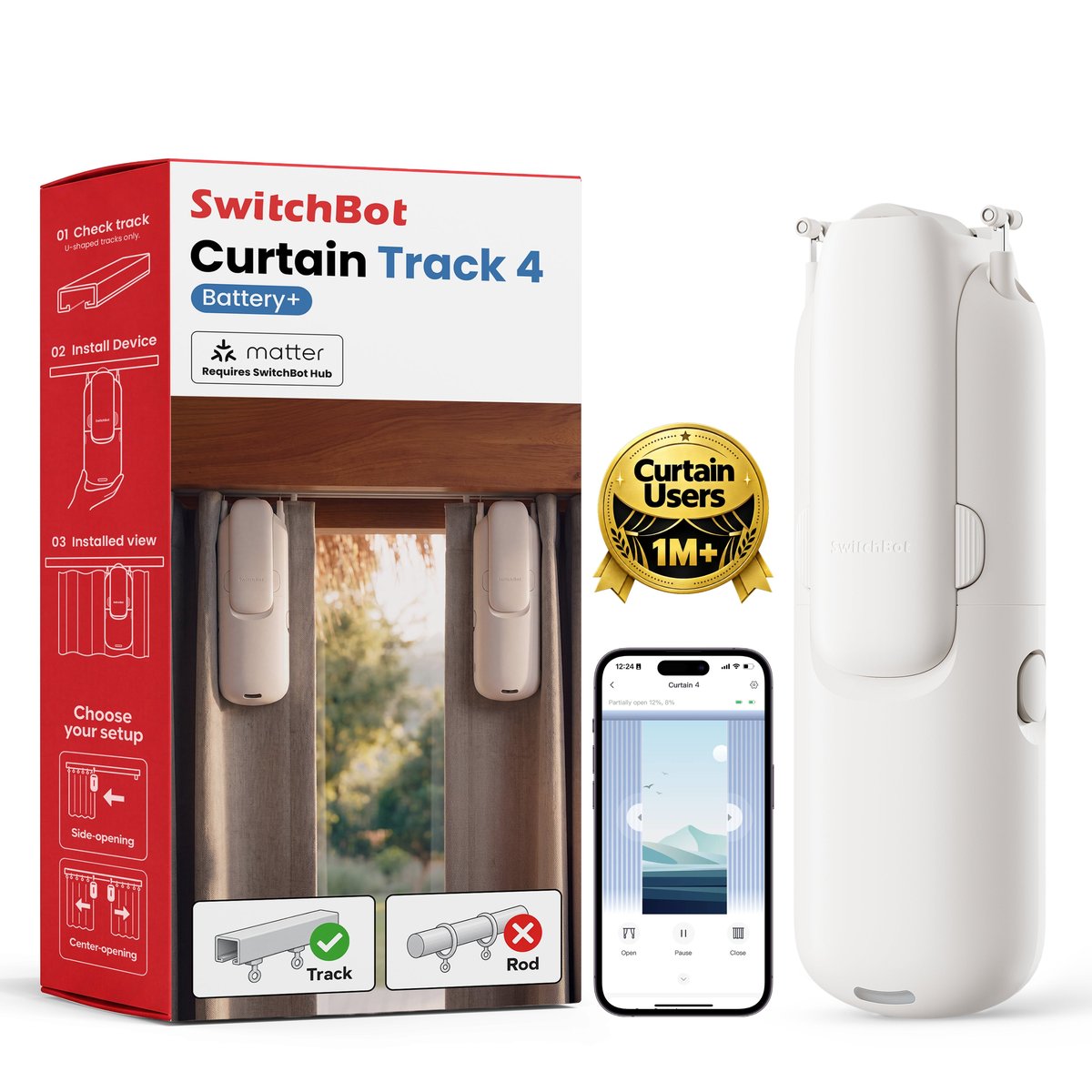
Home Assistant can talk directly to a lot of Bluetooth gear that’s popular in Singapore, such as SwitchBot’s Bot, Curtain and Meter, and Xiaomi’s small temperature and humidity sensors. It does this locally, with no cloud hub. The catch is range. Bluetooth Low Energy doesn’t get through reinforced concrete well. If your Home Assistant box sits by the fibre router in the living room, a SwitchBot Curtain in the master bedroom may only work some of the time.
A Bluetooth proxy fixes that. It’s a small device that listens for Bluetooth devices nearby and passes their data to Home Assistant over your network. The AUX-2 starts working as one as soon as you add it to Home Assistant, with “no flashing or configuration,” and Nabu Casa has given it an upgraded metal antenna. Put it in the room where your Bluetooth devices keep dropping out, connect it to Ethernet or Wi-Fi, and those devices should show up reliably. Nabu Casa pitches it as a replacement for a cloud-connected Bluetooth hub. For SwitchBot users who’ve been relying on a Hub Mini mainly to bridge Bluetooth, that’s a real use.
Two caveats:
- Active connections are limited. Passive sensors such as thermometers just broadcast, and a proxy can pick up dozens of them. Devices you control, such as a SwitchBot Bot or Curtain, need a live connection, and ESPHome proxies only hold a few at a time (three by default). A flat with six curtain robots may need more than one proxy.
- You can do this for a lot less. Any ESP32 development board flashed with ESPHome’s Bluetooth proxy firmware does the same job for a fraction of the price. What the AUX-2 adds is a proper enclosure, PoE, a better antenna and zero setup. That’s worth paying for if you don’t want to flash a board, but it’s not magic.
Use 2: Turning an Old Amp or Soundbar Into a Multi-Room Speaker
Many Singapore living rooms have a perfectly good amplifier, AV receiver or soundbar that never got network streaming. The AUX-2 gives it a network input.
The audio jack outputs either analog through a 3.5 mm cable, or digital optical through mini-TOSLINK. It switches automatically depending on which cable you plug in. CNX says the DAC is a TI PCM5122 rated at 112 dB SNR, playing up to 24-bit/48 kHz stereo on firmware 2026.11.1, with FLAC, MP3 and WAV support. If your amp has an optical input, use it. Nabu Casa calls that path “lossless CD-quality sound,” and your amplifier’s own DAC does the conversion.
Audio comes from Music Assistant, the open-source music server that runs alongside Home Assistant, using a new sync protocol called Sendspin. Nabu Casa’s launch post shows the AUX-2 playing in sync with two Apple HomePods and a WiiM Amp Pro. If you already have a pair of HomePod minis in the bedrooms, your old hi-fi in the living room can now join the same group.
Be realistic about what this replaces, though. In our multi-room audio comparison, the WiiM streamers won because they work on their own: open the app, cast from Spotify or AirPlay from your phone, done. Nabu Casa sells the AUX-2 as a Music Assistant player, not a standalone AirPlay or Spotify Connect receiver. CNX also notes it doesn’t stream Bluetooth audio. If nobody else in your home uses Home Assistant, a WiiM is still the easier buy for the TV console. If Music Assistant already runs your household’s music, the AUX-2 is the cheaper way to add a room.
Use 3: RS-232 for Projectors, AV Receivers and TVs
This is the most specialised feature, and potentially the best one.
Many home-cinema projectors and AV receivers, and some TVs, have an RS-232 serial port on the back. It’s the same port that installers and conference rooms use to control equipment reliably. Over serial you can power a device on or off, switch inputs or change volume. It all happens locally and instantly, without the manufacturer’s app, IR or Wi-Fi. The AUX-2 has two RS-232 ports, so one box can handle both the projector and the receiver.
The ports use 3.5 mm jacks. Nabu Casa puts a sticker on them so you don’t plug headphones in by mistake, and each port has switches underneath to swap TX and RX. Most AV gear uses a 9-pin DB9 connector, so you’ll need a 3.5 mm-to-DB9 serial cable. You also need the device’s serial protocol, which is usually in the installation manual or a separate “RS-232C control” document on the manufacturer’s site. Look on the back panel for a port marked RS-232 or RS-232C before you buy anything.
Nabu Casa’s own example is an LG TV controlled through Home Assistant’s LG serial integration, with the TV’s network access blocked entirely. That’s a neat privacy move if you’d rather your TV didn’t phone home. If you’re setting up a projector in an HDB living room (we compared the popular ones here), a serial port lets a “Movie night” scene turn on the projector, set the receiver input and close the curtains reliably every time.
A few other uses are less relevant to HDB flats:
- RS-485 and Modbus through a roughly US$15 USB adapter. This is for solar inverters and older climate equipment, so it’s mainly of interest to landed homes with rooftop solar.
- The Grove port takes a cheap sensor. Nabu Casa’s example is monitoring a rack UPS with a temperature sensor next to it. In Singapore, that’s a good use for the cabinet where your router, Home Assistant box and UPS live. These cabinets get hot in a flat without 24-hour air-conditioning.
Buying One in Singapore
We couldn’t find a Singapore shop stocking the AUX-2 when we checked. Nabu Casa says it’s sold through Home Assistant’s retail partners, who set their own regional prices. The retailers listed in launch coverage are in North America, Europe, Australia and Africa. Seeed Studio, one of those partners, lists it at US$68.90 and ships from China. That works out to roughly S$90 before shipping, plus 9% GST if the seller collects it on low-value imports. Check the official AUX-2 page for the current partner list before you order.
Then budget for the things that aren’t in the box:
- Power. Either a USB-C charger (5 V/2 A, which most phone chargers can supply) or an 802.3af PoE injector or switch port. Nabu Casa strongly prefers PoE.
- A network cable, if you go wired. Many newer HDB flats have data points in the bedrooms, which makes PoE practical. In an older flat with no wired points, you’re on Wi-Fi.
- Audio and serial cables. A mini-TOSLINK-to-TOSLINK optical cable or a 3.5 mm audio cable, and 3.5 mm-to-DB9 serial cables for RS-232.
On Wi-Fi, the AUX-2 only connects to 2.4 GHz. Most Singapore ISP and mesh routers broadcast 2.4 GHz and 5 GHz under one network name, which is usually fine. If it won’t join, temporarily split the bands or create a separate 2.4 GHz network. If you’ve already put your smart home on its own Wi-Fi, put the AUX-2 there too.
The box is rated for indoor use from 0°C to 65°C, so a stuffy TV console or utility cabinet in Singapore won’t worry it.
Who Should Buy One (and Who Shouldn’t)
Buy it if:
- you run Home Assistant and have a projector, AV receiver or TV with an RS-232 port you’d like to control locally. Nothing else at this price does serial this neatly.
- you have a good amplifier or soundbar with an optical input, and Music Assistant already runs your music.
- you have Bluetooth sensors or SwitchBot devices in a room your server can’t reach, and you want a tidy PoE box rather than a bare ESP32 board taped behind the sofa.
Skip it if:
- you don’t run Home Assistant. The AUX-2 does nothing on its own, and it won’t work with Apple Home, Google Home, SmartThings or the Aqara app.
- your real problem is Zigbee or Thread coverage. Thread doesn’t work and Zigbee is experimental. A better-placed Zigbee router, or a second Thread border router such as a HomePod mini or a Thread-capable Apple TV, will do more.
- the only feature you want is Bluetooth proxying, and you’re comfortable flashing an ESP32. You’ll get most of the benefit for much less money.
- you just want to AirPlay or Spotify to an old amp. Buy a WiiM.
The Bottom Line
The AUX-2 is a well-made, open, low-power box that fixes three small problems Home Assistant users have been solving with breadboards and spare ESP32s. It extends Bluetooth past concrete walls, it adds old hi-fi to Music Assistant, and it gives you serial control of AV gear. The serial ports are the most interesting part, because there’s nothing else this tidy at this price. The Bluetooth proxy is the part most HDB households will actually use.
It isn’t for everyone, and for Singapore buyers it’s an import for now. But if you’ve ever looked at the RS-232 port on the back of your projector and wondered what it was for, this US$69 box finally gives it a job.