If you have been putting off building a proper Home Assistant setup, 2026 has punished you for it. The Home Assistant Green — the friendly little box that was supposed to be the cheap on-ramp to open-source smart home — launched at US$99 in September 2023. It now costs US$199. The Raspberry Pi 5 16GB started life at US$120 and is currently listed at US$305 on Raspberry Pi’s own store. And the Home Assistant Yellow, the enthusiast board with the built-in radio and the NVMe slot, went out of production in October 2025 and isn’t coming back.
None of this is anyone’s fault, exactly. It’s DRAM. The AI infrastructure build-out has eaten the world’s memory supply, and everything with a RAM chip soldered to it has been repriced accordingly. Raspberry Pi says the LPDDR4 it uses went up roughly seven-fold in a year. Nabu Casa, explaining the Green’s price change, says the component cost of building one has nearly doubled since launch.
So the question for Singapore in 2026 isn’t “which Home Assistant box is best.” It’s harder than that: is it still worth it, and if so, what’s the least painful way in? Here’s how I’d think about it.
First, understand what you’re actually buying
A lot of people conflate two separate purchases: the computer that runs Home Assistant, and the radio that talks to your Zigbee and Thread devices. Home Assistant’s official hardware deliberately splits these.
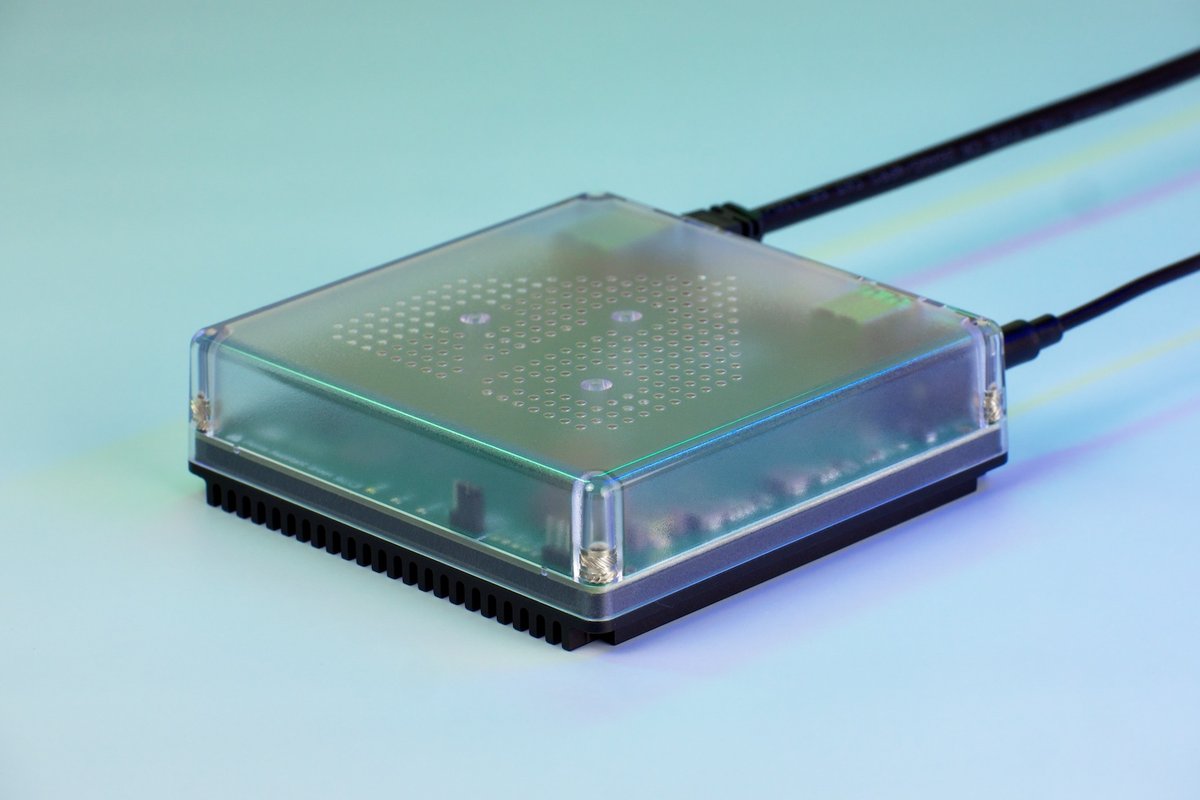
The Home Assistant Green is a 1.8 GHz quad-core ARM box (Rockchip RK3566) with 4 GB of LPDDR4X and 32 GB of eMMC storage, a gigabit Ethernet port, and two USB 2.0 ports. The HDMI port is diagnostic-only and the microSD slot is for recovery. It idles at about 1.7 W and peaks around 3 W.
What it does not have is any 802.15.4 radio. No Zigbee, no Thread, nothing. Out of the box it talks to Wi-Fi devices and to whatever hubs are already on your network — and that’s it.
To get Zigbee or Thread you add the Home Assistant Connect ZBT-2, a US$49 USB stick that launched in November 2025. It runs a Silicon Labs MG24 chip, which is genuinely a big step up from the old ZBT-1 — faster serial link, better antenna, more stable mesh.
But read the fine print, because two limitations matter a lot:
- It cannot do Zigbee and Thread at the same time. Nabu Casa tested multiprotocol on the previous stick, found it caused stability problems, and now explicitly recommends one stick per protocol. If you want both, you buy two.
- It is not a standalone Thread border router. It only border-routes through Home Assistant’s Matter server. Pull the plug on your HA box and your Thread mesh goes with it.
So the honest sticker price for “a Home Assistant box that talks Zigbee” is US$199 + US$49 = US$248, or roughly S$318 at August 2026 rates — before shipping, and before the 9% GST that Singapore Customs applies to imported goods. Call it S$350 landed, realistically. Want Thread as well? Add another S$65.
That’s the number to hold in your head for everything below.
Option 1: Home Assistant Green — you’re paying for “it just works”
At S$350 all-in for Green plus a ZBT-2, this is no longer a bargain. What you’re buying is the absence of decisions. It boots into Home Assistant OS, it updates itself, it draws less power than a phone charger, it’s fanless and silent, and there is no SD card waiting to die on you at 3am.
That last point is worth more in Singapore than most places. An HDB flat that isn’t air-conditioned around the clock sits at 30-32°C ambient for months at a time, and heat is what kills flash storage and cheap power supplies. The Green’s eMMC and 3 W thermal envelope simply don’t care.
The 32 GB of storage is the real long-term constraint. It’s fine for years of standard sensor history, but if you plan to record camera footage, run a big InfluxDB, or host Frigate for object detection, you will hit the wall. Frigate in particular wants a discrete accelerator and far more I/O than the Green can offer.
Buy it if: you want a hub, not a hobby. You’re coming from an Aqara or SmartThings setup, you have a few dozen devices, and you want automations that keep working when your internet doesn’t.
Skip it if: you already own a machine that could do the job, or cameras are central to your plan.
Option 2: Raspberry Pi 5 — no longer the cheap answer
This one hurts. The Pi was the default Home Assistant machine for a decade, and the memory crisis has taken it off the table for most buyers.
Raspberry Pi has now pushed through several rounds of memory-driven increases, the most recent on 1 April 2026, adding US$25 to the 4 GB Pi 5, US$50 to the 8 GB, and US$100 to the 16 GB. The 16 GB now lists at US$305 — more expensive than a Green and a ZBT-2 combined, for a board with no case, no power supply, and no storage.
The company has been unusually candid that this is temporary and that it intends to unwind the increases when memory normalises. That’s a genuinely good reason to wait rather than buy.
The one survivor is the 1 GB Pi 5 at US$45, whose price Raspberry Pi deliberately protected. It’s tempting. Don’t. Home Assistant with a handful of add-ons — Zigbee2MQTT, a database, Matter server — will spend its life swapping on 1 GB. If you’re buying a Pi for HA in 2026, 4 GB is the floor, and at 4 GB prices the Green is better value once you add a case, PSU, and an SSD.
And you will want an SSD. Running Home Assistant off a microSD card in a hot flat is how people end up with corrupted databases and a weekend of restoring backups.
Buy it if: you already have a Pi 5 sitting in a drawer. Then it’s free and it’s excellent.
Buy it new if: basically never, at current pricing.
Option 3: An x86 mini PC — the value play, but the window is closing
Here’s the interesting wrinkle. Mini PCs have held their pricing far better than bare boards, because manufacturers bought memory in bulk under old contracts and are still working through that inventory. A complete Ryzen or Intel mini PC with 16 GB of RAM and a 512 GB NVMe drive still lands in a sane price bracket, while buying the same RAM and SSD loose would cost more than the whole machine.
Home Assistant runs beautifully on these. HAOS supports generic x86-64 directly — the requirements are just a 64-bit CPU and UEFI boot, which covers essentially anything from the last decade. Install it to the internal NVMe or SATA drive (Home Assistant explicitly advises against booting from an external USB SSD), plug in a ZBT-2, and you have a machine that will run Frigate, a Plex server, and a dozen add-ons without breaking a sweat.
Two caveats, both Singapore-flavoured:
Power. At a record-high SP tariff of 34.78 cents/kWh including GST for the July–September 2026 quarter, always-on hardware finally costs something worth counting. A Green at 3 W runs you about S$9 a year. A mini PC idling at 10 W is about S$30. An old tower desktop pulling 60 W is S$183 a year — which means “free” hardware can cost you a Green every eighteen months. Check idle draw, not peak.
Heat and fans. Many mini PCs have small, fast fans that get audible when they’re dusty and hot, and an HDB storeroom or TV console is both. Look for something with a large heatsink and a conservative thermal profile.
The industry warning here is real: Lenovo, Dell, HP, Asus and Acer have all signalled price increases from the second half of 2026 as cheap memory inventory runs out. If a mini PC is your plan, the discount is a window, not a floor.
Buy it if: you want cameras, local AI, or you want the box to do more than home automation.
Option 4: Something you already own
The cheapest Home Assistant machine in 2026 is the one already plugged in. A Synology or QNAP NAS can run HAOS in a VM. An old ThinkCentre Tiny or OptiPlex Micro off the local secondhand market makes an outstanding Proxmox host. A retired laptop has a built-in UPS in the form of its battery.
The trade-off is that you’re now the sysadmin. Passing a USB Zigbee stick through to a VM is a well-trodden path, but it’s a path — and when your lights stop responding at midnight, you’re debugging virtualisation, not automations. Only go this route if that sentence sounded fun rather than exhausting.
The Singapore-specific gotchas nobody puts in the spec sheet
Radio placement beats radio quality. This is the single most common mistake. A ZBT-2 plugged directly into the back of a box that sits in the DB cupboard or behind a TV will perform badly no matter how good the MG24 chip is. Use a short USB extension cable and get the stick out into open air, away from the machine’s own USB 3 interference. Then build out your mesh with mains-powered routers — this is the same physics we covered in our guide to building a Matter mesh through HDB concrete walls.
Skip the Z-Wave stick. Nabu Casa also sells the Connect ZWA-2 for Z-Wave. Z-Wave has effectively no retail presence in Singapore, and regional frequency variants make grey imports a gamble. It’s a great product for a market that isn’t this one.
Ethernet, not Wi-Fi. Your automation brain should be wired. If your router is at the HDB fibre termination point in the DB box and your box lives in the living room, run a cable or use a decent powerline adapter. And if you’re planning the network from scratch, this is a good moment to think about putting your IoT devices on their own segment.
Plan for power blips. Singapore’s grid is excellent, but a tripped RCD while you’re out will take down your entire smart home, and a hard power cut mid-write is the classic way to corrupt an HA database. Even a small UPS pays for itself the first time — see our UPS buying guide for sizing.
Budget for GST. Every one of these products is an import. The 9% GST on low-value imported goods applies, and shipping from the EU or US on a US$49 stick is not proportional. Order the box and the radio together.
But is it worth it against just buying a hub?
Fair question, and the honest answer in 2026 is “less obviously than it used to be.”
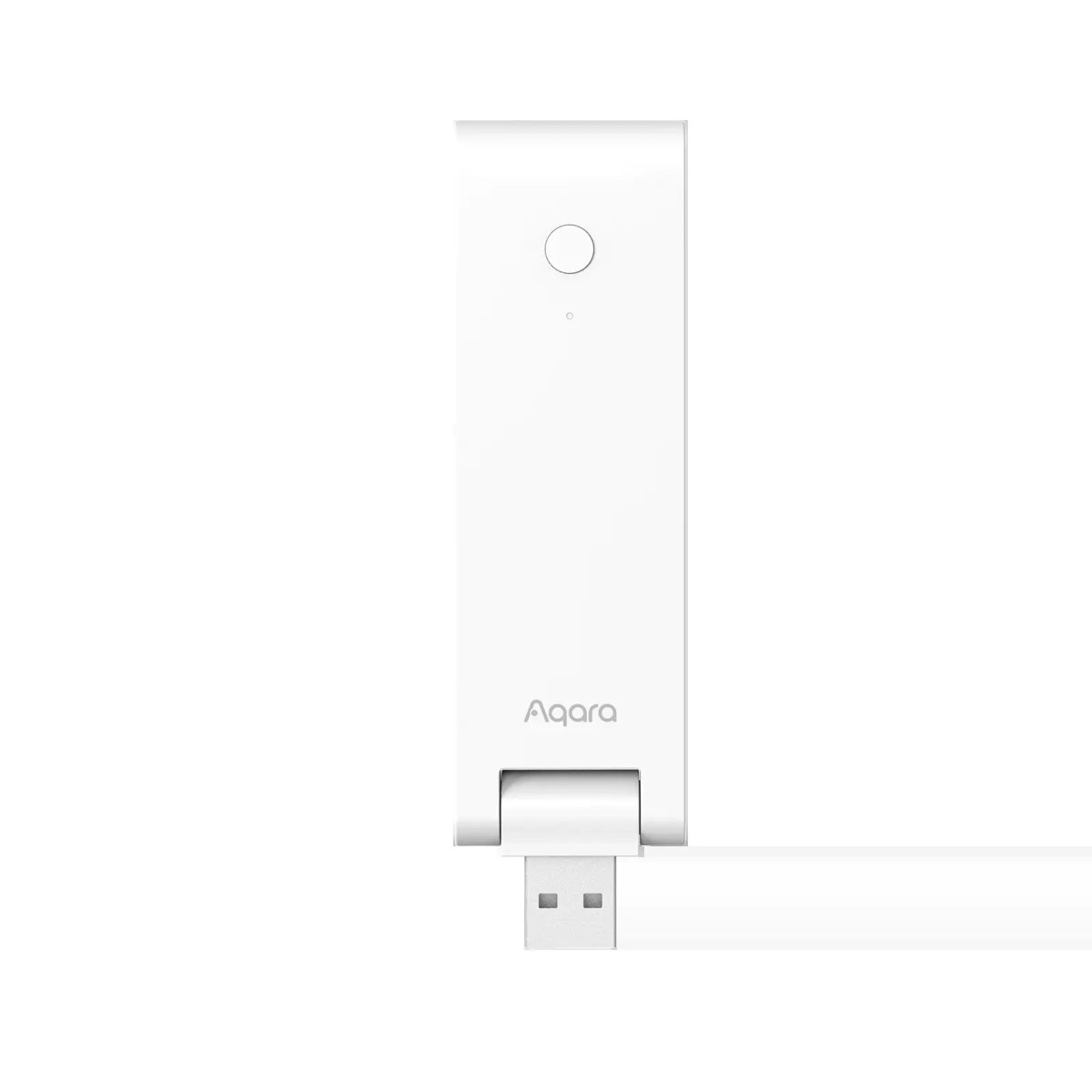
An Aqara M100 hub is S$89 in Singapore and is a Zigbee hub, a Thread border router, and a Matter controller in one small box. The bigger Aqara M3 hub is S$289 and adds an IR blaster and local automation storage. Against S$350 for Green-plus-ZBT-2, the value gap has narrowed to the point where the decision is about philosophy rather than price. If you’re not sure which hub tier you need at all, HomeSmart’s guide to choosing an Aqara hub is a good sanity check.
What you still get from Home Assistant, and cannot buy at any price from a vendor hub:
- Automations that cross ecosystems. An Aqara sensor triggering a Hue scene and a Daikin aircon, with logic more complex than “if this then that.”
- Local history and control that survives the vendor. This is the whole argument. Every vendor hub is a bet that the company keeps the servers on — a bet we’ve watched people lose repeatedly, as covered in why your smart home has an expiry date.
- A private voice assistant that never sends audio to a cloud, which we walked through in taking back your voice.
If those three things don’t move you, buy the M100 and be happy. There is no shame in it, and Matter has made vendor hubs meaningfully better neighbours than they were three years ago — HomeSmart’s overview of what actually works in Matter today is a reasonable starting point.
What I’d actually buy in August 2026
If you have nothing and want the least friction: Home Assistant Green plus one Connect ZBT-2, configured for Zigbee. About S$350 landed. Add a second ZBT-2 for Thread later, only if you actually accumulate Thread devices — many people never do, because their Thread border routing already comes free with a HomePod, Apple TV, Nest Hub, or a Wi-Fi 7 router that includes one.
If cameras or local AI are in the plan: a mini PC with 16 GB RAM and an NVMe drive, bought sooner rather than later, plus a ZBT-2. Check the idle wattage before you buy.
If you already own a Pi 5, a NAS, or a capable mini PC: use it. Spend the savings on a ZBT-2 and a UPS.
If you’re on the fence and not in a hurry: wait. Raspberry Pi has said publicly that it considers the situation temporary and looks forward to unwinding the increases once it abates, and Nabu Casa’s price is tracking component costs rather than margin. A hub bought in a memory panic is a hub bought at the worst possible moment. Run Home Assistant in a Docker container on whatever you have, learn whether you actually like it, and buy the dedicated box when the market calms down.
The bottom line
Home Assistant hardware in 2026 costs roughly double what it did two years ago, for exactly the same silicon, because of a memory shortage that has nothing to do with smart homes. That’s frustrating but it isn’t permanent, and it doesn’t change the underlying case: a local automation brain is the only part of your smart home that nobody can switch off remotely.
Just go in with clear eyes. Budget S$350, not S$150. Buy the radio at the same time as the box. Put the stick on an extension cable. And if you’re not in a hurry, being patient is a completely legitimate strategy right now.