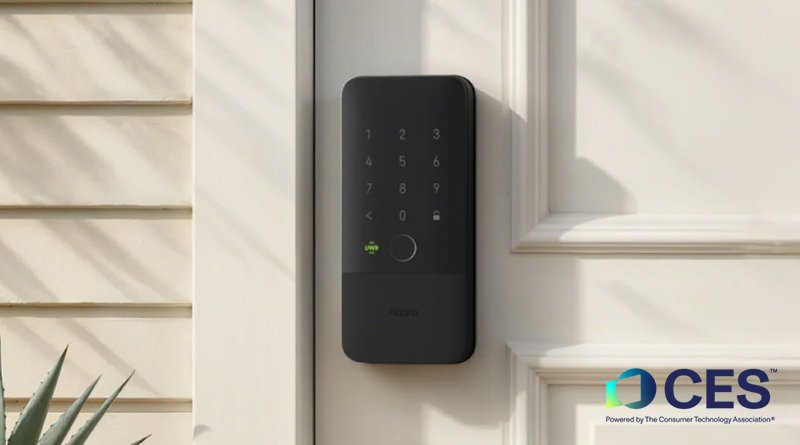
Count your connected devices. In a typical 4-room HDB running a decent setup — a dozen Matter bulbs, two or three cameras, a robot vacuum, a smart lock, a couple of aircon IR blasters, a TV, a Thread border router or two — you sail past 30 without noticing. Every one of them sits on the same flat Wi-Fi network as your work laptop, your NAS, and the phone you bank on.
That’s the default, and for years nobody cared. Now the advice you’ll find on every networking forum is to put all that gear on its own segregated network. It’s genuinely good advice. It is also, in the specific case of a Matter and Thread smart home, the single fastest way to break every automation you own.
So let’s do this properly: what the risk actually is, what segmentation breaks, and three tiers of fix depending on how much you’re willing to spend and fiddle.
The risk isn’t your Hue bulbs. It’s the cheap stuff.
Let’s be honest about the threat model, because most “secure your smart home” articles wildly overstate it. Nobody is targeting your HDB specifically. What actually happens is indiscriminate: a device model ships with a hardcoded credential or an unpatched firmware stack, gets swept up by an automated scanner, and joins a botnet. The device itself is rarely the prize — it’s the foothold. Once something on your LAN is compromised, it can see every other device on that LAN, including the ones with a shared drive open and no password because “it’s just the home network.”
Singapore’s Cyber Security Agency has been chipping away at this from the supply side with the Cybersecurity Labelling Scheme for IoT, a first for the Asia-Pacific region. Devices are rated Level 1 to Level 4, shown as one to four asterisks, with each level representing more testing and assessment. It launched covering Wi-Fi routers and smart home hubs — the two categories with the biggest blast radius — and has since expanded to all consumer IoT, including IP cameras, smart locks, smart lights, and printers. There’s mutual recognition too: a product carrying Finland’s cybersecurity label is accepted as meeting CLS Level 3, and Germany’s IT Security Label maps to Level 2.
The label is a useful tiebreaker when you’re choosing between two similar products. But it’s voluntary, and it does nothing about the unlabelled S$12 Wi-Fi plug you bought two years ago that hasn’t had a firmware update since. That plug is the reason to segment.
The trap nobody warns you about: segmentation breaks Matter and Thread
Here’s the part the generic guides skip, and it’s the reason so many people set up an IoT VLAN and then quietly tear it down a week later.
Matter, HomeKit, AirPlay, Chromecast and friends discover each other using mDNS — multicast DNS. The critical word is multicast, and specifically link-local multicast. It does not cross a subnet or VLAN boundary on its own. That’s not a bug or a misconfiguration; that’s the design. Put your Matter bulb on VLAN 20 and your iPhone on VLAN 10, and the phone will simply never see the bulb.
It gets worse during commissioning. Adding a Matter device requires your phone to both discover it via mDNS and reach its operational IPv6 address — so you need multicast forwarding, routing, and permissive firewall rules all lined up correctly before the pairing screen stops spinning. And the IPv6 half is where it falls apart: as one detailed writeup of a multi-VLAN Thread setup found, the common router-firmware mDNS repeater plugins only handle IPv4, and Thread’s ULA addressing brings its own routing headaches — Android in particular refuses to route to off-link ULAs without explicit router advertisements.
It is solvable. The fix is a dual-homed Avahi reflector container, a static route to Thread’s OMR prefix, an RA option to advertise it, and bidirectional firewall rules. If that sentence sounds like a fun weekend, go for it. If it sounds like a support ticket you’ll be filing against yourself at 11pm, read on.
Which gives us the one rule that should govern this entire exercise:
Your controllers, your Thread border routers, and the Matter/Thread devices they control belong on the same network segment. Segment everything else around them.
If you take nothing else from this article, take that. It’s the difference between a segmented smart home and a broken one.
Sort your devices into two piles
Forget the three-network diagrams. For a home, two piles is enough.
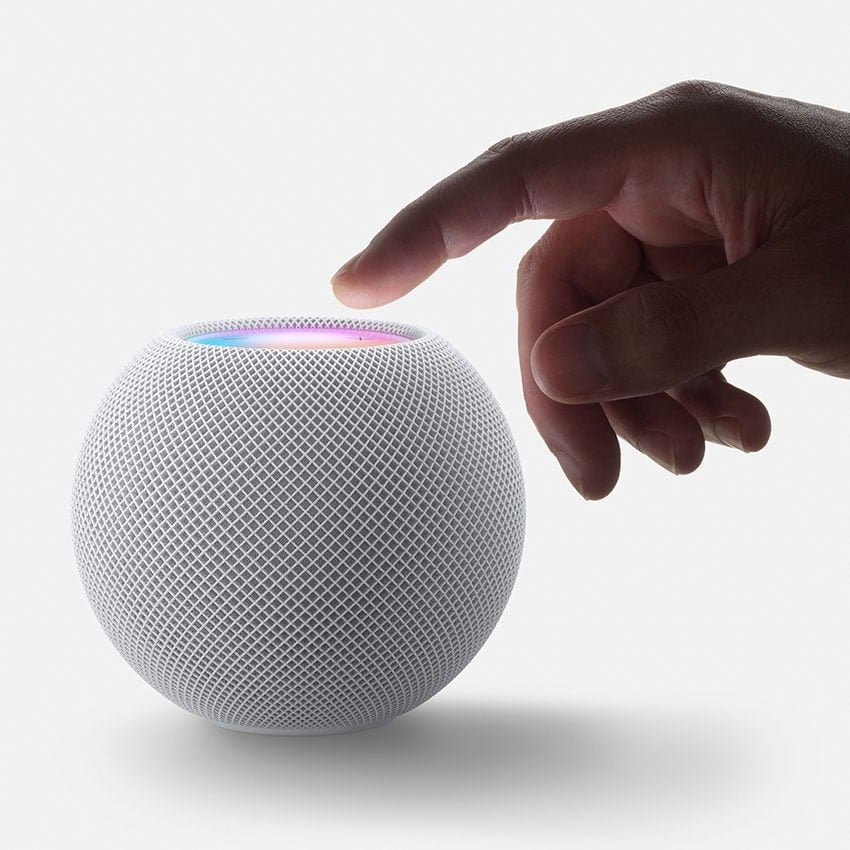
Pile A — the local-control ecosystem. Anything that participates in local discovery: your phones and tablets, Apple TV and HomePod, Google/Nest speakers, Aqara and SmartThings hubs, your Home Assistant box, every Thread border router, every Matter-over-Wi-Fi device, Sonos and WiiM, Chromecast targets. These stay together on your main network. Yes, all of them. Isolating a Thread border router from the phone that commissions devices onto it is self-defeating.
Pile B — the cloud-only chatty stuff. Devices that phone home to a vendor server and are controlled through that server anyway: no-name Wi-Fi plugs and bulbs, Tuya-based sensors, older Wi-Fi cameras, robot vacuums, Wi-Fi aircon modules, the smart TV. Crucially, you lose nothing by isolating these, because your phone was never talking to them directly — it was talking to a server in Guangzhou or Singapore, which was talking to them. Cut the local path and everything still works.
That asymmetry is what makes segmentation practical at home. Pile B is where the security risk concentrates, and Pile B is exactly the pile that doesn’t care about isolation.
If you’re not sure which pile something is in, here’s the test: turn off your internet at the router and try to control the device. Still works? Pile A. Dead? Pile B.
Tier 1: the ten-minute fix, with the router you already have (free)
Most Singapore homes run the router the ISP bundled — Singtel ships the TP-Link-built HB611-SGST, a tri-band Wi-Fi 7 unit, while StarHub’s current plans bundle the dual-band BE6500 HB410. Neither gives you real VLANs. Both give you a guest network, and that’s enough.
Turn on the guest SSID, give it its own password, and make sure the “allow guests to access intranet” or “allow access to local network” toggle is off. Then move every Pile B device onto it. That’s it. Guest networks on consumer routers block clients from reaching the main LAN, which is precisely the property you want.
Two practical notes. First, name it something obvious like HomeIoT rather than Guest, or you’ll hand the password to a visitor and put their laptop on your camera network. Second, plenty of older IoT devices are 2.4GHz-only and choke on WPA3 or on mixed-mode SSIDs — if a device refuses to onboard, drop that SSID to WPA2 and 2.4GHz only. It’s a lower-security network by design; that’s the trade, and it’s fine because the whole point is that nothing valuable lives there.
Limitation, stated plainly: guest isolation is per-SSID and typically all-or-nothing. You can’t punch a hole for one device. If you need one Pile B device to talk to Home Assistant locally, it isn’t a Pile B device — move it back.
Tier 2: ASUS Guest Network Pro (~S$559)
If you’re replacing your router anyway, ASUS’s newer models are the sweet spot between “guest SSID” and “learn networking.” The RT-BE86U — dual-band BE6800, one 10G WAN/LAN port and four 2.5G LAN ports, around S$559 at local retailers like Sim Lim and Gain City — includes Guest Network Pro, which gives you up to five separate SSIDs with dedicated profiles, one of which is a purpose-built IoT Network.
One setting decides whether this is actually worth anything. ASUS’s own documentation notes that “Use same subnet as main network” is enabled by default — for convenience and easy device control. With it on, your IoT devices share the main subnet, and you also can’t configure the DHCP server, LAN IP, subnet mask, VLAN ID, or DNS for that network. Turn it off and you get a genuinely dedicated network plus all those controls.
Worth knowing before you buy: Guest Network Pro has a reputation on the ASUS forums for being rough around the edges depending on firmware version, and if you later want selective cross-VLAN access for HomeKit, you’re looking at ASUS Merlin firmware and hand-written iptables rules. It’s a real step up from a guest SSID, but it isn’t UniFi.
A specific warning about TP-Link Deco’s “IoT Network”
This one catches people, so it deserves its own heading.
Deco mesh systems have a feature literally called IoT Network — a dedicated SSID for smart home devices covering 2.4GHz and 5GHz. It looks exactly like what this article is about. It isn’t.
Per TP-Link’s own community documentation, the Deco IoT Network does not provide network isolation. A TP-Link representative put it plainly: the IoT network is “untagged like the main network,” devices on it “communicate freely with each other,” and they can reach the main network too — which is deliberate, because smart home hubs need that. Only the Guest Network actually isolates. VLAN configuration for the IoT SSID has been an open feature request for years.
The Deco IoT Network is a compatibility feature — a place to park 2.4GHz-only devices that can’t handle a modern mixed-band SSID. That’s genuinely useful. It just isn’t a security boundary. On a Deco, if isolation is your goal, use the Guest Network.
Tier 3: actual VLANs, and it’s cheaper than you’d expect (S$309)
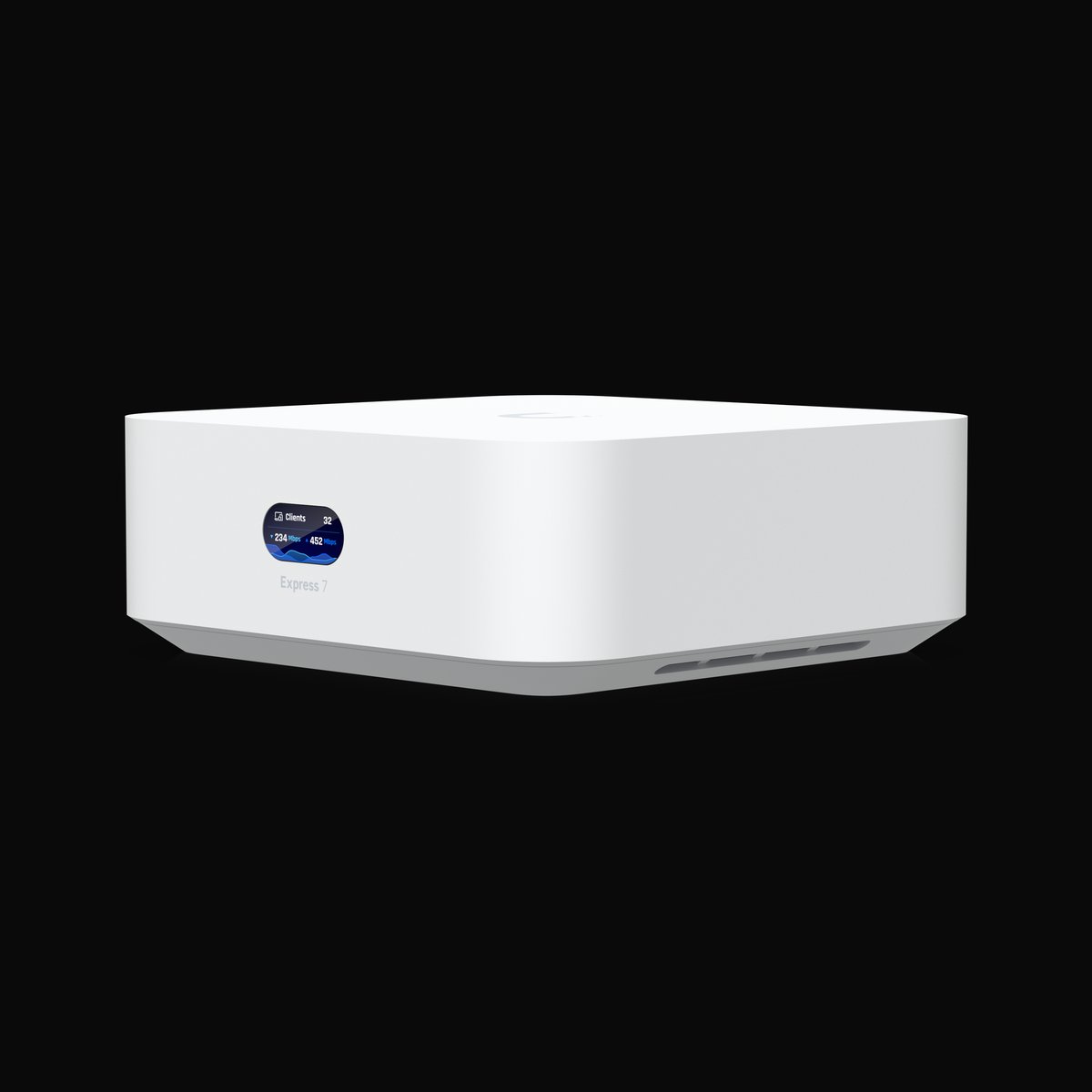
If you want real firewall rules between segments, the entry ticket is lower than most people assume. The UniFi Express 7 is S$309 including GST from Ubiquiti’s Singapore store: a compact tri-band BE11000 Wi-Fi 7 gateway with a 10GbE WAN port and a 2.5GbE LAN port, fanless, running the full UniFi Network application. (It’s Network-only — no UniFi Protect for cameras — but for this job that’s irrelevant.)
That gets you a proper setup:
- Create an IoT network with its own VLAN ID and SSID.
- Firewall rules: IoT → internet, allowed. IoT → your main LAN, blocked. Main LAN → IoT, allowed (so you can still hit a camera’s web UI when you need to). The return-traffic rule is handled by established/related, so you don’t need a matching inbound rule.
- Leave mDNS forwarding alone across that boundary. Ubiquiti’s Multicast DNS Proxy rebroadcasts discovery traffic between networks, with All / Auto / Custom forwarding modes, and it’s automatically enabled on newly created networks. It works well for AirPlay, AirPrint and Chromecast. It is not a reliable answer for Matter and Thread commissioning — which is why Pile A stays on one segment and the question never comes up.
- Consider Client Device Isolation on the IoT SSID (Settings → WiFi → your SSID), which stops IoT devices from talking to each other, not just to your LAN. Useful if you have several cheap cameras. Turn it off if you’re using local-only camera recording to a NAS on the same segment.
For most people this is a one-evening project and then you never touch it again. The UniFi mobile app makes the firewall rules genuinely approachable, which was not true of prosumer gear five years ago.
What I’d actually do in a 4-room HDB
Concretely, for a household with roughly 30 devices and no interest in becoming a network administrator:
Main network: phones, laptops, NAS, Apple TV / HomePods / Nest speakers, Aqara or SmartThings hub, Home Assistant, every Thread border router, all Matter-over-Wi-Fi devices, Sonos/WiiM. Getting hub placement right matters more than any of this — HomeSmart’s guide to choosing an Aqara hub is a good starting point, as is their overview of what actually works in Matter today.
IoT network (guest SSID or VLAN): cheap Wi-Fi plugs, Tuya sensors, older cloud cameras, the robot vacuum, Wi-Fi aircon modules, the TV.
Nothing else. No third network, no per-device rules, no attempts at cross-VLAN HomeKit. The 90% of the benefit is in that first split, and every additional layer is a future 11pm debugging session when the lights don’t turn on.
If your smart home is mostly Thread and Zigbee already, honestly? You may not need to segment at all — those devices aren’t on your IP network in the first place, which is a security argument for the hub-based approach that rarely gets made. Our guide to bridging Zigbee and Wi-Fi devices into Matter covers how to consolidate in that direction, and if you’re shopping for a router that doubles as a Thread border router, we compared the Wi-Fi 7 options for Singapore homes.
Five things that matter more than VLANs
Segmentation is a good control. These are better ones, and four of them are free:
- Turn on automatic firmware updates on every device that offers it, and retire anything whose vendor stopped shipping updates. An unpatched device on its own VLAN is still an unpatched device.
- Unique passwords and 2FA on your ecosystem accounts. Your Aqara, Tuya, Google and Apple accounts are the actual remote-access path to your home. A VLAN does nothing if someone logs into the app.
- Disable UPnP on your router and never manually port-forward a camera. Almost every “stranger spoke through my baby monitor” story traces back to a device exposed directly to the internet, not to a LAN-side compromise.
- Prefer local recording over cloud for cameras. Footage that never leaves the flat can’t leak from a vendor breach — we’ve written a full guide to no-subscription local-recording setups, and the same logic applies to outdoor cameras.
- Buy CLS-labelled gear when the price is close. Levels 3 and 4 involve real third-party testing. It’s not a guarantee, but it’s a signal that someone outside the vendor looked at the firmware.
Going further down this road, running a local-first voice assistant removes another always-on cloud dependency entirely.
The bottom line
Segmenting your smart home is worth doing, and for most people it’s a ten-minute change to a router they already own: turn on the guest network, disable intranet access, move the cheap cloud-only devices onto it, and leave everything Matter, Thread or HomeKit-related exactly where it is.
Spend S$309 on a UniFi Express 7 if you want real firewall rules and enjoy this sort of thing. Spend S$559 on an ASUS with Guest Network Pro if you’re replacing your router anyway — just remember to turn off “use same subnet as main network,” or you’ve bought a second SSID and nothing else. And if you’re on a Deco, use the Guest Network, not the feature that’s confusingly named IoT Network.
What you should not do is build a beautiful four-VLAN network with mDNS reflectors and then spend the next six months explaining to your household why the lights don’t respond. The best security control is the one that’s still switched on next year.