The first week of October has been a weird one. The Meteorological Service Singapore (MSS) expected the Southwest Monsoon to hang on, with 34–35°C afternoons, warm nights and below-average rain. It also expected thunderstorms in the late morning and afternoon. That’s the pattern that catches people out: you leave for work under a blue sky with the kitchen window open and the laundry out, and by 3pm a storm cell is sitting over your town.
That pattern gets worse from here. MSS’s own climate records treat October and November as the inter-monsoon period, when “thunderstorms, at times severe, occur in the afternoon and early evening”. October averages 22 lightning days, the most of any month in the year. November is close behind with 18.
None of this is news if you’ve lived here a while. What’s changed is that you can now buy a S$28 sensor that tells you which window you left open, and pull a free government nowcast for your exact town into your smart home. Together, those can send your phone a useful warning before the rain arrives instead of after. Here’s how to set that up in an HDB flat or condo, and which parts are worth paying for.
The three ways a storm catches your flat out
Think about what actually goes wrong when a thunderstorm rolls through while you’re out. It’s usually one of three things:
- Rain comes in through an open window. It’s usually the kitchen or service yard window, because those stay open for ventilation. A driving squall can soak a bedroom floor or a laptop on a desk by the window in minutes.
- The laundry gets rained on. If you dry clothes on poles or a rack outside the window, you’ll probably end up washing them again.
- The power trips. Water gets into an outdoor socket or the aircon condenser, or a nearby surge trips your residual current circuit breaker. A tripped breaker on a Tuesday afternoon is an annoyance. A tripped breaker on the first day of a week-long holiday means a fridge full of spoiled food.
A smart home can’t close your windows for you, since HDB windows don’t have motors. What it can do is tell you which window is open, warn you before the rain reaches your town, and let you know quickly when the power goes off. Each problem needs a different piece of kit.
Part 1: Know which windows are open
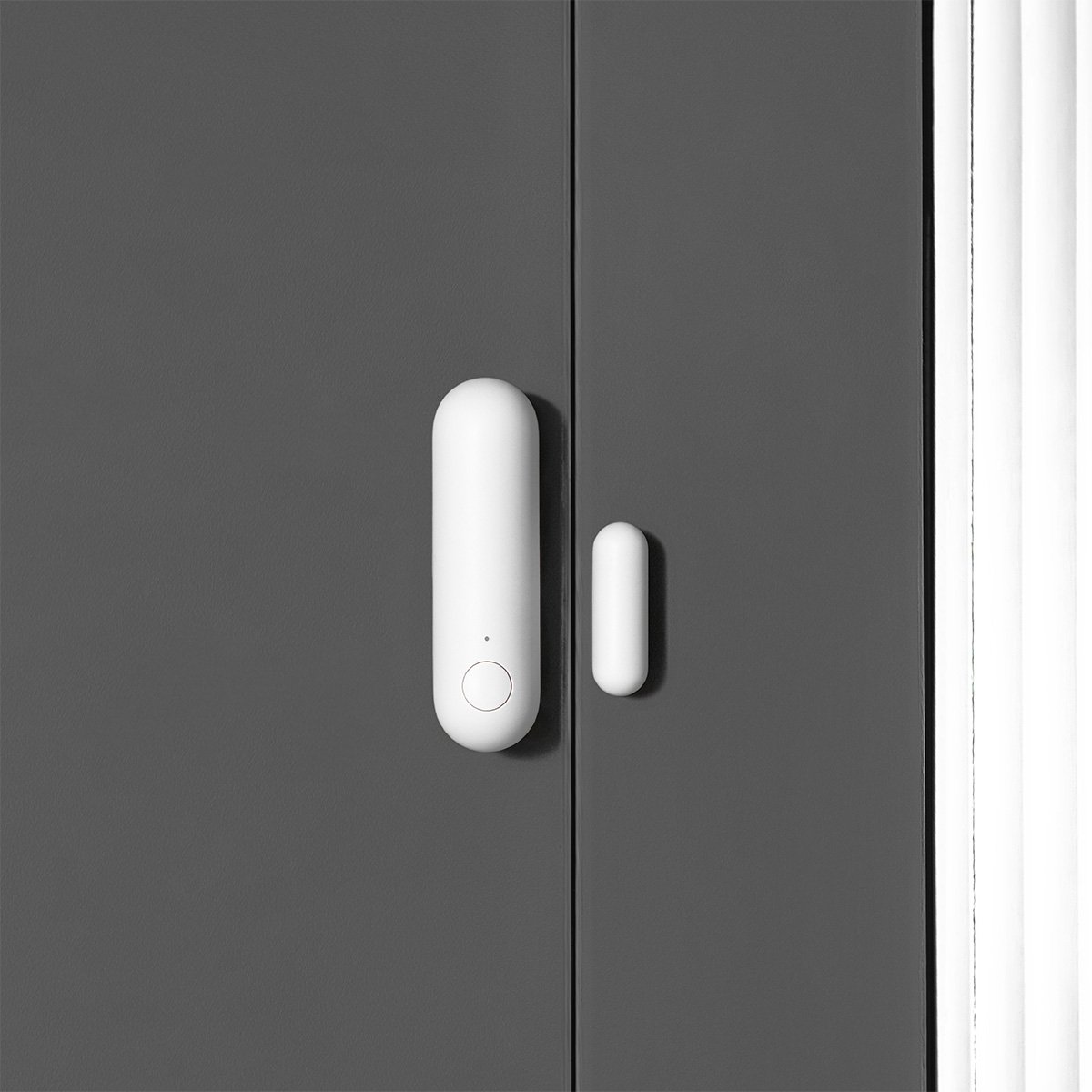
This is the cheapest part and the one that matters most. A contact sensor is two small pieces: a sensor body and a magnet. When they separate, the sensor reports “open”. Here’s what you can buy in Singapore right now:
| Sensor | Protocol | Battery | Needs | Price in Singapore |
|---|---|---|---|---|
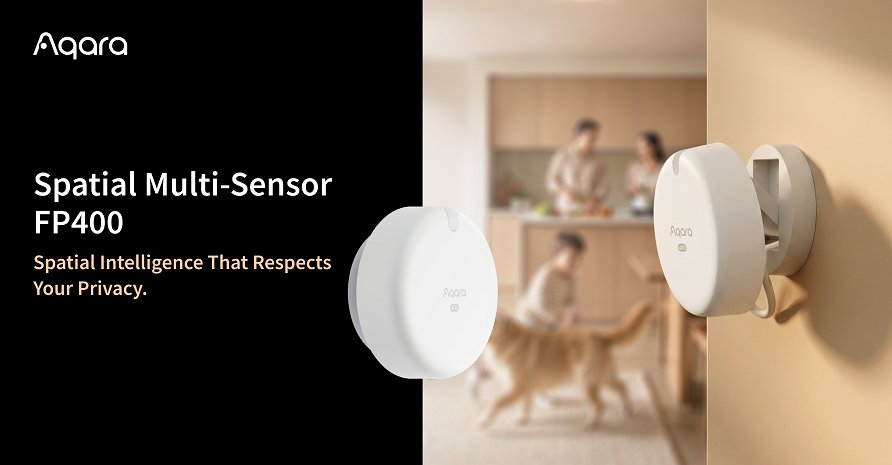
| Aqara Door and Window Sensor P2 | Matter over Thread | CR123A | Any Thread border router (HomePod mini, Apple TV 4K with Thread, Nest Hub 2nd gen, Aqara M100/M3) | S$52 |
| Aqara Door and Window Sensor (T1) | Zigbee 3.0 | CR1632 | Aqara Zigbee hub | S$28–33 |
| SwitchBot Contact Sensor | Bluetooth LE | 2× AAA | SwitchBot hub for remote alerts and Matter | About S$34–38 at retailers like Metro |
| IKEA PARASOLL | Zigbee | AAA | IKEA DIRIGERA hub (S$139) | S$7.90 |
A few notes on that table.
The Aqara P2 is the one to buy if you already own a Thread border router. It’s Matter-native, so it pairs straight into Apple Home, Google Home, SmartThings or Home Assistant without Aqara’s app. Matter Alpha’s review found it “rock solid, reliably and quickly delivering notifications”. The CR123A cell is larger than the coin cells most sensors use, but Aqara hasn’t published an official battery-life figure. If your Thread mesh is patchy, which happens in HDB flats with thick concrete walls, read our guide to building a Thread mesh through concrete first.
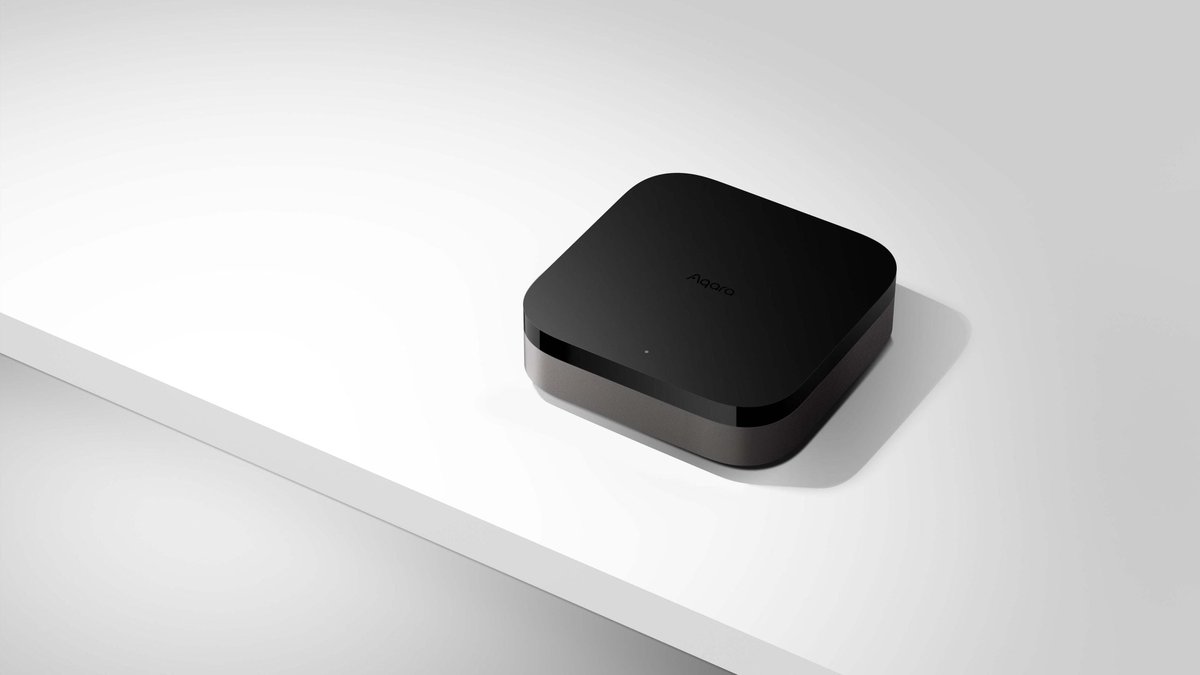
The Zigbee T1 is the budget choice if you’re buying a hub anyway. At S$28 it costs about half as much as the P2. The S$89 Aqara Hub M100 plugs straight into a USB-A port and works as a Zigbee hub, a Thread border router and a Matter bridge, so it covers both sensor types. If you’re starting from zero, an M100 plus three T1 sensors costs only about S$17 more than three P2s, and you get a hub as well.
IKEA’s cheap Thread sensor isn’t sold here yet. IKEA’s MYGGBETT is a Matter-over-Thread door and window sensor that sells for US$7.99 abroad. As we noted in our IKEA Matter roundup, IKEA Singapore isn’t selling it yet. The S$7.90 PARASOLL is cheap, but it only works through DIRIGERA, so it’s only worth it if you already own one.
SwitchBot makes sense if you’re already in SwitchBot’s ecosystem. It’s Bluetooth-only, so you need a SwitchBot hub before you can get alerts away from home. It does include a motion and light sensor, which is handy at a front door. For windows, the Thread and Zigbee options are better.
Fitting them to HDB windows
You don’t need a sensor on every window. Start with the windows you habitually leave open, which in most flats means the kitchen, the service yard and one or two bedrooms. Three or four sensors cover what most households actually forget.
- Sliding windows: put the sensor body on the fixed frame and the magnet on the sliding panel, at the edge that moves first when you open it. Even a 3cm gap should then read as “open”, because that’s enough to let rain in.
- Casement windows: these open outward, so mount the pair on the inside edge of the frame and sash, not anywhere that hangs outside when the window swings open.
- Aluminium frames: some HDB window frames are thick enough that the magnet and sensor sit at an awkward offset. Test the open and closed readings in the app before you commit the adhesive.
- Leave the outside of the window alone. Don’t mount anything outside the glass, and don’t put a DIY rain gauge on the ledge. An object that falls from height can become killer litter. As the next section shows, NEA already runs a better rain-gauge network than you could build yourself.
While you’re at the windows: the Building and Construction Authority (BCA) has required homeowners to replace aluminium rivets in casement windows with stainless steel ones since 2004. It also asks residents to inspect window fasteners at least once every six months. BCA recorded 35 fallen windows in the first 11 months of 2023, and 19 of them were casement windows. Storm season, when you’re thinking about windows anyway, is a good time to check yours.
Part 2: Get NEA’s rain forecast for your town into your smart home
A contact sensor on its own only tells you that a window is open. To make that useful, combine it with a forecast of whether rain is coming.
The general weather providers built into most smart home apps are too coarse to be useful here. They’ll say “thunderstorms possible” for the whole island. NEA publishes something far better on data.gov.sg, for free:
- A two-hour nowcast for 47 named areas. Each area has its own forecast, from Ang Mo Kio to Yishun, with plain-text values such as “Light Showers”, “Thundery Showers” and “Heavy Thundery Showers with Gusty Winds”. The endpoint is
https://api-open.data.gov.sg/v2/real-time/api/two-hr-forecast. - Five-minute rainfall totals from NEA’s rain gauges. The feed listed 89 active stations when we checked this morning, each with a name and coordinates (for example, S217 is Bishan Street 13). The endpoint is
https://api-open.data.gov.sg/v2/real-time/api/rainfall. - A lightning observation feed, under the same v2 weather API, if you want to experiment.
You don’t need an API key for basic use, although data.gov.sg offers one if you want higher rate limits.
The easy way: the nea_sg_weather integration
If you run Home Assistant, the community nea_sg_weather integration (installed via HACS) does most of the work. It creates area sensors for all 47 towns and a rainfall sensor for every active NEA station. It even adds a rain-map camera entity that refreshes every five minutes. It’s the same integration we used in our haze automation guide, and the current release needs Home Assistant 2026.9 or newer.
The DIY way: two REST sensors
If you’d rather not add a custom integration, two REST sensors in configuration.yaml will do. Swap in your own town and your nearest station ID:
rest:
  - resource: https://api-open.data.gov.sg/v2/real-time/api/two-hr-forecast
    scan_interval: 900
    sensor:
      - name: "NEA 2hr Bishan"
        value_template: >
          {{ value_json.data['items'][0].forecasts
             | selectattr('area', 'eq', 'Bishan')
             | map(attribute='forecast') | first | default('unknown') }}
  - resource: https://api-open.data.gov.sg/v2/real-time/api/rainfall
    scan_interval: 300
    sensor:
      - name: "Rainfall Bishan St 13"
        unit_of_measurement: "mm"
        value_template: >
          {{ value_json.data.readings[0].data
             | selectattr('stationId', 'eq', 'S217')
             | map(attribute='value') | first | default(0) }}
Note that the template says data['items'], not data.items. In Home Assistant’s template language, .items refers to a built-in function on the data object rather than the API’s items field. If you use the dot form, the template quietly returns nothing. We tested both versions against the live API, and only the bracket form works.
Part 3: Automations worth having
Once the sensors are in place, these are the three automations we’d set up.
1. “Rain is coming and a window is open”
Put your window sensors in a group helper (we’ll call it binary_sensor.all_windows). By default a group like this shows “on” when any window in it is open. Then:
automation:
  - alias: "Rain coming, window open, nobody home"
    triggers:
      - trigger: state
        entity_id: sensor.nea_2hr_bishan
      - trigger: state
        entity_id: zone.home
        to: "0"
    conditions:
      - condition: template
        value_template: >
          {{ 'Shower' in states('sensor.nea_2hr_bishan')
             or 'Rain' in states('sensor.nea_2hr_bishan') }}
      - condition: state
        entity_id: zone.home
        state: "0"
      - condition: state
        entity_id: binary_sensor.all_windows
        state: "on"
    actions:
      - action: notify.mobile_app_your_phone
        data:
          title: "Rain heading for Bishan"
          message: >
            NEA: {{ states('sensor.nea_2hr_bishan') }}.
            Still open: {{ expand('binary_sensor.all_windows')
              | selectattr('state', 'eq', 'on')
              | map(attribute='name') | join(', ') }}
There are two triggers so it fires in both situations: when the forecast turns wet while you’re out, and when you leave with rain already forecast. The notification lists which windows are open, so whoever’s nearest home knows which ones to close. If you have a helper, a flatmate or a parent nearby, change the notify target to them.
2. “Bring the laundry in”
This is the most popular automation in households that try this setup. Make an input_boolean called “Laundry is out” and assign it to a cheap button by the service yard. IKEA’s S$8.90 BILRESA remote is ideal for this. Press it when you hang the washing out, and press it again when you bring it in. Then reuse the same forecast condition from automation 1, so you get a push notification when “Showers” appears in your town’s forecast while the laundry flag is on. Add a condition on the rainfall sensor (greater than 0 mm) if you want a second, more urgent alert that says “it’s actually raining at the nearest gauge now”.
3. “The power has gone off”
This one only works if your network survives the outage, so your fibre terminal (ONT), router and Home Assistant box need to be on a UPS. We covered how to size one in our UPS guide. Once they’re on battery, mains-powered smart plugs are your power-failure detectors: when the breaker trips, they drop off the network.
  - alias: "Power trip at home"
    triggers:
      - trigger: state
        entity_id: switch.fridge_plug
        to: "unavailable"
        for: "00:05:00"
    conditions:
      - condition: state
        entity_id: switch.kitchen_plug
        state: "unavailable"
    actions:
      - action: notify.mobile_app_your_phone
        data:
          message: "Fridge and kitchen plugs offline for 5 minutes. Check the breaker box."
The automation checks two plugs, so one flaky plug won’t send you a false alarm.
Part 4: Make sure things come back on after the power returns
When power returns, every smart plug and bulb decides for itself whether to switch back on. Get this wrong and the fridge plug stays off until you get home.
Most plug apps call this setting something like “power-on state” or “power outage memory”. On Matter devices it’s a standard attribute called StartUpOnOff. Home Assistant shows it as a “Power-on behavior on startup” setting with on, off, toggle and previous options. Our recommendations:
- Fridge, router, hub, aquarium pump: always “on”.
- Lights: “previous”, so a 3am power blip doesn’t light up the bedroom.
- Anything that heats water or cooks: “off”. You don’t want an unattended appliance switching itself back on.
Also check that your Thread border router or hub isn’t plugged into a smart plug that defaults to off. It’s an easy mistake, and after a power cut every sensor in this article goes quiet without telling you why.
On surges, our UPS guide gives the short version. A UPS or surge strip is your second line of defence. The first is a Type 2 surge protection device at your breaker box, installed by a licensed electrician.
Part 5: Catch the leaks your windows let through
Some older HDB windows let water in at the sill during sideways rain even when they’re properly shut. Put a S$28 Aqara Water Leak Sensor on the floor under the window you suspect, and you’ll find out during the first heavy storm rather than when the parquet starts lifting. Our water leak sensor guide covers the alternatives.
What to buy
Already have a HomePod mini, Apple TV 4K with Thread or Nest Hub: three Aqara P2 sensors (S$156) for the kitchen, service yard and main bedroom. They pair through Matter with no extra hub.
Starting from zero, budget-minded: an Aqara Hub M100 (S$89) plus three T1 Zigbee sensors (about S$84), for roughly S$173. The M100 also gives you a Thread border router for later.
Home Assistant users: either of the above, plus the nea_sg_weather integration or the two REST sensors above. Add a S$8.90 BILRESA for the laundry button, and you have all three automations for under S$200.
The verdict
Of all the automations in this article, “rain is coming and the service yard window is open” is the one you’ll notice working. It’s cheap, it’s local, and it uses data the Singapore government already collects and publishes for free. The 47-town nowcast is good enough that “Thundery Showers” for your town is a real warning, not a vague maybe.
Start with three window sensors and the rain-and-window alert. Add the power-trip alert once your network is on a UPS. Doing it in the first half of October means it’s ready before the inter-monsoon storms arrive. If you’re also keeping your network up through outages, our fibre outage guide covers which parts of a smart home keep working when the internet is down.