The last day of school this year is Friday, 20 November. According to MOE’s 2026 school calendar, the year-end holidays then run from Saturday 21 November to Thursday 31 December. That’s six weeks. If you work and your child is somewhere between “too old for a babysitter” and “old enough to be trusted with the stove”, some of those afternoons will be spent home alone in the flat.
Singapore doesn’t set a minimum age for leaving a child at home on their own. The legal question under the Children and Young Persons Act is whether a child has been neglected or put at risk, which leaves the judgement with you. This article won’t tell you whether your 10-year-old is ready. It’s about making the afternoons they are alone less nerve-racking, for them and for you.
Most “smart home for kids” advice starts with a camera. We’d add one last, if at all. Here’s the order we’d set things up in an HDB or condo.
The Three Questions You Actually Want Answered
Strip away the gadgets and a parent at work wants to know three things:
- Did they get home? And did they lock the door behind them?
- Can they reach me quickly if they need to, even without a phone in hand?
- Is anything dangerous happening? In a Singapore flat, that mostly means the kitchen.
A camera can answer the first question. It answers the third one badly, and the second not at all, and it costs your child their privacy. A door lock log, a button and a smoke detector answer all three better. So start there.
Did They Get Home? Start at the Door
Give your child their own lock user
If you already have a smart digital lock, set your child up as a separate user, with their own fingerprint and their own PIN, instead of letting them borrow yours. The lock’s activity log will then show who came in, not just that the door opened.
Two common HDB main-door options:
- Aqara D100 (S$869 installed on a standard wooden door). Fingerprint, PIN, NFC card, Apple Home Key and a mechanical key. It runs on Zigbee 3.0 and Bluetooth, with a rechargeable battery rated for up to 12 months.
- Aqara D200i (S$1,099 installed on a standard wooden door). Adds face recognition. Its rechargeable battery is rated for up to four months, so it needs charging far more often than the D100. It’s Zigbee 3.0, Bluetooth and Wi-Fi.
Neither is a Thread or Matter lock. Both unlock without a hub over Bluetooth, but remote notifications need an Aqara hub. Without one, the log stays on the lock, and you can’t see it from work.
Two features earn their keep in the holidays:
- One-time and periodic passcodes. Give grandma’s Tuesday visits or the 3pm tutor a time-limited PIN, not a spare key that never comes back.
- Lock event notifications. With a hub, every unlock reaches your phone. Apple Home’s activity history shows lock events too.
Some Aqara locks can also trigger an automation when one specific user unlocks. Support varies by model, so check your lock’s trigger list in the Aqara Home app before you count on it.
If you’re still choosing a lock, our digital lock vs smart lock guide covers which ones actually work with Apple Home and Matter.
No smart lock? A door sensor gets you halfway
A contact sensor on the main door tells you the door opened. It can’t tell you who opened it. At 3:40pm on a school-holiday weekday, that’s usually enough.
- The Aqara Door and Window Sensor P2 (S$52) is Matter over Thread. It needs a Thread border router, such as a HomePod mini or a Thread-capable Aqara hub like the M100 or M3. It won’t work with older Zigbee-only Aqara hubs such as the M1S, E1 or G3.
- The Aqara Door and Window Sensor T1 (from S$28) is the cheaper Zigbee option if you already run an Aqara Zigbee hub.
Or let their phone do it
If your child carries a phone or a cellular watch, location sharing can do the same job with no hardware. In Apple’s Find My you can set a “Notify Me” alert for when a family member arrives at a location. Google Family Link does the equivalent for a child’s Android phone. The weakness is obvious: it tells you the phone got home, which is not quite the same as the child.
Can They Reach You? Put an “I’m Home” Button by the Door
This is the cheapest upgrade in the article, and the one kids actually enjoy using.
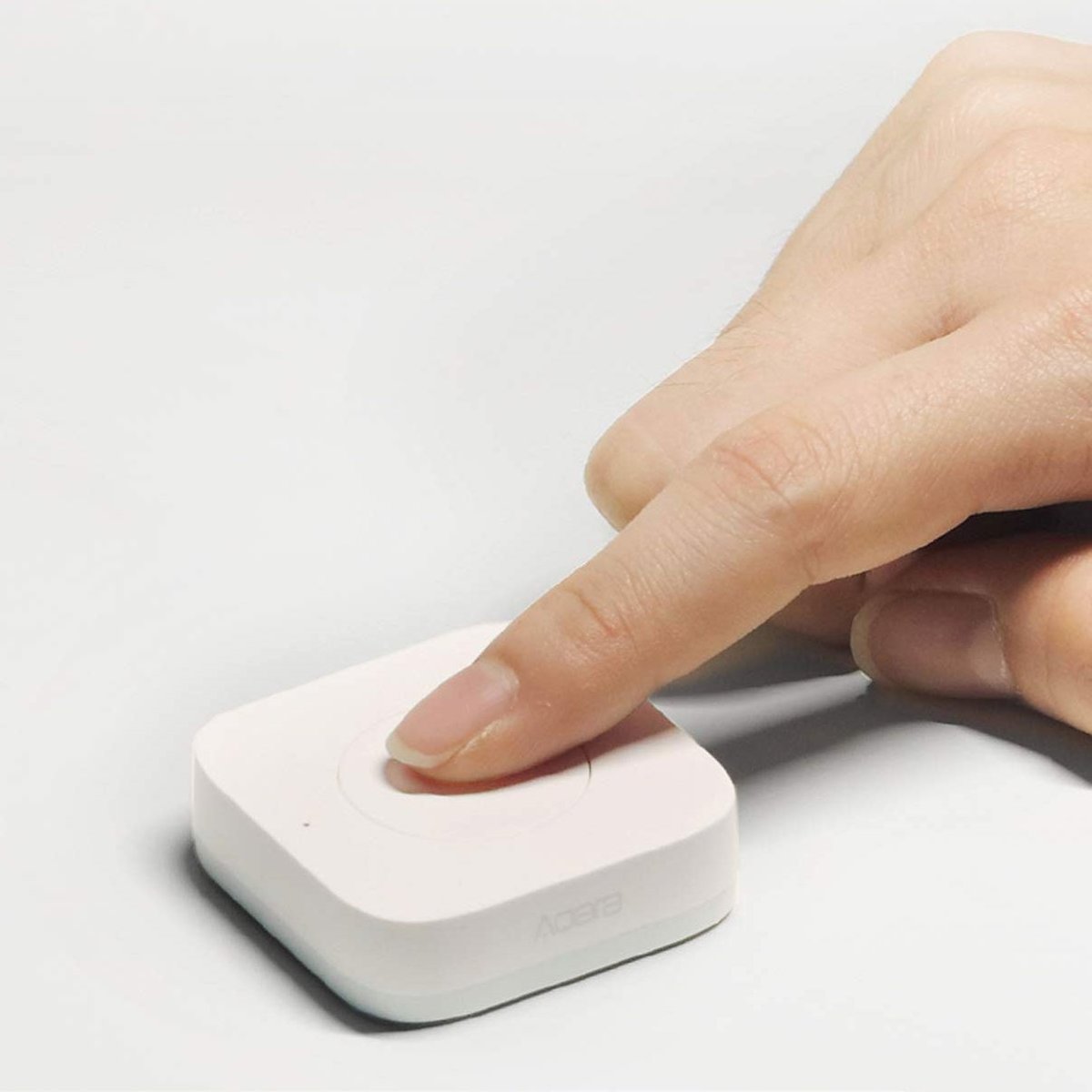
Stick an Aqara Wireless Mini Switch T1 (from S$28) on the wall next to the shoe cabinet. It’s a Zigbee button with three actions (single press, double press and long press), and the CR2032 battery is rated for up to two years. In the Aqara Home app, give each action a push notification with your own message:
- Single press: “I’m home.” The same press can also turn on the living room lights. That helps on the dark, thundery afternoons we get at this time of year. Our lightning season guide covers rain alerts.
- Double press: “Please call me when you can.”
- Long press: “Something’s wrong, call me now.” Send this one to both parents.
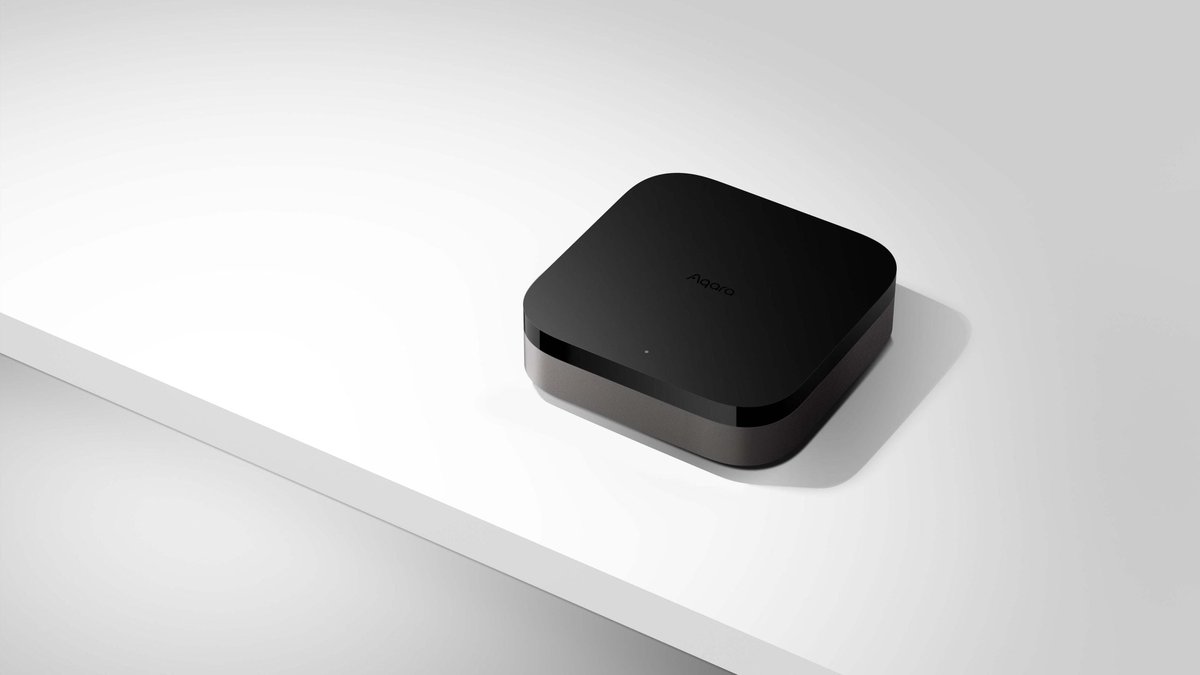
The button needs an Aqara Zigbee hub. The cheapest is the Aqara Hub M100 (S$89), a USB stick that works as a Zigbee hub, Thread border router and Matter controller and bridge, so it covers the P2 sensor too. Plug it into your router’s USB port. The Aqara Hub M3 (S$289) adds a built-in IR blaster for the aircon and is listed among the smoke detector’s supported hubs. Aqara doesn’t publish a full M100 device list, so confirm each device in the Aqara Home app before you buy.
Be honest about what this is. The button is a convenience, not an emergency system. Aqara’s push notifications go through the cloud, so when your fibre drops, so do the alerts. Our guide to what keeps working in an internet outage covers this. Your child should know to call 995 (fire and ambulance) or 999 (police), and have a way to do it: their own phone, a charged spare, or a neighbour’s door.
Is Anything Dangerous Happening? Fix the Kitchen First
Unattended cooking is the risk that matters most. MHA says fires from unattended cooking or electrical origin made up 59% of residential fires in 2025. A 12-year-old making instant noodles and wandering off to answer a friend’s message is exactly that scenario.
Get a basic smoke alarm before anything smart
Since June 2018, Home Fire Alarm Devices (HFADs) have been required in new homes and in existing homes doing fire safety works. Older flats aren’t covered, and most don’t have one. MHA said in 2025 that only about 17% of HDB flats had an HFAD as of June 2025. If yours is one of the 83%, fixing that matters more than anything else in this article.
Then make it tell your phone
A standard HFAD screams in an empty flat. Nobody hears it if your child has stepped out to the void deck or is wearing headphones. A connected detector adds the missing piece: an alert on your phone at work.
The Aqara Smart Smoke Detector (S$79) is a Zigbee detector that alerts your phone through an Aqara hub. Confirm the M100 supports it if that’s your hub. Mount it just outside the kitchen, not directly above the hob, or every wok session will set it off. Our smart smoke and gas detector guide covers placement in more detail. It also explains why a methane gas detector isn’t a reliable answer for flats on piped town gas.
Set kitchen rules the tech can’t enforce
- No gas stove while alone. The smoke detector tells you after something has gone wrong. It doesn’t stop it.
- Induction hob? Turn on its built-in child lock. Most have one, and it’s the only thing on this list that prevents a fire rather than reporting one.
- Microwave and kettle only is a perfectly reasonable rule for the first few weeks.
The Aircon Will Be On All Afternoon. Plan for It.
Every parent knows what happens next: the bedroom aircon at 18°C from noon until you walk in at 7pm.
The good news is that the tariff fell this quarter. SP Group’s rate for October to December 2026 is 28.59 cents per kWh before GST, or about 31.16 cents with GST, down from 31.91 cents in the July quarter. Here’s an illustrative example. If a bedroom unit averages around 0.8 kW while running, six extra hours a day is about 4.8 kWh, or roughly S$1.50. Over 30 holiday weekdays, that’s around S$45 for one room. That’s not ruinous, but it’s not nothing, and two kids in two rooms doubles it.
You don’t need to fight about it. Let a schedule do the arguing:
- An IR controller such as the Mysa Smart AC Controller (S$129) lets you set a weekly schedule and adjust the aircon from your phone. Have it bump the setpoint to 25°C at 2pm and switch off at 6pm. It needs an IR remote that shows the full mode and temperature, so send the seller a photo of yours first.
- If you run the aircon through an Aqara hub with an IR blaster, such as the M3, a motion or presence sensor in the bedroom can switch the unit off once the room has been empty for 30 minutes. Mysa doesn’t pair with Aqara sensors, so pick one approach.
We compared native Wi-Fi adapters with IR blasters in our aircon control guide. If your unit is older, that article will save you from buying the wrong one.
Screens: Use the Console’s Own Controls, Not a Smart Plug
The tempting hack is to put the Switch or the TV on a smart plug and cut the power at 5pm. Don’t. Pulling power from a console mid-game can lose progress or corrupt a save, and any child over eight will work out that the wall socket two metres away works fine.
Use the controls the platforms already provide:
- Nintendo Switch: the free Nintendo Switch Parental Controls app sets daily play-time limits, with different limits for each day of the week if you want them. By default the console only shows a notification when time is up. Turn on Suspend Software to actually stop play, but tell your child first. Nintendo warns that some games will close without saving. Also note that the limit covers all play on the console, not each user separately.
- Wi-Fi: most mesh and ISP router apps can pause internet for a specific device on a schedule. Look for “parental controls” or “schedule” in your router’s app. It’s a blunt tool, but it works on phones and tablets too.
Cameras: Useful at the Door, Wrong Almost Everywhere Else
Notice how far we got without one. A camera is the last thing we’d add, and only for a narrow job.
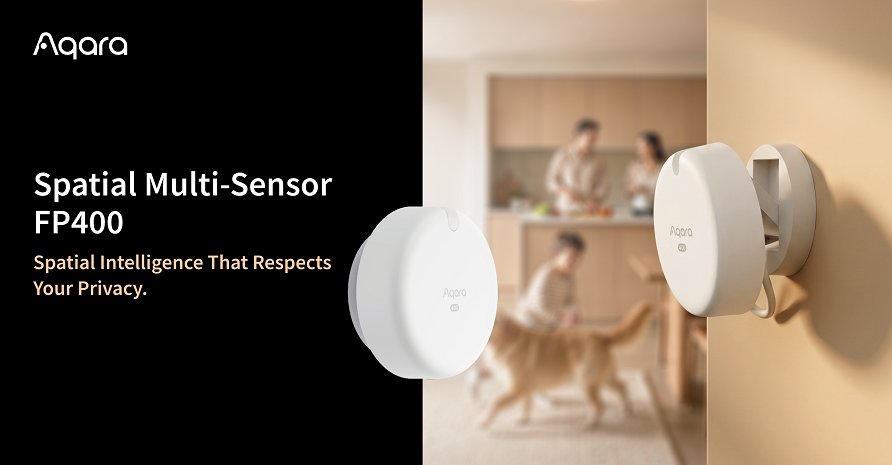
If you do add one, the Aqara Camera E1 (S$129) is a reasonable indoor choice. It’s a 2K pan-tilt camera on 2.4GHz Wi-Fi with microSD recording, and it works with HomeKit Secure Video, Google Home and Alexa. You can turn it to a set angle when you don’t want it watching, and you can switch off the microphone. Point it at the main door and the kitchen entrance, so you can check what the lock or smoke detector just told you before you panic.
Our rules, and they’re not negotiable:
- Tell your child where the camera is and what it records. A hidden camera teaches them that they’re being watched, not looked after.
- Never in bedrooms or bathrooms. Not “only when they’re out”. Never.
- Teenagers probably don’t need one at all. For a 13- or 14-year-old, the lock log answers “did they get home”. Watching them eat lunch answers nothing useful and costs you their trust.
If you have a live-in helper as well, there are legal requirements on camera placement and disclosure. We cover them in smart home cameras, locks and your live-in helper.
The Holiday Starter Kit, Priced
Assuming you have a Wi-Fi router and nothing else smart yet, prices are from HomeSmart Singapore as of 27 October 2026:
| Item | What it does | Price |
|---|---|---|
| Aqara Hub M100 | Zigbee hub, Thread border router, Matter bridge | S$89 |
| Aqara Wireless Mini Switch T1 | “I’m home” / “call me” button | from S$28 |
| Aqara Smart Smoke Detector | Smoke alert to your phone | S$79 |
| Core kit | about S$196 | |
| Aqara Door and Window Sensor P2 | Main door alerts (if no smart lock) | S$52 |
| Aqara Camera E1 | Door and kitchen check-in | S$129 |
| With extras | about S$377 |
Swap the M100 for the M3 and add S$200 to each total. That buys you aircon control and a hub with confirmed support for everything on this list.
A smart lock is the big-ticket upgrade: S$869 for the D100, or S$1,099 for the D200i. Buy one because you want one for the next ten years, not for six weeks of holidays. The core kit above is what we’d actually recommend for this December.
Do a Dry Run Before 21 November
The worst time to find out a notification doesn’t arrive is the first Monday of the holidays. Spend one weekend afternoon running through it together:
- Have your child unlock the door with their own fingerprint or PIN while you’re out of the flat. Check that the notification arrives on both parents’ phones.
- Press all three button actions and confirm each message comes through.
- Press the smoke detector’s test button and time how long the alert takes to reach you.
- Check your phone’s Focus or Do Not Disturb settings. A work Focus mode that silences the Aqara Home app makes the whole setup useless. Add it as an allowed app.
- Write the plan on the fridge: 995, 999, your mobile numbers, and which neighbour to go to.
- Agree the rules out loud: stove, aircon, screens, and who’s allowed in.
Our Take
The best holiday setup isn’t the one with the most gadgets. It’s the one that tells you three things, quietly, without you having to watch a video feed in a meeting: they’re in, they’re fine, and nothing’s burning. A hub, a S$28 button and a smoke detector that reaches your phone cost under S$200. Add a lock log or a door sensor and you’re done. Add a camera only if those three leave a gap, and never point it somewhere you wouldn’t want to be watched yourself.