On 1 February 2026, a lot of perfectly good smart plugs stopped being smart.
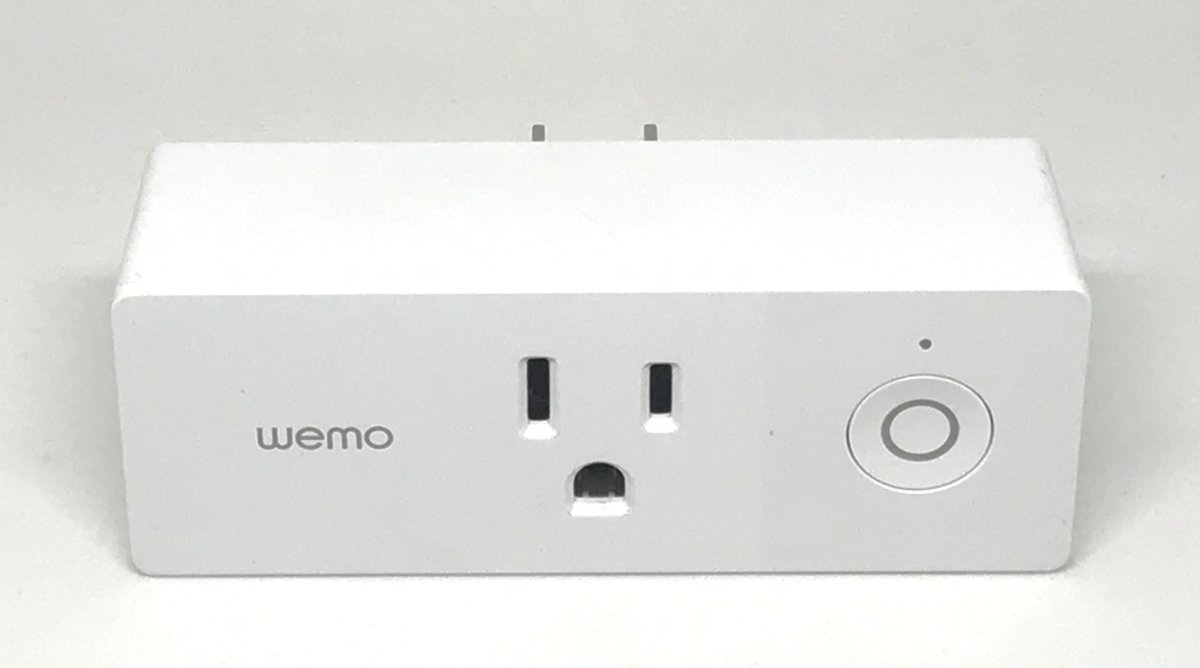
Belkin’s Wemo cloud went dark on 31 January, and with it went the app, the schedules, the Alexa and Google Assistant integrations — the entire reason anyone bought the things. The hardware still sits in the socket. The relay inside still clicks when you press the physical button. But the “smart” part was never in the plug. It was on a server in someone else’s data centre, and someone else decided it wasn’t worth running any more.
If you’ve been buying smart home gear in Singapore for a few years, you probably own something that is one boardroom decision away from becoming a very expensive light switch. This is not a hypothetical risk any more, and 2025–26 has given us enough case studies to actually reason about it properly. So let’s do that: what died, why, and — more usefully — how to buy in 2026 so it doesn’t happen to you.
The body count, 2022 to 2026
It’s worth listing these out, because the pattern only becomes obvious when you see them together.
Insteon (April 2022) is still the worst one. The company shut off its cloud with no warning at all — users woke up to dead apps and a website that had quietly removed its leadership page. The Register reported the company had gone insolvent and the shutdown was the announcement. A group of customers eventually bought the assets and revived a limited service, which is a genuinely heartwarming outcome and absolutely not something you should plan your home around.
Google Nest Learning Thermostat, 1st and 2nd gen (October 2025). Google unpaired them from the Nest and Home apps on 25 October 2025. To Google’s partial credit, the thermostats still work as thermostats — you can still change modes and schedules on the device itself. What you lose is remote control, third-party assistants, Home/Away Assist, and the link to Nest Protect for emergency heating shutoff. Not a brick, but a demotion. (Not that HDB dwellers own many heating thermostats, but the precedent matters.)
Nest Protect and the Nest x Yale lock (2025). Production ended on both. Existing units keep working, but the product lines are done.
Logitech POP buttons (October 2025). Owners got roughly two weeks’ notice by email before the cloud was switched off on 15 October, plus a discount code that only worked in US stores. The buttons became plastic.
Belkin Wemo (31 January 2026). The big one, and the most instructive, because the exceptions tell you exactly what to look for. As TechCrunch reported, Belkin’s Thread-based SKUs — WLS0503, WDC010, WSC010 and WSP100 — keep working. And any Wemo device that had already been added to Apple Home before the cutoff continues to function through HomeKit without Belkin’s cloud at all. Devices still under warranty at the cutoff date were eligible for a partial refund.
Read that again: the devices that survived are the ones that spoke a local protocol to a controller the user already owned. That’s the whole lesson, and everything below is just applying it.
The counterexample worth knowing is Philips Hue Bridge v1, which Signify retired on 30 April 2020 — but flagged about a year in advance, kept local control alive via a dedicated app for a further two years, and to this day publishes a written end-of-support policy. That’s what responsible EOL looks like. Almost nobody else does it.
Why this bites harder in Singapore
Three reasons this is a sharper problem here than in the US or Europe.
Our smart homes are built into the walls. A US buyer with a dead Wemo plug throws it away and buys another. In a Singapore HDB or condo, an enormous amount of smart kit is installed — wired wall switches behind a faceplate, ceiling lights wired to a driver, curtain motors in a bulkhead, a digital lock cut into the gate and the main door. When the cloud behind one of those dies, you’re not replacing a gadget, you’re calling an electrician and repainting. If you’re mid-renovation, this is the single highest-leverage thing to get right; our smart home wiring checklist covers the physical side.
Parallel imports muddy your recourse. Belkin offered partial refunds to in-warranty owners. If you bought a grey-market set from an overseas seller, “in warranty” is doing a lot of work in that sentence. Buying from a local distributor with a Singapore warranty costs more up front and is the only version of that sentence that means anything.
Nobody’s obliged to tell you. There is no rule anywhere requiring a manufacturer to disclose how long the cloud behind a product will stay up. Singapore’s Lemon Law, under sections 13–18 of the Consumer Protection (Fair Trading) Act, covers goods that didn’t conform to the purchase agreement at the time of delivery — not a product that worked exactly as sold for three years before its vendor switched off a server. Assume nothing is promised unless it’s written down.
The three-tier survival test
Here’s the mental model I now use before buying anything. Ask: if the manufacturer vanished tonight, what still works tomorrow?
Tier 1 — survives on its own. The device does its core job with no cloud and no hub. A Zigbee or Thread wall switch still switches the circuit when you press it. A digital lock still opens to a PIN, a fingerprint, or the mechanical key. A ceiling fan still spins from its remote. The “smart” layer is a bonus on top of working hardware. This is what you want for anything installed in a wall.
Tier 2 — survives on a hub you own. The device speaks Zigbee, Thread, or local-network Matter to a controller sitting in your flat. If the vendor’s cloud dies, the hub keeps running the automations. This is the tier most people should be aiming for across the board.
Tier 3 — rented, not owned. Wi-Fi device, vendor app, cloud account, no local API. It works beautifully right up until it doesn’t. Price these as a subscription with an unknown end date, not as a purchase.
The single biggest upgrade you can make to your smart home’s lifespan is moving devices from Tier 3 to Tier 2 — and that mostly means choosing protocols, not brands.
Why Matter and Thread genuinely help here
I’ve been sceptical of a lot of Matter marketing, but on this specific issue the standard delivers something real: Matter commands run locally. On/off, dim, lock/unlock, sensor reads — they travel over your own network via Wi-Fi, Thread or Ethernet, not out to a server and back. Devices are cryptographically attested by the CSA and traffic is encrypted with TLS 1.3. A Matter device paired to a controller in your home does not need the manufacturer’s cloud to obey you.
The caveats are real and you should know them. Firmware updates stop when the vendor stops shipping them. Vendor-specific features — the fancy stuff in the manufacturer’s own app — usually live outside the Matter spec and die with the cloud; you keep the standard capabilities. And a Matter device that’s only reachable through a vendor’s cloud bridge rather than directly on your LAN is Tier 3 wearing a Tier 2 badge. Check how it actually connects. Our primer on what Matter actually does today is a good sanity check before you spend.
The five questions to ask at the checkout
- If the app disappeared tonight, does the hardware still do its main job? If the honest answer is no, you are renting.
- Is it Matter-certified over Thread, Wi-Fi or Ethernet — connecting directly on my LAN, not via a vendor cloud bridge?
- Is there a second way in? Home Assistant integration, Zigbee2MQTT support, HomeKit, an open local API. One is enough. Zero is a red flag.
- Does the vendor publish an end-of-support policy in writing? Hue does. Most don’t. The absence isn’t disqualifying, but it tells you where you stand.
- Who do I call in Singapore? A local distributor with a real warranty is your only lever if something like the Belkin refund happens again.
Category by category, for an HDB
Digital locks — the highest stakes. Good news: locks are structurally the safest category, because the credentials live in the lock. Your PIN and fingerprint are matched on-device, instantly, with no network involved. Cloud death costs you remote unlock, guest-code management from your phone, and log history — annoying, not catastrophic. Prioritise a model with a proper mechanical key override and Matter-over-Thread or Apple Home Key, both of which work locally. HomeSmart’s guide to choosing a digital lock in Singapore covers the physical fitment questions, and we’ve written on which lock types actually speak Matter and on the newer Aliro and UWB hands-free locks.
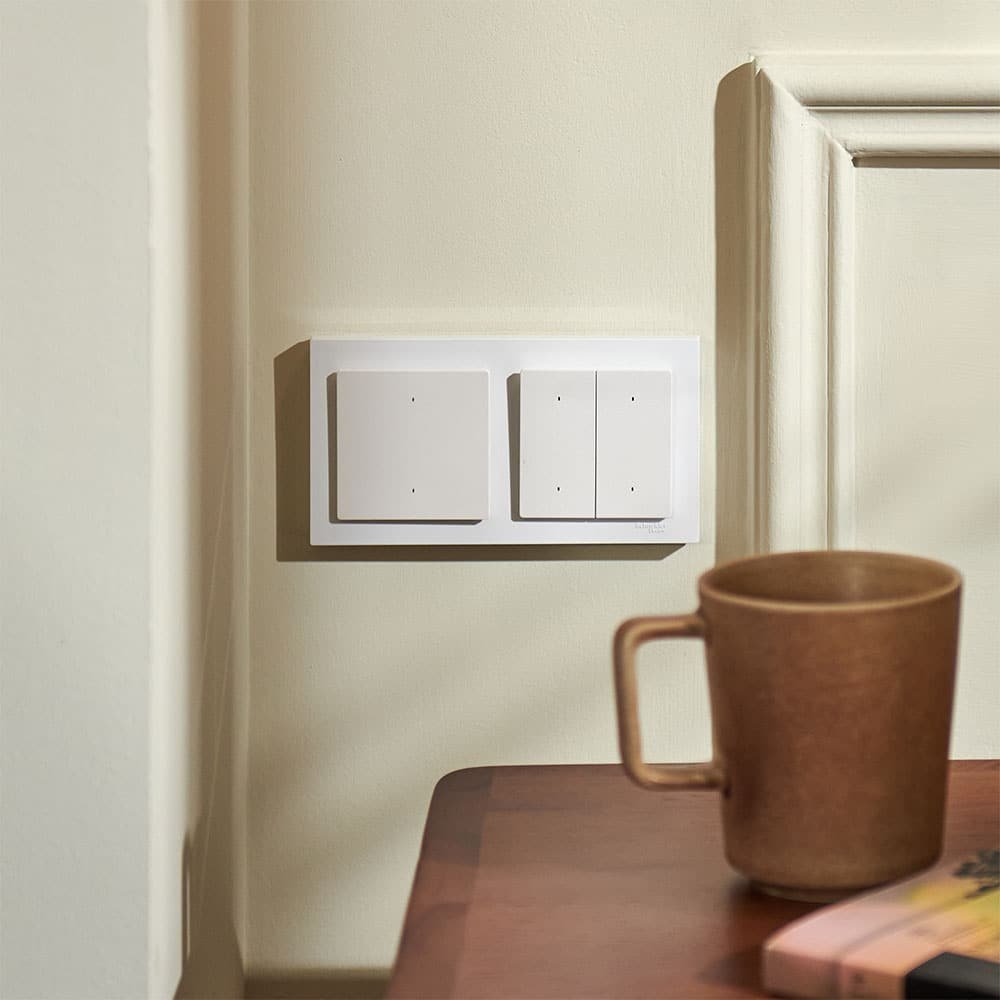
Wired switches and ceiling lights — be strict. These are the ones you’ll hate replacing. Insist on Zigbee or Thread with a hub you own. A cloud-only Wi-Fi wall switch in a renovated wall is the worst risk-to-reward trade in the whole house.
Bulbs and strips. Zigbee (via a Hue Bridge or an Aqara hub) or Thread. Cheap Wi-Fi bulbs are fine as Tier 3 purchases — they’re easy to swap — as long as you’re honest that’s what they are. Hue’s move to concurrent Zigbee and Thread makes its ecosystem a safer long bet than it was.
Cameras. The most cloud-entangled category by far, and the one where “the subscription is the product” is most literally true. If longevity matters, build around local recording — we went deep on no-cloud, no-subscription camera setups.
Aircon IR blasters. Usually Tier 3, but the failure mode is mild: your aircon still has a remote. Low stakes, buy on features.
Voice assistants. Irreducibly cloud-dependent unless you go local — which is now genuinely viable, as we covered in taking back your voice.
The hardware that buys you an exit
Two purchases do more for longevity than any individual device choice.
An Aqara Hub M3 (S$274 at HomeSmart at the time of writing, down from S$289) is the pragmatic option. It’s a Zigbee 3.0 hub, a Thread border router and a Matter controller in one box, with PoE, a 360° IR blaster, and — the part that matters here — automations that run locally on the hub rather than in Aqara’s cloud. Your sensors keep triggering your lights when the internet is down or the vendor is gone.
Home Assistant Green is the maximalist option: everything local, no subscription, and by far the widest device support of anything on the market. Note the price has moved — Nabu Casa raised it twice, from US$99 at launch in 2023 to US$199 today, citing component costs. It’s more work than the Aqara route and it rewards tinkering. We compared the two directly in Aqara Hub M3 vs Home Assistant Green.
Either way, the point is the same: own the brain. A hub in your flat is the thing that converts a cloud shutdown from a catastrophe into an inconvenience.
If you already own something on the list
Don’t panic-replace. Do three things.
Check whether the device is already paired to a second controller — Apple Home, Google Home, SmartThings, Home Assistant. Wemo owners who’d added their devices to HomeKit before the cutoff kept them. Pairing to a local controller now, before any announcement, is free insurance.
Check your warranty status and keep the receipt. Belkin’s partial refund only applied to in-warranty units, and that’s the template other vendors will copy.
And when a device does die, weigh the replacement against the wiring. A plug-in gadget is a S$30 problem. A wired switch behind a repainted wall is a S$300 problem, and it should change what you buy next time.
The honest caveat
Local-first is not free. Home Assistant is a hobby as much as a product, and it will occasionally need attention on a Sunday. Matter still lags vendor apps on features, and the vendor app is often genuinely nicer to use. Hubs are a single point of failure — worth pairing with a small UPS, which we covered here. None of this is an argument for buying only the most paranoid option in every category.
It’s an argument for matching the tier to the stakes. Rent the cheap, swappable stuff. Own the brain, the locks, and anything going into a wall.
The bottom line
The last four years have settled the question. Cloud-dependent smart home devices have an expiry date, you don’t get told what it is, and the only reliable protection is buying hardware that keeps working when the company behind it stops caring.
In practice that’s a short list: prefer Zigbee, Thread and local Matter over cloud-only Wi-Fi. Own a hub. Insist on physical fallbacks — a key, a button, a remote — for anything you’d have to hire someone to replace. Buy locally so a warranty means something. And treat any device with no second way in as a rental, priced accordingly.
Do that and the next Wemo announcement is a news story you read with mild interest, rather than a Saturday spent on a ladder.