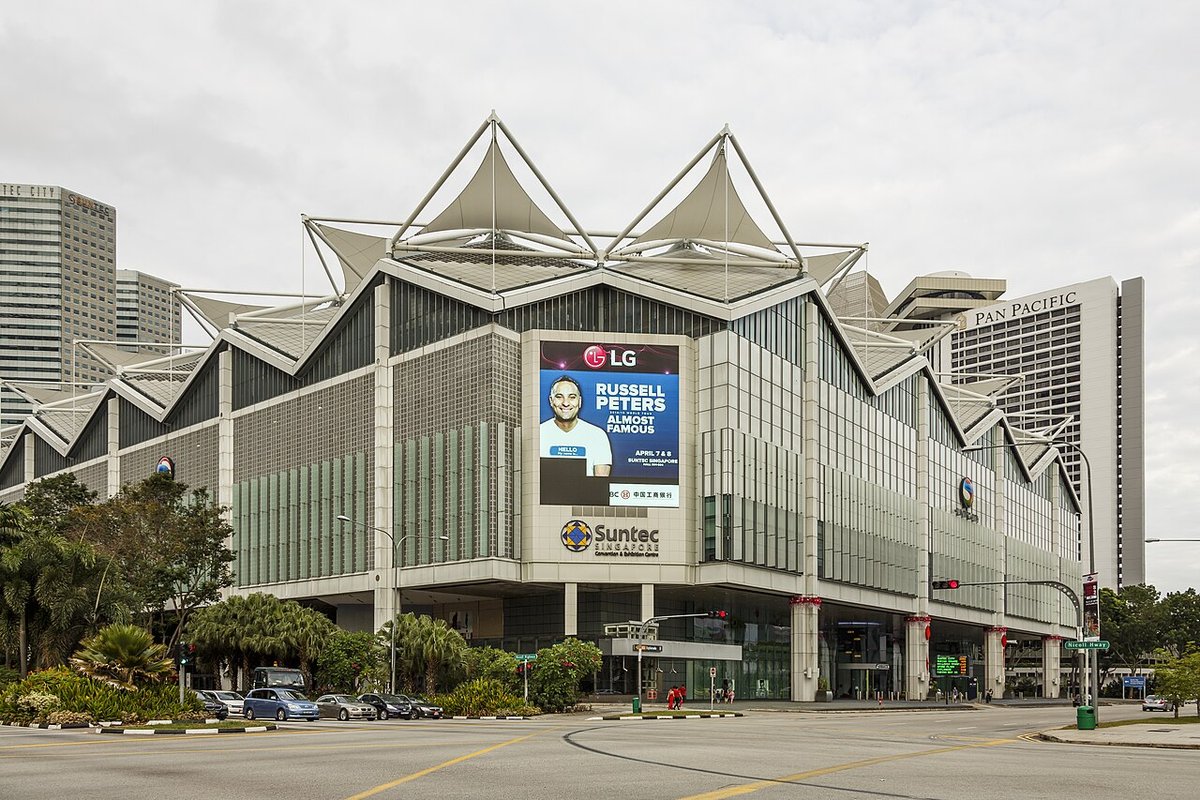
The Smart Home Tech Show opens at Suntec tomorrow: 1 to 4 October, Level 4, Halls 401 to 404, noon to 9pm, free entry. If the spring edition back in April and May was anything to go by, it will be rammed by Saturday afternoon. The organiser’s site promises more than 150 brands, including Samsung, LG, Panasonic, Daikin, Mitsubishi Electric, Philips, Yale, Aqara, Roborock, Coway and OSIM, plus a long tail of installers and integrators you’ve never heard of.
I like these shows. You can press the actual fingerprint reader, hear how loud the robot vacuum dock really is, and get a straight answer from someone who works for the aircon distributor. But an expo is also the most pressured buying environment in Singapore retail. Prices come with a countdown, the promoter has a quota, and the thing you decide on in fifteen minutes on Saturday is going to be screwed to your door or wired into your ceiling for the next decade.
So here’s what to ask at each booth, and which answers should send you walking.
Before you leave home: write down three things
The street price of anything you’re seriously considering. Show discounts are quoted against RRP, and in smart home, RRP is often fiction. When we compared robot vacuums in July, the Ecovacs Deebot X8 Pro Omni carried a S$4,299 sticker but was selling for around S$1,600 on Amazon.sg. A “60% off” banner on that product is just the normal price in a costume. Screenshot the price at two retailers before you go.
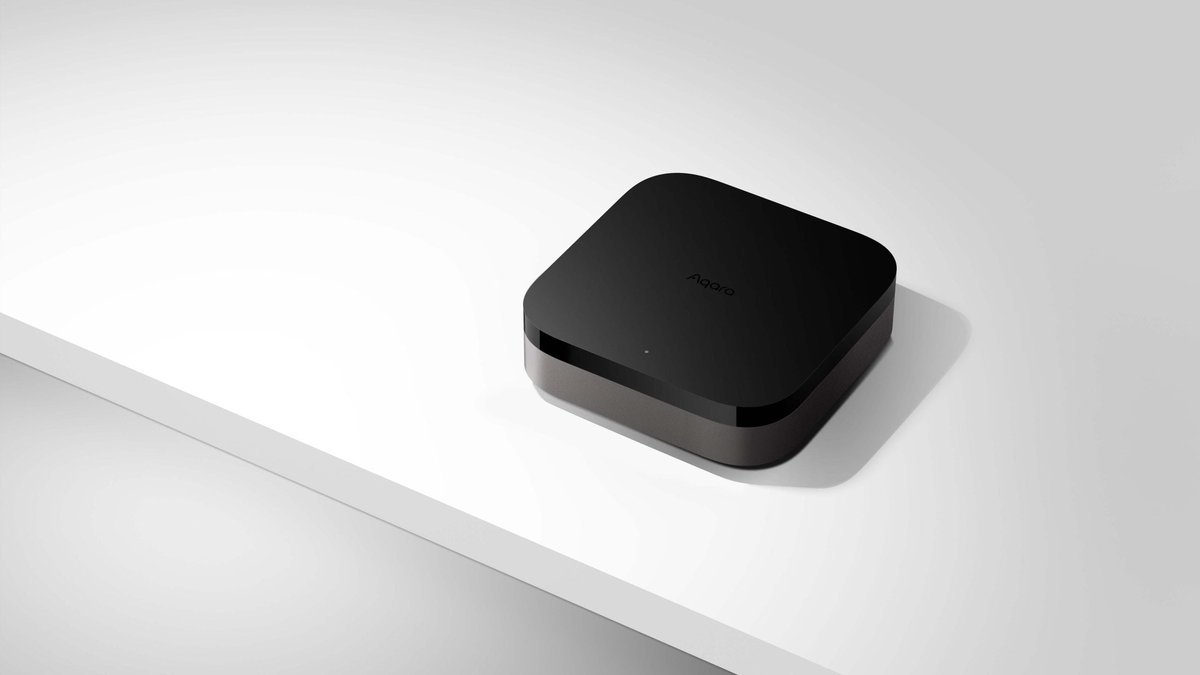
What already runs your home. iPhone or Android household? Do you already own something that works as a Thread border router, like a HomePod mini, an Apple TV 4K with Thread, a Nest Hub (2nd gen) or an Aqara Hub M3? That decides whether a Matter-over-Thread gadget just works or needs yet another box.
Three facts about your flat. Is your main door fire-rated? (In an HDB flat, almost certainly yes.) Do your light switch boxes have a neutral wire? How many aircon indoor units do you have? Those three answers kill more show purchases than any spec sheet.
The one question for every booth: “Does it do Matter, and over what?”
This question separates a device from a dead end. Matter is the standard that lets one gadget work with Apple Home, Google Home, Alexa, SmartThings and Home Assistant at the same time, so it isn’t stuck in its manufacturer’s app forever. A Matter-certified product survives you changing phones, changing platforms, or outliving the brand’s app.
Listen carefully to the answer, because promoters routinely blur three different things:
- “Works with Google Home and Alexa” usually means a cloud-to-cloud integration. It works for as long as the manufacturer’s servers and that integration both stay alive. It isn’t Matter, and it won’t show up in Apple Home.
- “Matter over Wi-Fi” means the device joins your router directly. That’s fine for mains-powered things like plugs and appliances.
- “Matter over Thread” means a low-power mesh, which is ideal for battery devices like locks and sensors. It needs a Thread border router somewhere in the flat.
For a useful reference point, look at the freebie. The show’s Smart Home Tour is run with Möwe, and the first visitors get a Möwe Smart Socket (model MW840S, listed at S$26). Its product page describes a 13A plug on 2.4GHz Wi-Fi, controlled through the iAppliance app and compatible with Alexa and Google Home. It doesn’t mention Matter or Apple Home anywhere. That’s a perfectly good scheduling plug and I’d happily take a free one. But it’s exactly the kind of “works with” you should recognise before signing up for a whole-home package built on the same app.
Digital locks: Yale, Philips, Aqara and the installer tables
Locks are the big-ticket impulse buy at every Singapore home show, and they’re where mistakes cost the most.
Start with compliance, not features. Under SCDF’s rules on digital locksets, any digital lock installed on a residential fire-rated door since 1 March 2024 must carry a Certificate of Conformity showing it has been tested to SS 332 or EN 1634-1. HDB main doors are fire-rated. Ask the booth for the CoC covering the exact model they’re selling you. If they can’t produce it, or wave the question away, walk. The metal gate isn’t fire-rated, which is one reason it’s often the smarter place to start. Our digital lock vs smart lock guide covers the rules in detail.
Then ask the Matter question. Here are the honest answers you’re likely to hear at the three brands you’ll definitely see:
- Yale. Yale Singapore’s smart lock range runs to a couple of dozen models (Luna Pro+, YDM7116A, YDM7220 BioSecure and so on), and the page doesn’t claim Matter for any of them. Yale has added Matter to some locks sold overseas, but those are largely built for American and European doors. Ask specifically whether the model on the counter supports Matter on Singapore firmware. “It has an app” is not a yes.
- Philips. The EasyKey 9300 is a solid push-pull flagship at roughly S$800 to S$950. It supports fingerprint, PIN, card, key and Bluetooth, and has a built-in Wi-Fi gateway. It doesn’t support Matter, so you’ll manage it in the Philips app for its whole working life.
- Aqara. The U400 runs Matter over Thread, adds UWB hands-free unlocking and Apple Home Key, and costs S$469 to S$849 through HomeSmart depending on the installation option. The U300 lever lock (S$359 to S$479) is the cheap way to make a study or storeroom door smart. The push-pull D200i uses Zigbee, so it needs an Aqara hub to reach Apple Home or Google Home. That’s a perfectly good setup, as long as you budget for the hub.
A lock without Matter isn’t a bad lock. It just means your door will never trigger your lights or presence automations without a workaround. Decide whether you care before you’re standing in front of a promoter holding a card terminal. HomeSmart’s guide to choosing a door lock in Singapore is worth reading on the MRT on the way there.
Aircons: Daikin, Mitsubishi Electric and Panasonic
Plenty of people will head to Suntec this week specifically to replace a tired aircon. With the regulated tariff at a record 34.78 cents per kWh including GST this quarter, I don’t blame them.
The “smart” part of most aircon packages is the manufacturer’s Wi-Fi adapter. Know three things before you sign:
- It’s one adapter per indoor unit. Daikin’s BRP072A42 sells for around S$150. A multi-split system with three fan coils needs three adapters. Check whether the show bundle includes one per unit, or just says “Wi-Fi ready”.
- None of the big three brands’ adapters speak Matter, as of this month. Daikin’s D-Mobile, Panasonic’s Comfort Cloud (via the CZ-TACG1 adapter) and Mitsubishi Electric’s MELCloud are cloud apps with Alexa and Google voice control bolted on. They won’t appear in Apple Home.
- What you get in return is real state. The adapter reads the unit’s internal bus, so the app knows what the aircon is actually doing. An IR blaster can only assume the last command it sent worked.
If Apple Home or Matter is the goal, a SwitchBot Hub 2 (around S$89) or an Aqara Hub M3 can bring an IR-controlled aircon into Matter for less than a single adapter costs. Our Wi-Fi adapter vs IR blaster breakdown has the maths. And remember what actually saves money: a 25°C setpoint and a schedule that switches the unit off. The app itself saves nothing.
Robot vacuums: Roborock (and the ones in the lucky draw)
Roborock is exhibiting, and its vacuums are among the Sure-Win Draw prizes, so you’ll see plenty of them.
Robot vacuums are one category where Matter has quietly arrived. In April 2025, Roborock pushed a Matter firmware update to the S8 MaxV Ultra, Saros Z70, Saros 10, Saros 10R, Qrevo Curv, Qrevo Edge and Qrevo Master. That added basic start, stop and return-to-dock control in Apple Home. It isn’t full room-by-room control in the Home app, so you’ll still open the Roborock app for that. But it’s enough for “start cleaning when the last person leaves.”
So the question at the Roborock booth is whether the model you’re being offered is on that list, or from a cheaper line that isn’t. Show bundles love to pair a last-generation robot with a pile of spare brushes. Measure the gap under your sofa and bed before you go, too. Our robot vacuum comparison explains why the slim Saros 10R suits Singapore furniture so well.
Samsung and LG: the hub you might already be buying
If a Samsung TV or fridge is on your list anyway, ask whether that exact model has a SmartThings hub built in. Samsung puts SmartThings hub functionality, Thread border routing included, into selected TVs, monitors and Family Hub fridges, which could save you buying a separate hub. Ask LG the same question about the ThinQ products on its stand. Either way, get the promoter to point to it on the spec sheet, not the brochure.
The catch is physics. A TV in the living room is a poor place to anchor a Thread mesh that has to reach a lock at the gate through reinforced concrete. If you already have Thread devices dropping out, Home Assistant’s new Matter network map will show you where the weak links are.
Whole-home packages and installers
The back half of the hall will be integrators selling “full smart home” packages: switches, sensors, curtains and a tablet on the wall, all for one price. Some of these are good value. Others leave you with forty devices tied to an installer who’s gone in three years. Ask:
- What’s the hub, and does it keep working without the internet? A fibre cut shouldn’t turn off your lights. We looked at exactly this when Bishan went offline for 16 hours.
- Can the devices go into Apple Home, Google Home or Home Assistant via Matter if I stop using your app?
- Do my switch boxes need a neutral wire? Many older HDB flats don’t have one at the switch. HomeSmart’s neutral vs no-neutral explainer covers what changes.
- Is this the Singapore/global version with a local warranty, or parallel-imported stock? China-region Aqara and Xiaomi hardware can refuse to pair with a global account. Our grey-import guide explains why.
- Who services it after the warranty, and what happens if the app is discontinued? Our piece on smart home expiry dates has the cautionary tales.
Cameras and doorbells: ask what it costs next year
Camera booths lead with the hardware price. The number that matters is the subscription once the free trial ends. Ask whether it records locally to a microSD card or a NAS, which features (person detection, clip history) sit behind a paywall, and whether it carries Singapore’s Cybersecurity Labelling Scheme label. The label registry is lopsided, but IP cameras are one of the categories where the label actually turns up. Our guides to no-cloud camera setups and the CLS label are good prep reading.
Don’t let the freebies make the decision
HardwareZone’s rundown lays out the show’s spend-and-redeem tiers:
| You spend | You get back |
|---|---|
| S$500 | S$5 voucher |
| S$1,000 | S$10 voucher |
| S$2,000 | S$20 voucher |
| S$4,000 and up | Redmi Bluetooth speaker (worth S$49) + S$25 voucher |
| Water purifiers, vacuums, fans: S$500 / S$1,000 | S$25 / S$50 voucher |
On top of that, there are S$10 show vouchers for the first 50 pre-registered visitors each day, and a Sure-Win Draw with more than S$300,000 in prizes, including PRISM+ TVs, OSIM massage chairs, Omnidesk standing desks and Roborock vacuums.
Do the maths. On the general tier, that’s 1% back. If the base price isn’t already good, a 1% voucher, a free speaker or a lucky-draw ticket shouldn’t change your mind. The same goes for trade-ins. Ask for the price with and without your old unit, and compare the difference with what the old one would fetch on Carousell.
And if you do win one of those PRISM+ TVs, enjoy it, but don’t expect it to join your Matter setup. We looked into why.
The 60-second booth checklist
Save this to your phone:
- Is it Matter-certified? Over Wi-Fi or Thread? If Thread, do I already have a border router?
- Does it need a hub, and is the hub included in the price?
- Is it the Singapore/global version with a local warranty? How long is the warranty, and is it onsite or carry-in?
- Is there a subscription after the trial?
- Locks: is there a fire-rated CoC for this exact model? Aircons: is a Wi-Fi adapter included for every indoor unit? Switches: do they need a neutral wire?
- How does the show price compare with the street price I screenshotted?
- When is delivery or installation, and can I cancel if it slips?
My take
Go. Poke everything. Ask the Daikin and Mitsubishi people about the unit, the Roborock people about clearance height, and the lock people about fire certificates. But treat the show as research that might end in a purchase, not a purchase you’ve dressed up as research.
What I’d happily buy on the day: a Roborock that’s on the Matter list at a price that genuinely beats the street, an aircon replacement you’d already budgeted for, and a Matter-over-Thread lock if the installer hands you the CoC without blinking. What I’d sleep on: whole-home packages locked into one app, camera bundles with a subscription you haven’t priced, and anything where “does it do Matter?” gets a long pause and then “it works with Google”.
If you’re newer to all this, HomeSmart’s Matter primer and our own first smart home under S$300 are a sensible warm-up before you walk into a hall with 150 brands competing for your attention.