When a NetLink fibre cut took parts of Bishan and Thomson offline for 16 hours last month, SmartThings households got an odd result. Their automations mostly kept working. A Zigbee motion sensor on a SmartThings hub could still switch on the corridor light, because Edge drivers run on the hub itself. But open the SmartThings app to switch that same light off by hand, and nothing happened. Every tap in the app went out to Samsung’s cloud and back, and the cloud was out of reach.
Samsung’s latest SmartThings update closes that gap. Samsung Newsroom Singapore posted the announcement on 14 October. Most of the press release is about a new card feed called SmartThings Now. The change that matters more for a Singapore home is in the third paragraph and its footnotes: the app can now talk straight to your hub over your home Wi-Fi.
Here’s what changed, which hubs it covers, and what still breaks the next time your fibre goes down.
What Samsung Actually Shipped
The update has four parts:
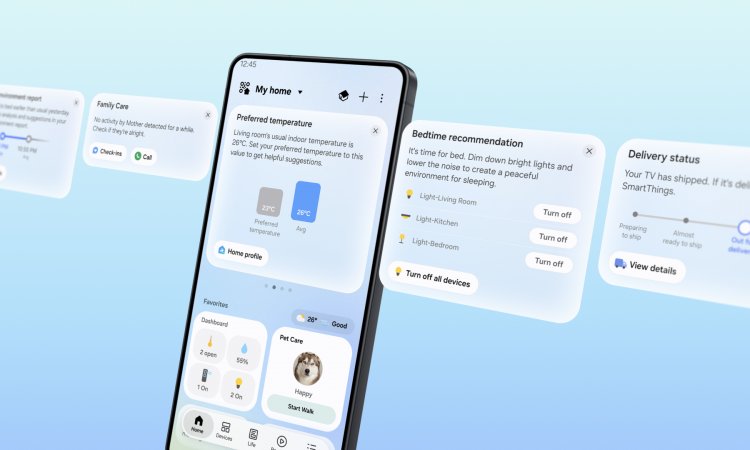
- SmartThings Now: context-aware cards at the top of the Home tab. They build on the existing Home Insight feature.
- A redesigned Home tab: dashboards, device cards and service cards are reorganised. A new Floating Bar puts common controls at the bottom of the screen for one-handed use on big phones.
- Local control: when your phone and a SmartThings hub are on the same Wi-Fi network, the app sends commands directly to the hub instead of through the cloud.
- Matter 1.6 support, plus four device categories that are new to SmartThings: energy meters, closures, irrigation devices and soil sensors.
Samsung says the update is “available now”. SmartThings has 470 million registered users and more than 430 Works with SmartThings brands, so this is a platform-level change, not a niche beta.
Local Control, Minus the Marketing
The mechanism is simple. If your phone and your hub are on the same home network, the app finds the hub and sends commands to it directly. When you leave home, it switches back to cloud control automatically. You don’t toggle anything.
Samsung’s headline figure is that local control is “approximately 30%” faster than cloud control. A footnote says that comes from Samsung’s own tests “under controlled conditions” and that real results will vary. I wouldn’t upgrade anything for 30% faster light switching. The useful part is resilience: the app keeps controlling the house when the internet doesn’t work.
It’s worth being clear about what was already local and what’s new:
- Already local: routines that only use devices on Edge drivers. Those drivers run on the hub, so a sensor-triggered automation never needed the internet. We covered this in our fibre outage survival guide.
- New: manual control from the app. Tapping a light tile, dimming a lamp or closing a curtain while you’re at home can now skip the cloud.
The hub side of this is in firmware 0.62.7. The official SmartThings release notes say the app “can now communicate directly with SmartThings Hubs when the app and Hub are connected to the same local network, even when the Hub is offline.” Here, “offline” means the hub can’t reach Samsung’s servers.
The rollout has been bumpy. Version 0.62.7 rolled out from 8 to 16 September. A follow-up, 0.62.13, began on 12 October to fix “intermittent local connectivity issues between the app and the Hub,” among other bugs. Samsung paused it on 13 October after “a rare crash in a handful of Hubs.” Version 0.62.14, which fixes that crash, is rolling out from 15 to 20 October. If your hub has been flaky this month, that’s probably why. Let it update before you start factory-resetting things.
One more detail from the release notes: several of the new hub features are marked as “dependent on an upcoming SmartThings app version.” Hub firmware alone isn’t enough. Update the app on every phone in the household, not just yours.
Which Hubs Qualify (and Which Samsung “Hubs” Don’t)
According to Samsung’s footnote, local control works with the SmartThings app on Android and iOS, with:
- SmartThings Station, the wireless charging pad with a hub inside
- SmartThings Hub v2 (2015) and v3 (2018), plus its Aeotec-made successor, the Aeotec Smart Home Hub
- The V4 hub, sold as the Aeotec Smart Home Hub 2
- Hub-enabled Samsung Smart TVs
- Family Hub refrigerators
The firmware notes also list the ThingsOne Smart Home Hub.
Here’s the catch. SmartThings’ own list of Samsung devices with built-in hubs is longer than the local-control list. It includes select QLED, Neo QLED and OLED TVs from 2023 onwards and The Frame and The Serif from 2024. It also includes select Bespoke AI laundry combos, projectors, smart monitors and soundbars. Those last four aren’t named in the local-control footnote. If your hub is a soundbar or a washer-dryer, don’t assume you’re covered until you’ve tested it.
The TV-as-hub setup, which we looked at in our no-hub smart home guide, has a very Singaporean weak point: the wall socket switch. Plenty of households switch off the TV at the socket every night to save power. Whatever your model does in standby, it’s no hub at all once the power is off. A Family Hub fridge is always on, which makes it a more reliable hub. But in many HDB flats the kitchen sits at one end of the unit, which is a poor spot to anchor a Zigbee or Thread mesh.
If you have no hub at all and just add Wi-Fi devices straight to the SmartThings app, this update changes nothing for you. Local control needs a hub to talk to.
What Still Breaks When Your Internet Goes Down
The press release doesn’t spell this out, so here is our read from the release, the firmware notes and how SmartThings has always worked:
| What you’re controlling | Works without internet after this update? |
|---|---|
| Zigbee, Thread or Matter devices on your hub, controlled from the app at home | Yes, with updated hub firmware and app |
| Routines that only use local Edge-driver devices | Yes, as before |
| Samsung Wi-Fi appliances that connect directly to Samsung’s cloud (e.g. a WindFree aircon or Bespoke washer) | Assume no: the local path runs through a hub, and these don’t use one |
| Other brands linked in through their own cloud accounts | No |
| Controlling anything while you’re away from home | No: remote access is cloud by definition |
| Bixby, Alexa or Google Assistant voice commands | Generally no: they’re cloud services |
| Family Care alerts going to a caregiver outside the home | No: the alert has to leave your network |
The aircon row matters most in Singapore. For many households the aircon is the main reason SmartThings is on their phone. Samsung’s announcement doesn’t say anything about Wi-Fi appliances getting a local path. Until Samsung says otherwise, treat your aircon as a cloud device. If you want local aircon control, our aircon Wi-Fi adapter vs IR blaster guide covers the hub-based alternatives.
The HDB Network Trap: “Same Wi-Fi Network”
Samsung’s condition is that the phone and hub are “connected to the same Wi-Fi network.” That sounds trivial, but a lot of Singapore homes aren’t set up that way.
If you followed our IoT network segmentation guide and put your smart home gear on its own SSID or VLAN, your phone and hub are on different networks by design. The same goes for a hub plugged into a guest network, which usually isolates devices from each other, or a router with client (AP) isolation switched on. In all of these cases, assume local control won’t work until you’ve tested it. The app will quietly fall back to the cloud, and you’ll only find out during an outage.
A hub on Ethernet and a phone on Wi-Fi should be fine, as long as both are on the same router and the same subnet. A mesh system (Deco, Eero, Orbi and the like) is also fine, as long as you haven’t split it into separate networks.
How to Test It in Five Minutes
Don’t wait for the next fibre cut to find out whether this works. Simulate one:
- Update everything. Update the SmartThings app on every household phone. Then check your hub’s firmware version in the app’s hub details. You want 0.62.14 (or 0.62.7 if the newer release hasn’t reached you yet).
- Turn off mobile data on your phone. Otherwise the app reaches the cloud over 4G or 5G, and the test proves nothing.
- Cut the internet but keep Wi-Fi up. Unplug the cable between your fibre terminal (ONT) and your router’s WAN port. Leave the router on.
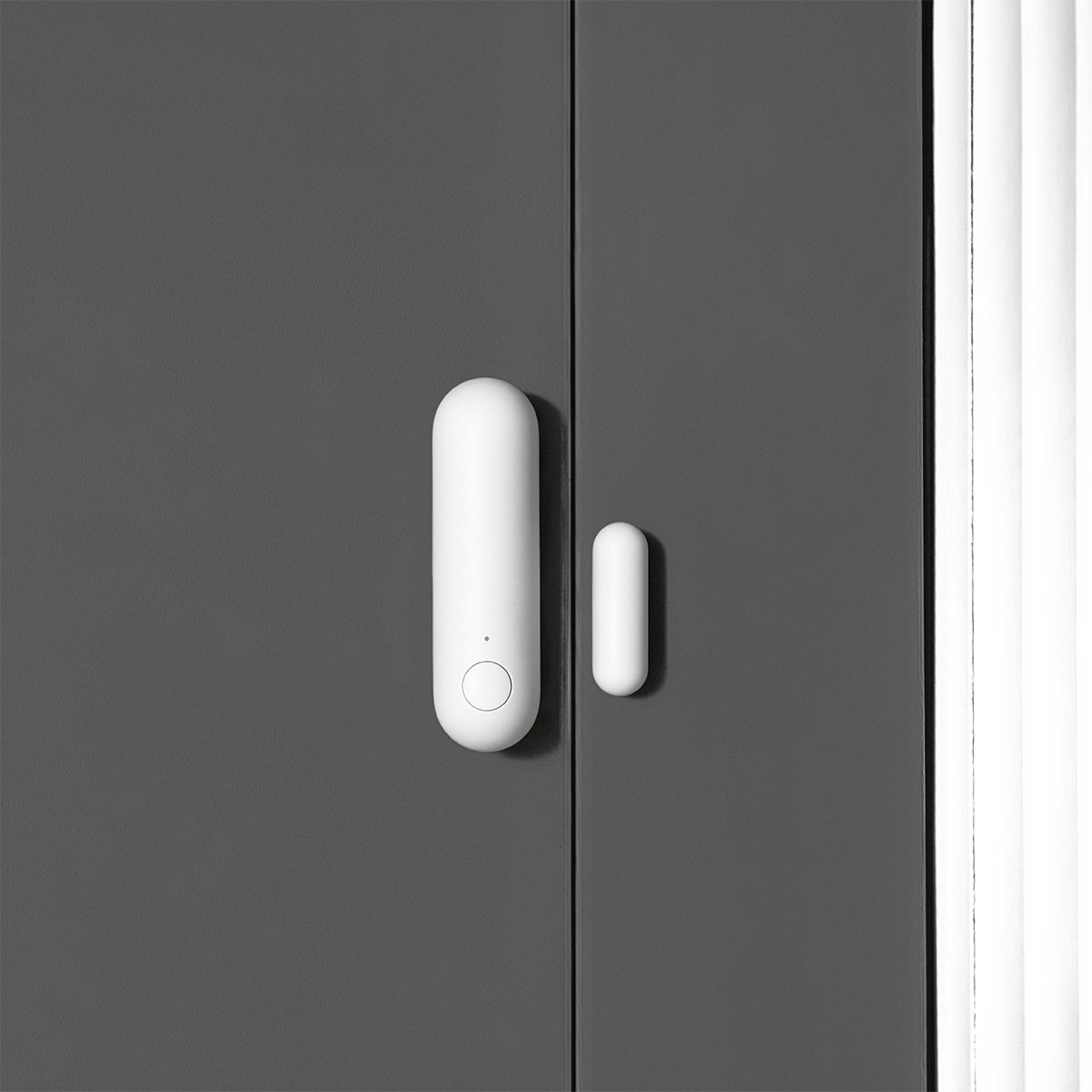
- Open SmartThings and toggle a few things: a Zigbee or Thread light, a Matter plug, a curtain motor. Then walk past a motion sensor to check a routine fires.
- Write down what fails. Anything that doesn’t respond is a cloud dependency. That’s the list to replace or accept.
- Plug the WAN cable back in. According to the firmware notes, device states now resync properly after a long offline period, so the app should catch up.
It takes less time than reading this article, and you’ll know exactly where you stand.
Matter 1.6 and the Four New Device Categories
Samsung says SmartThings now supports Matter 1.6, with better stability and group control performance. The Connectivity Standards Alliance released Matter 1.6 in June. As CNX Software’s breakdown shows, it’s mostly a setup and plumbing release: NFC-based commissioning, “Joint Fabric” for sharing a Matter network across several controllers, and thermostat suggestions.
The four device categories are new to SmartThings, not necessarily new to Matter. Closures and soil sensors arrived in Matter 1.5 last November. For Singapore homes:
- Energy meters: the most useful of the four. Real-time power monitoring in SmartThings, through Matter, without a brand-specific app. If you’re still choosing hardware, start with our whole-home energy monitoring guide.
- Closures: aimed at “specialised door and gate types.” That’s mainly relevant to landed homes with motorised gates. HDB curtains and blinds were already covered by the window covering device type.
- Irrigation and soil sensors: niche in a flat, but they could give a balcony garden a moisture-triggered watering routine. Our smart watering timer guide has the hardware.
Before you buy anything in these categories, check the specific product’s Matter device type. “Works with Matter” on the box doesn’t tell you whether it shows up in SmartThings as an energy meter or as a generic plug.
Two quieter firmware changes
The release notes have two smaller items that will interest anyone running a mixed household:
- Your hub can join a different Thread network. A lot of HDB flats have two or three Thread networks without the owners knowing. An Apple TV or HomePod runs one, a Samsung TV runs another, and an Aqara hub might run a third. Each one is a separate, thinner mesh. Being able to join one network means a stronger mesh. The notes warn that “some Zigbee devices may need to be re-added” if the channel changes, and the feature is one of those waiting on the next app version. Map your mesh first; our Home Assistant Matter network map piece shows how.
- Better IKEA BILRESA scroll wheel support. The Edge driver adds finer brightness and colour-temperature control. Zigbee and Matter window coverings can also now be controlled with the scroll wheel. As we noted in our IKEA Matter-over-Thread guide, the scroll-wheel BILRESA wasn’t on IKEA Singapore’s site when we checked earlier this month. The S$8.90 button remote was.
SmartThings Now: Useful, or Just More Cards?
SmartThings Now is the feature Samsung leads with, and it’s fine. The cards suggest actions based on what’s happening:
- Arriving home: when you get near a home location you’ve registered in the app, it suggests turning on the lights and air purifier. Once you do, it offers to turn that into a routine.
- Family Care: if a family member, such as an older parent, shows no device activity for an extended period, the caregiver gets a card with options to check in or call.
- Tidying up: it looks at the past week’s usage to suggest changes to your Favourites. A Routine Insight card shows what your routines have actually done, so you can delete the dead ones.
Samsung’s example for the Favourites suggestion is removing your air conditioner card “if usage drops as the cooler months approach.” That card isn’t going anywhere in Singapore.
The Family Care card is the one I’d look at seriously. It fits the quiet, no-camera approach we recommended in our aging-in-place guide. Check that it’s available in your app’s region first. And the same rule applies as with any activity monitoring: tell the person being monitored, whether that’s your parent or a live-in helper who shares the flat.
Should Singapore Households Care?
If SmartThings is already your main app (Galaxy phone, Samsung TV, a few Zigbee or Matter devices on a hub): yes. Update the app, wait for 0.62.14, and run the five-minute test. This is the update that makes SmartThings something you can rely on during an outage, not just something that’s convenient on a good day.
If your SmartThings “hub” is a soundbar, monitor or washer-dryer: test before you trust it. Those aren’t on the local-control list.
If you run Apple Home or Home Assistant: this is SmartThings catching up. Both have long let a phone on the home network control devices without the internet. It’s not a reason to switch.
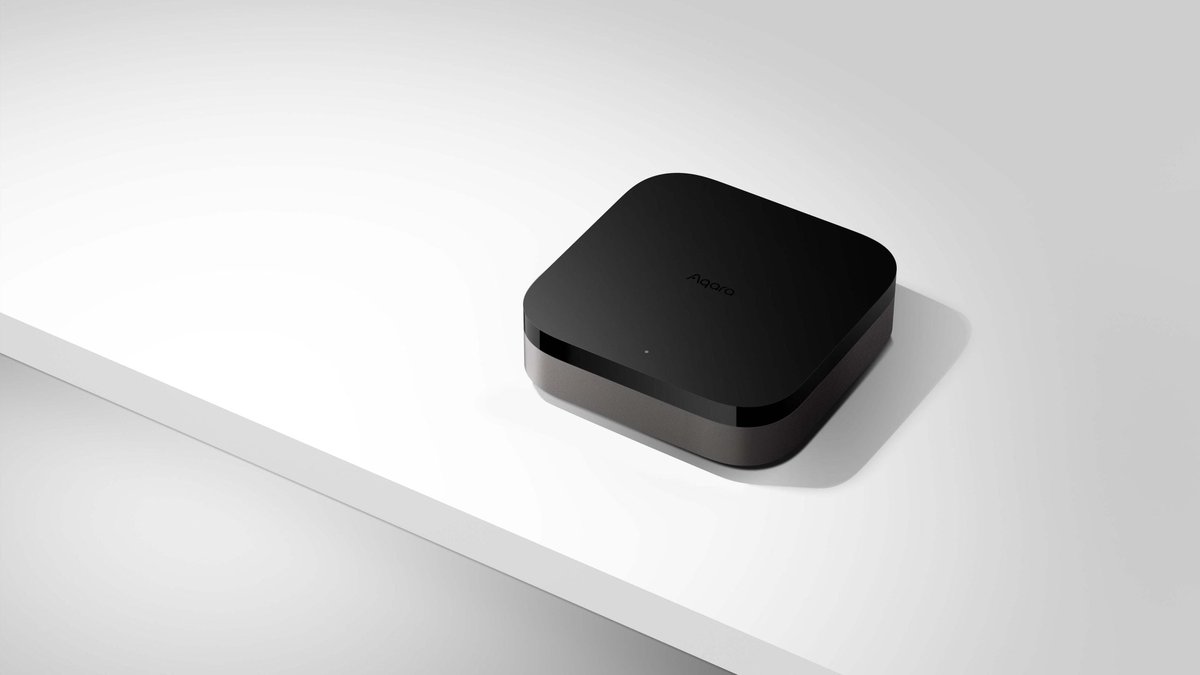
If you’re choosing a hub now: SmartThings is a more credible local option than it was a month ago, but check what Samsung actually sells locally before planning around a Station or Aeotec hub. If you want local Zigbee and Thread control that isn’t tied to one app, a Matter controller like the Aqara Hub M3 can share its devices with SmartThings, Apple Home and Google Home at the same time. HomeSmart’s guide to what works best in Matter today is a good place to sanity-check a mixed setup before you buy.
Samsung has run SmartThings for more than a decade, and until now the app needed the cloud for every tap. That’s fixed, at least for devices on a qualifying hub. Your aircon is another matter.