If you rent your HDB flat or condo, you already know the smart-home catch-22. Every “best of” list tells you to swap your wall switches for smart ones — except that means touching your landlord’s wiring, fishing for a neutral wire behind a Singapore backbox that often doesn’t have one, and hoping you remember how to put it all back before the tenancy inspection. So most renters give up and settle for a couple of smart bulbs.
SwitchBot is the brand built for exactly this problem. Its entire philosophy is retrofit — little battery-powered robots and clip-on motors that automate the dumb devices you already own, then peel off cleanly when your lease ends. Nothing gets rewired, nothing gets drilled, and the whole kit genuinely does pack back into a shoebox. In 2026, with the new Hub 3 and a surprisingly ambitious AI Hub, the ecosystem has grown up enough to be a real answer for Singapore renters — as long as you know where it falls down. Let’s get into it.
Why SwitchBot actually suits an HDB rental
Three things make SwitchBot different from a “proper” wired smart home.
First, it’s reversible. A SwitchBot Bot sticks onto your existing light switch with 3M adhesive; the Curtain 3 clips onto your existing curtain track; the Lock swaps only the interior thumb-turn of your deadbolt. None of it is permanent, which matters enormously when the walls aren’t yours.
Second, it’s Bluetooth-first. Most SwitchBot gadgets run on Bluetooth Low Energy and talk to a hub that bridges them out to Wi-Fi, Matter and your voice assistant. That keeps the devices tiny and battery-powered — but it also means a hub is doing a lot of quiet work, and BLE and thick HDB concrete are not friends (more on that below).
Third, it’s cheap enough to experiment. The gateway device, the Bot, is about US$30 — roughly S$40–50 on local marketplaces. You can dip a toe in for the price of a nice lunch instead of committing to a S$300 rewire.
If you’re brand new to any of this, our guide on building your first smart home under S$300 pairs well with everything below.
Start with the hub — it’s really your aircon remote
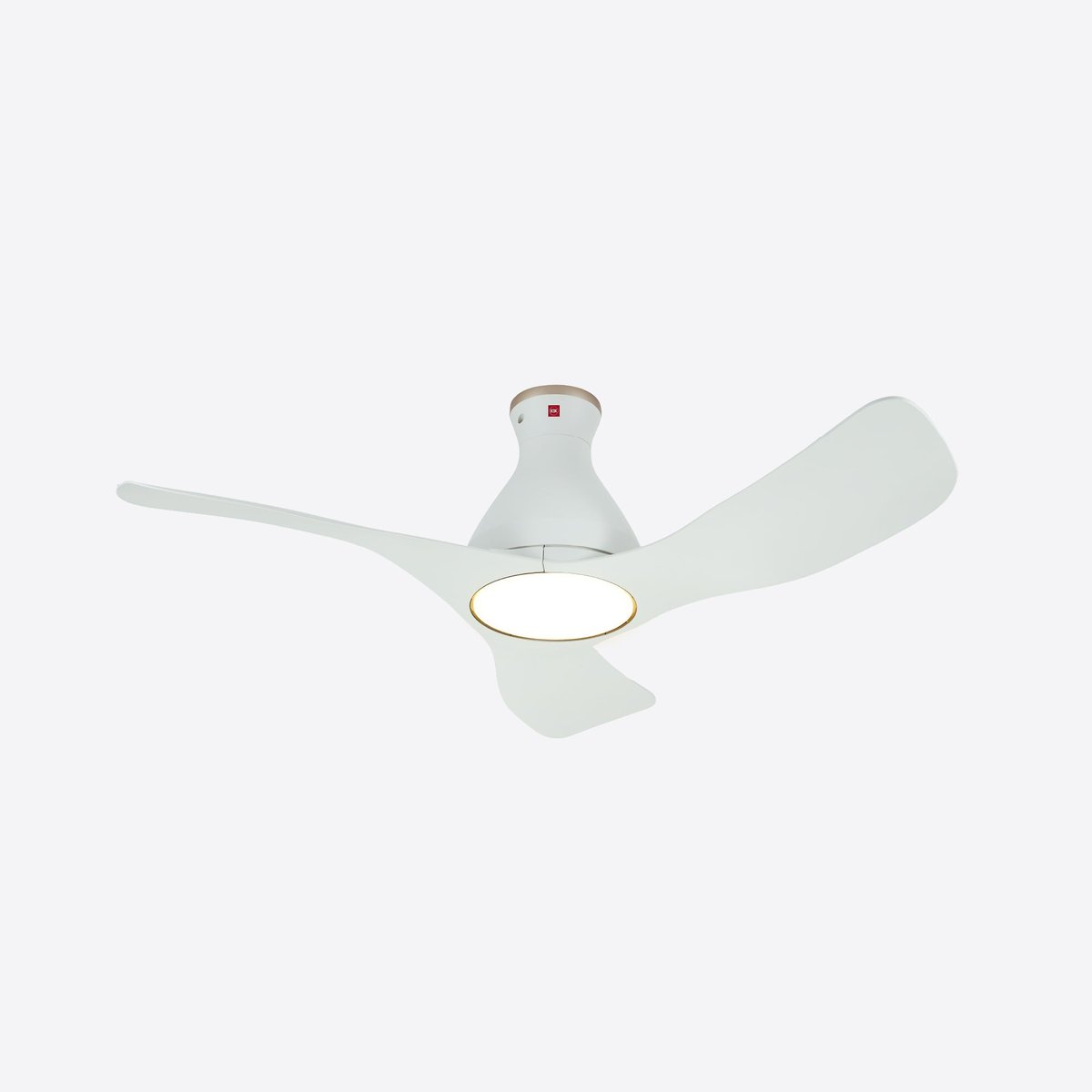
Here’s the thing nobody tells you: for a Singapore home, a SwitchBot hub earns its keep as an infrared blaster long before you buy a single robot. Every split-unit aircon, most ceiling fans, and a lot of TVs in this country are controlled by IR remotes. A SwitchBot hub learns those remotes and turns them into app-controlled, schedulable, voice-controlled devices — so your Daikin or Mitsubishi aircon can switch on 15 minutes before you get home, or cut off automatically at 3am. No new aircon, no installer.
There are three hubs worth considering:
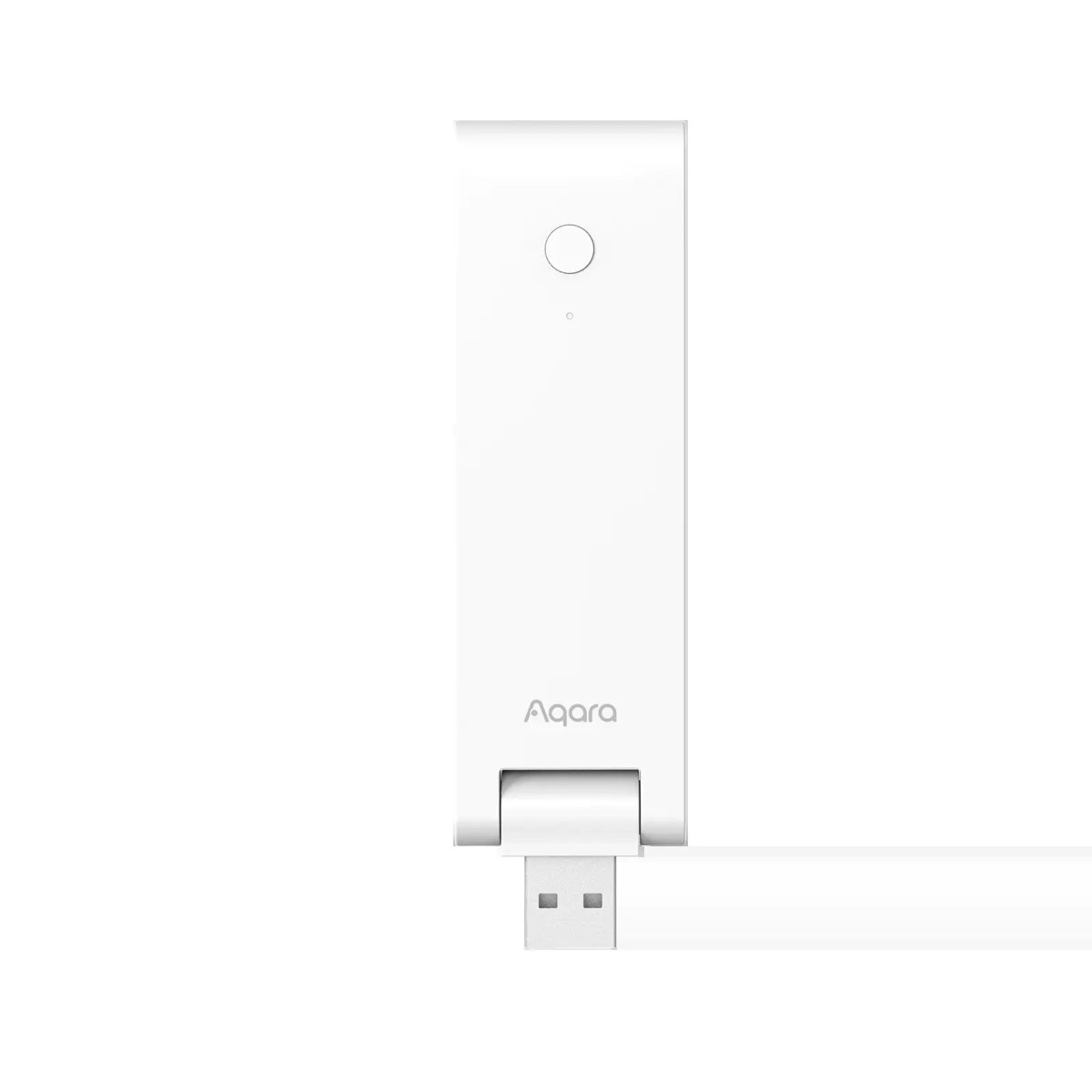
- Hub Mini (~US$49 / ~S$70) — a pure IR blaster and BLE bridge. No screen, no sensors. The Matter-enabled version runs about US$59.99. This is the minimum viable brain.
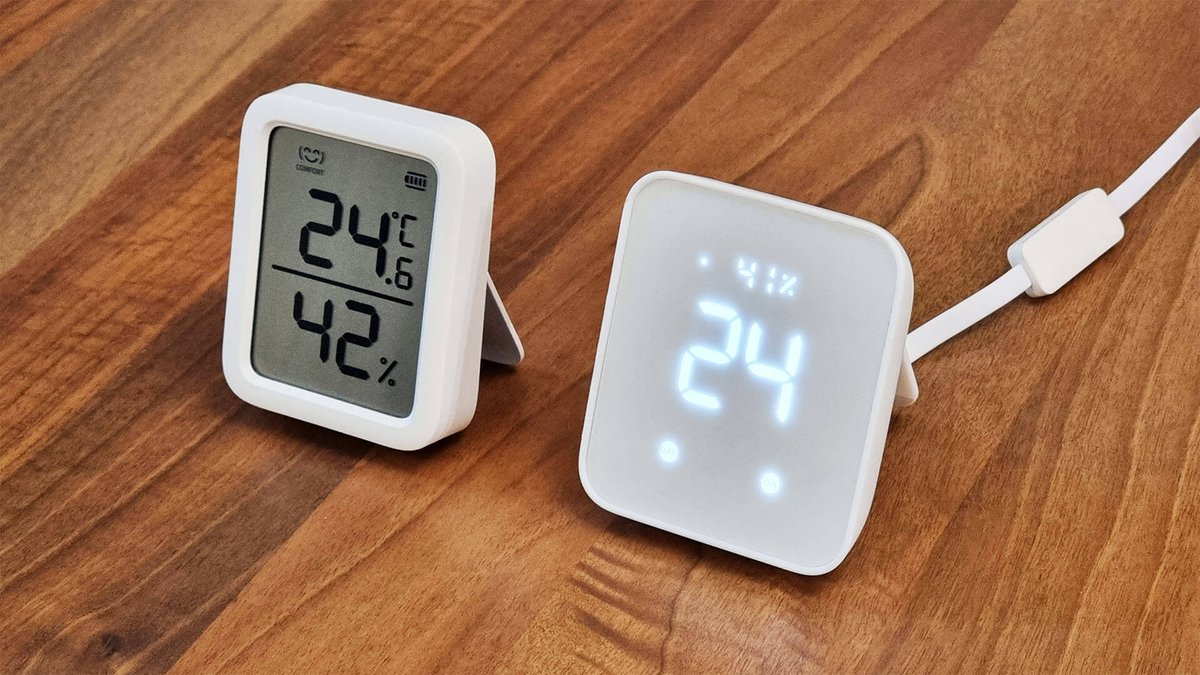
- Hub 2 (~US$59.99 / ~S$85) — adds a built-in temperature and humidity sensor and a small display. In a tropical climate where humidity drives everything from mould to comfort, that on-board sensor is more useful than it sounds.
- Hub 3 (~US$119.99 / ~S$170) — the 2026 flagship. It’s a Matter 1.3 hub with a Thread border router, dual-band Wi-Fi 6, a much stronger IR blaster (100,000+ codes, ~30 m range, which SwitchBot claims is 150% stronger than the Mini), a 2.4-inch IPS screen, a physical control knob, four programmable scene buttons, and built-in motion, light, temperature and humidity sensors. It bridges up to 30 SwitchBot devices into Matter. Forbes covered the Hub 3’s launch in detail if you want the deep dive.
My honest take: most renters should start with the Hub 2. The Hub 3 is lovely, but you’re paying flagship money for a Thread border router you may not need yet — and if you’re renting, you probably don’t have a sprawling Thread mesh to serve. Buy the Hub 3 only if you specifically want it as your central Matter controller. If you’re weighing IR control more broadly, our roundup of the best smart IR blasters for Singapore aircons puts SwitchBot up against the alternatives.
The Bot: a S$40 robot finger for things you can’t rewire
The SwitchBot Bot is the device that made the brand famous, and it’s still the cleverest thing they make. It’s a tiny box with a mechanical arm that physically presses a button or flips a switch. You stick it next to (or on top of) whatever you want to automate, and it does the pressing for you.
For a renter, the use cases write themselves:
- The storage water heater switch in the bathroom, which you’re not allowed to replace with a wired 20A smart switch — a Bot flips it on 20 minutes before your shower.
- The existing wall light switch you can’t rewire — stick a Bot over the rocker and it becomes app- and voice-controlled without a single wire touched.
- Anything with a physical button: a coffee machine, a bathroom exhaust fan, a rice cooker.
At around US$30 (~S$40–50), it’s an almost embarrassingly cheap way to make a dumb appliance smart with zero rewiring. The trade-off is that it’s mechanical and a little agricultural-looking — a small white box glued to your wall isn’t winning any design awards — and it needs a hub to be controlled remotely or by schedule. But as a reversible hack, nothing else comes close.
Curtains and blinds without a single screw
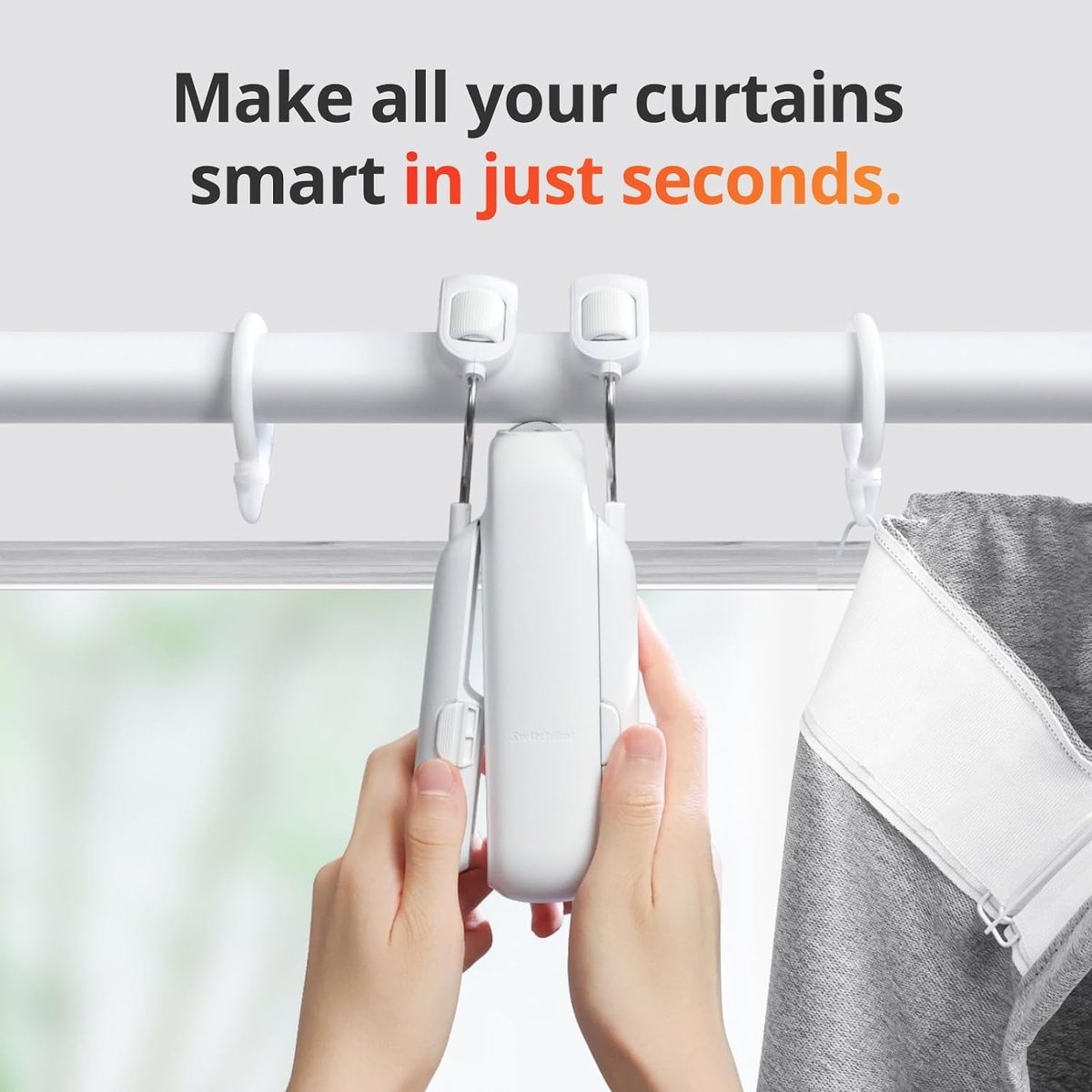
This is where SwitchBot really shines for local homes. Motorised curtains normally mean an electrician, a power point near the pelmet, and a landlord conversation. The Curtain 3 skips all of that: it clips directly onto your existing curtain rod or U-rail, self-adjusts to the track, and drags your existing curtains open and shut. Installation is genuinely a 15-minute, no-tools job.
The specs are solid for 2026: it handles curtains up to 15 kg, runs under 25 dB (quiet enough for a bedroom), lasts around eight months per charge, and takes an optional USB-C solar panel that you tuck behind the drapes so you basically never charge it again. With a hub it speaks Matter, so it drops into Apple Home, Google Home or Alexa. For horizontal or venetian blinds, the Blind Tilt does the same trick for slat angle — again, no tools, no landlord permission.
Two honest caveats. One, SwitchBot’s curtain robots work best on tracks where curtains glide freely; stiff or heavily overlapping drapes can make the motor work hard and get whiny. Two, if you want a cleaner, more integrated look and don’t mind staying in one ecosystem, a wired-in alternative like the Aqara Curtain Driver E1 (stocked locally via HomeSmart Singapore) is worth a look — though it’s a bigger commitment for a rental. We compared the whole category in our smart blinds and curtain motors guide.
The smart lock question — read this before you buy
This is the one area where I’d pump the brakes for Singapore renters. SwitchBot’s retrofit locks — the Lock Pro and the newer Lock Ultra (~US$140 / ~S$190–240) — install by replacing the interior thumb-turn of a deadbolt. That’s a common door setup in North America. It is not how most Singapore HDB main doors work: our front doors typically run a mortise lock, often already paired with a digital lock, not a simple thumb-turn deadbolt.
SwitchBot sells a US$20 adapter kit that extends the Lock Ultra to jimmy-proof and mortise locks, and the hardware itself is genuinely good — PCWorld’s review praised its quieter, more powerful motor, a nine-month battery with an emergency supercapacitor backup, Apple Home Key support, and optional 3D face unlock via the Keypad Vision. But fitment on a typical HDB metal-and-timber door pairing is fiddly, and Matter control through a SwitchBot hub has been reported as slow and occasionally unreliable when routed to Apple Home.
My advice: treat the SwitchBot Lock as a great option for a condo unit with a compatible deadbolt, or for a bedroom or study door you want to lock remotely — not as a drop-in replacement for a Singapore HDB main-door digital lock. For the main door, the local digital-lock scene (Aqara, Igloohome and friends) is more mature and better suited to our door hardware.
The 2026 wildcard: the AI Hub and local automation
The most interesting new arrival is the SwitchBot AI Hub, launched in January 2026 at US$259.99. It’s a different animal from the other hubs: it runs an on-device vision-language model for local AI automation, manages up to eight 2K camera feeds, ships with 32 GB of storage expandable to 1 TB over USB-C, and — the part that’ll excite tinkerers — includes a built-in Home Assistant Core container, so you can run genuinely local, cloud-independent automations without buying a separate mini PC. HomeKit News has the full breakdown.
For a renter, is it worth S$350-plus? Honestly, not as a first purchase — it’s an enthusiast device. But it signals where SwitchBot is heading, and the local-automation angle is genuinely appealing if you care about privacy and not routing your home through someone’s cloud. If that’s your priority, it slots neatly next to the thinking in our guide to private, local voice assistants for Singapore homes.
The honest limitations you need to know
No ecosystem is perfect, and SwitchBot has some sharp edges that matter specifically in Singapore:
- No local smart plug. SwitchBot’s Plug Mini only ships in US and EU pin formats. There is no Type G (the UK-style 3-pin plug Singapore uses), so you can’t just buy a SwitchBot plug for your sockets. Pair the ecosystem with a local Type G smart plug, or stick a Bot on the wall switch instead.
- Bluetooth vs. concrete. SwitchBot devices reach the hub over BLE. The Hub 3 quotes up to 200 m of range, but that’s line-of-sight; through the reinforced concrete walls of an HDB flat, expect realistic coverage of roughly one room. A larger flat may need more than one hub.
- Hub dependency. Almost nothing works remotely, on a schedule, or with Matter until you add a hub. Budget for one from the start — a bag of Bots with no hub is just a bag of expensive fidget toys.
- Matter is still occasionally janky. SwitchBot’s Matter bridging works, but as the Lock Ultra shows, third-party control can be sluggish. If flawless Apple Home or Google Home integration is your hard requirement, test before you commit. If you want to understand how Matter bridging fits together, our Zigbee/Wi-Fi to Matter guide is a good primer.
A sensible starter kit for a Singapore rental
If I were kitting out a rented HDB flat today and wanted maximum reversible smarts for minimum fuss, I’d buy:
- One Hub 2 (~S$85) — instantly turns your aircon, fan and TV into scheduled, voice-controlled devices, and monitors your room’s humidity.
- Two or three Bots (~S$40–50 each) — for the water heater switch, the bathroom fan, and that one awkward light switch.
- One Curtain 3 (~S$120–150) — for the bedroom, so you wake up to daylight instead of an alarm.
That’s roughly S$300–400 all-in for a home that switches on the aircon before you’re home, opens the curtains at sunrise, and heats your shower on schedule — and every bit of it lifts off the wall on moving day. Add the Hub 3 or AI Hub later if you catch the bug.
The bottom line
SwitchBot isn’t the tidiest or the most powerful smart-home ecosystem — the wired, Matter-native gear covered elsewhere on this site will always look cleaner and respond faster. But it’s the one built for people who don’t own their walls, and in a city where a huge share of us are renting, that’s a genuinely underserved need. Start with a hub for aircon control, add a Bot or two for the switches you can’t touch, throw a Curtain 3 on the bedroom track, and skip the lock unless your door genuinely fits. Do that, and you’ll have a smart home that’s smarter than most owned flats — and packs back into a shoebox the day you move out.