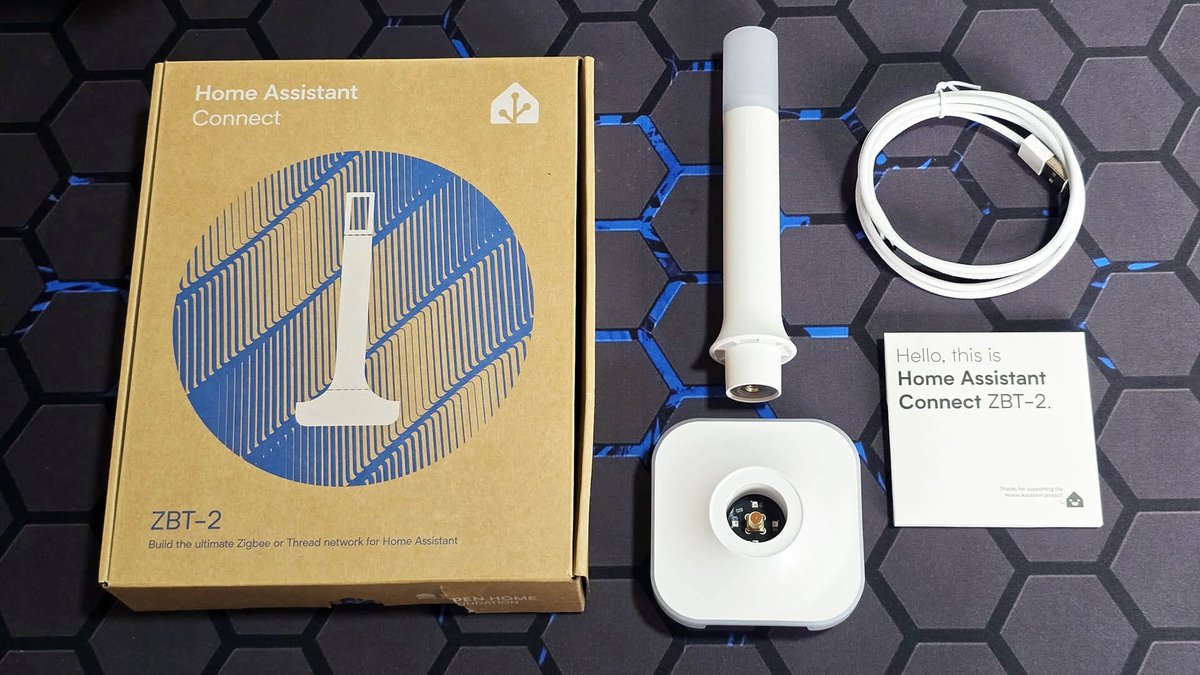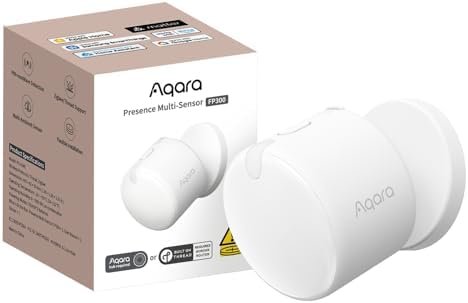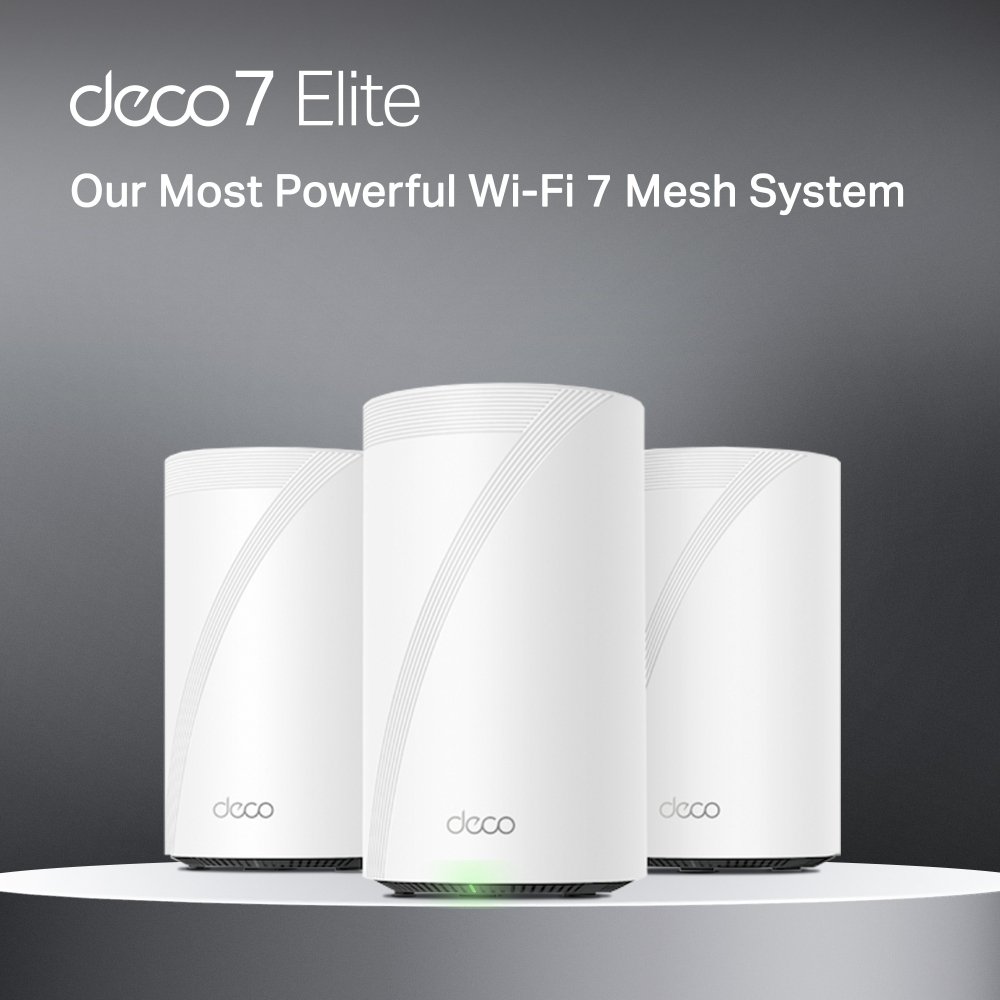
Look at the power strip behind your TV console right now. If you’re anything like the average Singaporean smart home enthusiast, it is a chaotic mess of white plastic. You’ve got your ISP’s optical network terminal (ONT), a Wi-Fi router, an Aqara hub, a Philips Hue bridge, and maybe an Apple TV or HomePod Mini acting as your Matter controller.
It’s expensive, it takes up too many power sockets, and frankly, it’s an inefficient way to build a smart home in 2026.
The smart home industry has finally woken up to a reality we’ve been begging for: the device blanketing your home in Wi-Fi should also be the device managing your smart home protocols. Thanks to the widespread adoption of Wi-Fi 7 and the maturation of the Matter 1.5 standard, the best mesh routers today are now native Thread Border Routers.
By moving your Thread and Matter control directly into your mesh Wi-Fi nodes, you aren’t just saving plug space—you’re getting vastly superior smart home range that can actually penetrate thick HDB concrete.
Here is our definitive guide to the best Wi-Fi 7 routers with built-in Thread Border Routers for Singapore homes, and why your next router upgrade should be the last smart hub you ever buy.
The HDB Concrete Problem: Why Router-Based Thread Beats Plug-in Hubs
If you live in an HDB flat or a modern condo, you already know the enemy: reinforced concrete. The bomb shelter (household shelter) and structural walls are notorious signal killers.
Thread operates on the 2.4GHz spectrum, utilizing a low-power, self-healing mesh. In theory, your Thread devices (like smart plugs and lightbulbs) pass signals to each other. In practice, getting a Thread signal from your living room, past the bomb shelter, and into your master bedroom toilet for a presence sensor is incredibly difficult.
Many users rely on smart speakers like the Apple HomePod Mini or Google Nest Hub as their Thread Border Routers. But these devices have small internal antennas and are usually placed at terrible heights—like on a low bedside table or tucked into a corner shelf.
Wi-Fi 7 mesh routers, on the other hand, are engineered specifically for radio frequency (RF) propagation. A premium mesh node features high-gain internal antennas, sophisticated signal amplifiers, and beamforming technology. When manufacturers integrate a Thread radio into these beasts, the range is vastly superior. Understanding HDB vs. Thread: How to Build a Bulletproof Matter Mesh Through Concrete Walls in 2026 is critical, and deploying a high-powered router as your Thread Border Router is the best way to conquer structural interference.
Wi-Fi 7 Meets Matter: The ‘No-Hub’ Philosophy
Wi-Fi 7 (802.11be) isn’t just about raw speed for your PlayStation 6; it completely reorganizes how devices talk to your network. Features like Multi-Link Operation (MLO) allow routers to transmit data across the 2.4GHz, 5GHz, and 6GHz bands simultaneously.
For a smart home, this is revolutionary. Your legacy Wi-Fi IoT devices (which strictly use the crowded 2.4GHz band) no longer cause congestion that slows down your laptops and phones. Everything is partitioned intelligently.
When you combine this robust networking backbone with built-in Matter and Thread support, you unlock the ’no-hub’ architecture. Instead of bridging Zigbee devices to proprietary hubs, you buy native Thread or Matter-over-Wi-Fi devices and let your router handle the routing. If you’re exploring The ‘No-Hub’ Smart Home: Using Your 2026 Samsung or LG TV as a Matter Controller in Singapore, moving the Thread network duties to your mesh system creates the ultimate streamlined, bulletproof local network.
The Best Wi-Fi 7 Mesh Routers with Thread Support
We’ve tested the top contenders in local SG environments (specifically a 4-room BTO and a 3-bedroom older condo with painfully thick walls) to see which routers actually deliver on the promise of a unified smart home.
1. The Overall Winner: Amazon eero Max 7
Amazon’s eero line has long been the gold standard for integrated smart homes, and the eero Max 7 is a spectacular piece of engineering. While it’s heavily marketed in the US, many Singaporean enthusiasts import it via Amazon SG or local parallel importers, and for good reason.
The Smart Home Specs:
- Protocols: Wi-Fi 7, Thread 1.3.1 (upgradable to 1.4), Zigbee, Bluetooth Low Energy, Matter Controller
- Ports: Two 10 Gigabit, Two 2.5 Gigabit
- Price: ~S$850 per node (Imported)
Why We Love It: Eero’s TrueMesh technology is incredibly resilient. But what makes the Max 7 the king of the hill is its built-in smart home hub. It functions as a native Thread Border Router, a Matter controller, and even retains a Zigbee radio for legacy Amazon Echo-compatible devices.
When we placed one node in the living room and one in the master bedroom of our 4-room BTO, the Thread network stability was flawless. Battery-powered Thread sensors in the service yard—which previously dropped off our Apple TV’s Thread network constantly—responded instantly.
The only downside for Singaporeans is the lack of localized customer support and a premium price tag. You also miss out on some advanced features if you refuse to pay for the eero Plus subscription, which is a frustrating modern trend.
2. Best for Local Support & Value: TP-Link Deco BE85
If you walk into Challenger or Courts today, the TP-Link Deco series is front and center. The TP-Link Deco BE85 is an absolute monster of a Wi-Fi 7 mesh system, and TP-Link’s recent firmwares have aggressively pushed its smart home capabilities.
The Smart Home Specs:
- Protocols: Wi-Fi 7 (Tri-band 22Gbps), Matter Support, Thread Border Router (via firmware update/supported models), Bluetooth
- Ports: Two 10 Gbps, Two 2.5 Gbps
- Price: ~S$1,200 for a 2-pack
Why We Love It: TP-Link’s ecosystem is highly accessible in Singapore, complete with local warranties. The BE85’s massive internal antennas blast both Wi-Fi and Thread signals straight through standard partition walls. TP-Link’s integrated IoT network feature also allows you to isolate your smart home devices onto a separate VLAN with a single tap—a crucial security feature now that we are seeing the Matter 1.5 Security Revolution: How Camera Support and Enhanced TLS Protection Are Transforming Smart Home Security.
If you don’t want to import an eero, the Deco BE85 (or the slightly more affordable BE65 Pro) is the most practical high-end choice for a Singaporean household.
3. Best for Gamers & Power Users: ASUS ZenWiFi BQ16 Pro
ASUS has always catered to users who want full control over their network settings. The ASUS ZenWiFi BQ16 Pro embraces Wi-Fi 7 with a staggering quad-band setup and integrates robust smart home networking tools under their Smart Home Master interface.
The Smart Home Specs:
- Protocols: Wi-Fi 7 (Quad-band 30Gbps), Matter Ready, Thread (via USB/internal upgrades depending on regional SKUs)
- Ports: Dual 10 Gbps
- Price: ~S$1,500 for a 2-pack
Why We Love It: ASUS gives you granular control. If you run a local Home Assistant server in your flat, the ASUS firmware allows you to easily assign static IPs, manage port forwarding, and view deep packet analysis of your IoT devices. While its native Thread integration is slightly newer and occasionally clunkier than eero’s seamless approach, its raw RF power makes it an exceptional backbone.
Cost-Benefit Analysis: Does the ‘No-Bridge’ Setup Actually Save Money?
It’s easy to look at a S$1,200 mesh router system and balk at the price. But let’s break down the hidden costs of the traditional multi-hub smart home:
- Mid-range Wi-Fi 6 Mesh (2-pack): S$400
- Apple TV 4K (for Matter/Thread): S$216
- Aqara Hub M3 (for bridging Zigbee/Thread): S$180
- Philips Hue Bridge: S$90
- Total: S$886
Yes, the separated system is slightly cheaper upfront than a premium Wi-Fi 7 Thread router. But you are also taking up four power sockets, dealing with four different power bricks, using up three ethernet ports on your network switch, and relying on weaker Thread antennas inside those smaller hubs.
Investing in a premium Wi-Fi 7 router with an integrated Thread Border Router eliminates the need for standalone Matter controllers. (Though if you have older legacy devices, you might still need to learn How to Bridge Zigbee & Wi-Fi to Matter in 2026). For anyone building a smart home from scratch today, pooling your budget into one extremely powerful router makes architectural sense.
The Reality Check: Limitations of Router-Based Hubs
We always promise to be honest about limitations, and putting all your smart home eggs in one routing basket does have drawbacks.
1. The Reboot Blackout: When your ISP goes down, your local Matter network should stay up. However, if your router needs a reboot due to a firmware update or a glitch, your entire smart home goes dark locally. Your automated lights, your smart locks, and your presence sensors will be temporarily orphaned.
2. Ecosystem Lock-in: While Matter is designed to be interoperable, relying on your router as the primary controller means you are somewhat tied to the router’s app for initial troubleshooting. The Thread Group standard dictates that Thread Border Routers from different brands should form a single, unified mesh. In reality, merging an eero Thread mesh with an Apple TV Thread mesh is still occasionally buggy in 2026, though massively improved from a few years ago.
3. Physical Placement: We tell people to put their routers out in the open, high up on a shelf. But many Singaporeans hide their primary node inside the DB box (distribution board) near the front door to keep things tidy. Do not do this. Hiding your Wi-Fi 7 router in a metal DB box will cripple both your Wi-Fi performance and your Thread network range. If you must hide the primary node, ensure your secondary mesh node is placed prominently in the living room.
Conclusion: Which Setup is Right for You?
If you want the absolute most reliable Thread Border Router built into a mesh system and are willing to deal with parallel imports, the Amazon eero Max 7 remains undefeated for pure smart home stability.
If you want a fantastic, locally supported powerhouse that you can buy today in Sim Lim Square or standard electronics stores, the TP-Link Deco BE85 is our top recommendation for Singapore HDBs. Its massive antennas make short work of BTO concrete walls.
As the smart home industry continues to consolidate, relying on separate plastic dongles is becoming obsolete. As noted in a comprehensive global smart home guide, unifying your network hardware and your smart home hardware is the most significant upgrade you can make this year. It’s time to clean up that power strip, invest in a proper Wi-Fi 7 backbone, and let your router do the heavy lifting for your smart home.